Hotel Rooming List Form
Give group organizers a clear way to submit guest and room details. Collect names, stay dates, and sharing arrangements so your team can check the rooming list before arrival.



Most of the group arrives on Friday, but two guests need rooms from Thursday. One pair plans to share, while another guest needs a room of their own. A headcount won’t tell the hotel how to prepare. Typeform’s hotel rooming list form brings those arrangements together.
Organizers provide guest names, arrival and departure dates, and requested room types. You can ask who is sharing, collect the group booking reference, and leave space for accommodation requests. Explain how to submit changes so revised details stay connected to the right booking.
Your team gets a list it can compare with the rooms reserved. Organizers get a consistent way to account for each guest. Before check-in begins, you can follow up on missing names, mismatched dates, and requests that still need confirmation.
A hotel rooming list form collects guest details and room arrangements for a group stay. It typically includes names, stay dates, room types, and sharing preferences. Hotels, travel planners, and event organizers use it to coordinate accommodation under a group booking.
A group booking may reserve enough rooms without specifying who will occupy them. A rooming list connects guests to the planned arrangements and highlights differences in arrival dates or occupancy. It also gives your team a clearer reference when checking details with the organizer.
Collect the information needed to match guests with the group’s accommodation:
- Group name and booking reference
- Organizer’s name and contact details
- Guest names as required for the reservation
- Arrival and departure dates
- Requested room type
- Number of occupants per room
- Names of guests sharing a room
- Relevant accommodation requests
- Billing allocation, if part of the agreed arrangement
Make clear which details are confirmed and which remain requests for the hotel to review.
Keep everyone assigned to the same room together in the submission. Use a room or entry reference so the hotel can distinguish separate groups requesting the same room type. Ask for each guest’s stay dates, especially when people sharing a room will arrive or leave on different days.
Yes, if you provide a process for changes. Explain where updates should be sent, what reference to include, and the hotel’s deadline for receiving them. Ask organizers to identify the details being changed so staff can update the existing list without mistaking a revision for an additional room request.
Get inspired by relevant templates and categories
3200+ Templates, 300+ Integrations
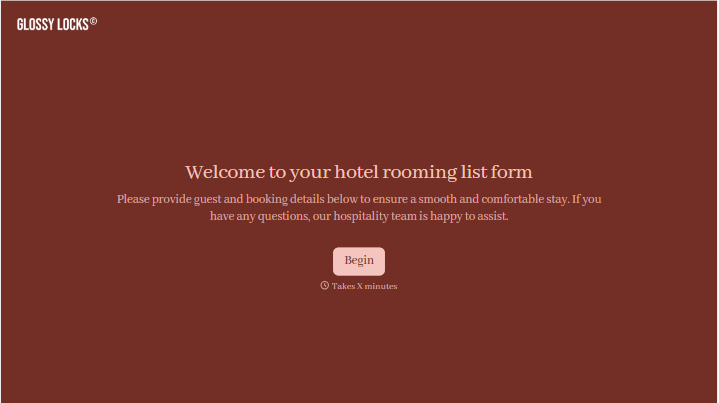
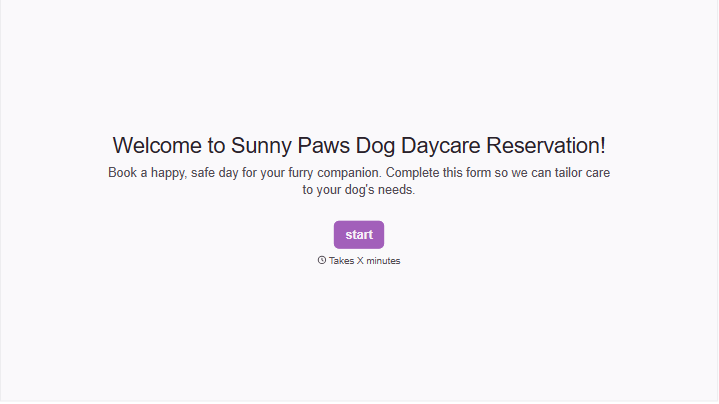
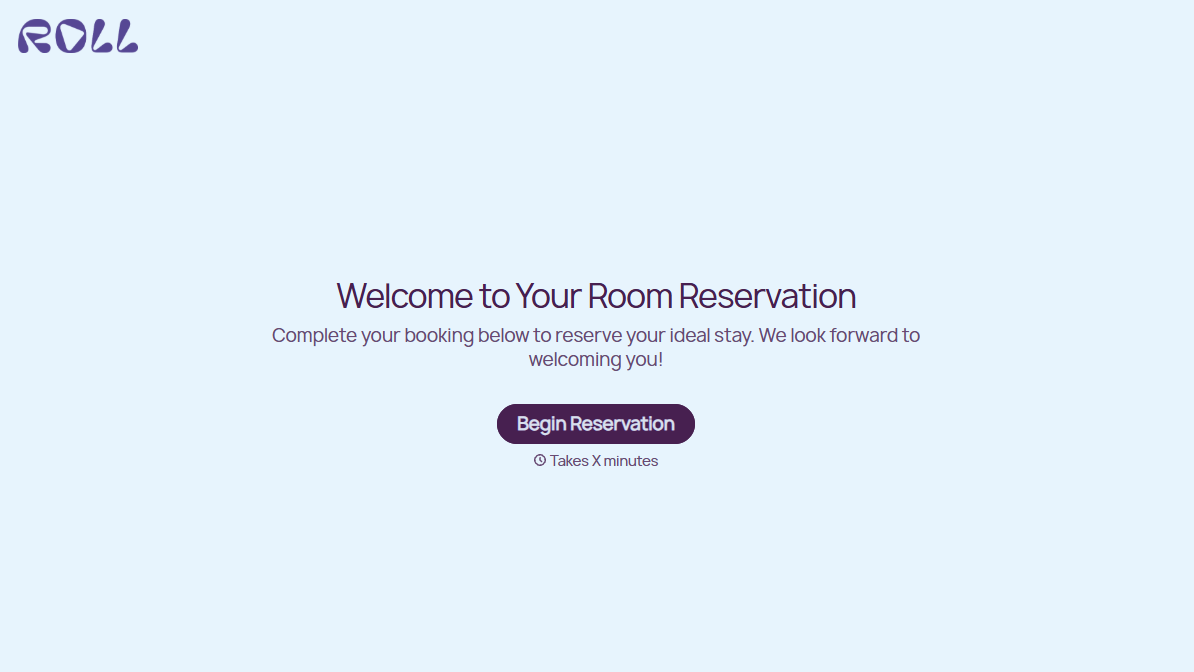
Hotel Room Booking Form
A room booked over the phone with "we'll figure out the room type when you get here" doesn't leave the front desk anything to actually plan around. Collect what your hotel actually needs, guest information, dates, and room preferences, before the reservation gets confirmed.
View template
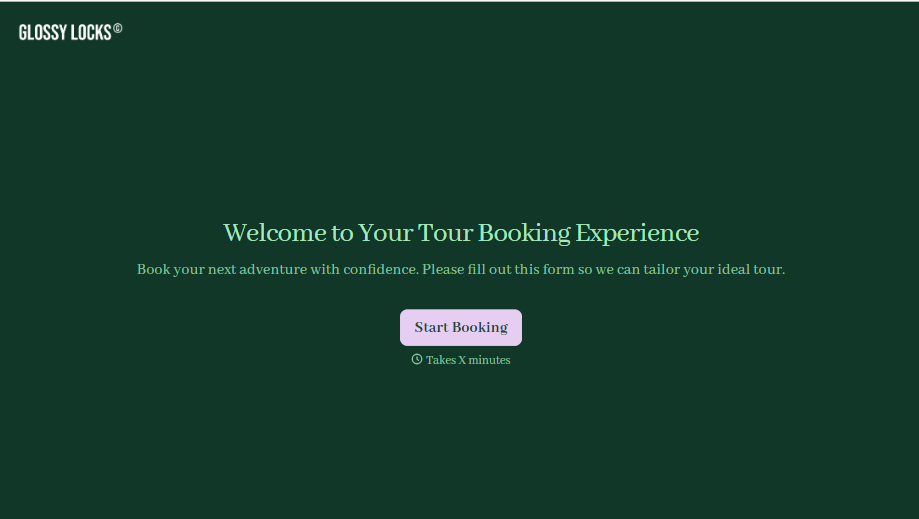
Tour Booking Form
A booking inquiry that starts with "what dates work for you?" and ends up as six emails back and forth, dates, group size, dietary needs, whether anyone in the party can handle three miles of uneven trail, is six emails too many before you've even confirmed there's a spot available. Collect it once, upfront, and start the actual planning from a complete picture.
View template
Bus Ticket Booking Form
Move past a booking form that only asks for a name, a date, and a seat count. Screen for the accessibility needs that come with a legal notice window attached, capture who's actually on the bus, and keep a timestamped record of exactly what was booked and confirmed.
View template
With Typeform, you can customize everything
Change text, colors, and even logos to match the look and feel of your brand. Then embed forms smoothly onto web and email.
Make forms feel effortless to fill out. Pace questions, call people by their name, and adapt the flow based on the data they share.
Stay efficient by connecting forms to your workflow. Typeform integrates with 300+ tools including Slack, Zapier, and HubSpot.


