Arbitration Agreement Release Form
Give the parties a clear way to document a proposed release relating to an arbitration agreement. Identify the original agreement, specify the obligations affected, and collect signatures after the terms have been reviewed.



Both parties agree that an arbitration arrangement needs to change. One expects the change to cover a single dispute. The other thinks it ends the obligation to arbitrate altogether. An arbitration agreement release form gives you a place to state the intended scope before anyone signs.
Identify the parties and the original agreement, then set out the proposed release and its effective date. Make clear which provisions are affected and which remain in place. Provide the complete terms for review, with space to record questions before collecting agreement.
The parties get a shared reference for what they intend to change. The team coordinating signatures gets a record tied to a specific agreement. Use this template to organize the process, with legal review of the release language before it is signed.
An arbitration agreement release form documents a proposed release from specified obligations under an arbitration agreement. The title alone does not establish what is being released. The terms need to distinguish between ending an obligation to arbitrate, changing it for a particular dispute, and releasing underlying claims.
An informal agreement to “drop the arbitration requirement” can leave important questions unanswered. A structured form helps identify the original agreement, the parties involved, and the intended scope of the change. It also keeps the reviewed terms and signatures together.
Have legal counsel determine the terms appropriate to the situation. Information to organize for that review may include:
- Names of the parties and authorized representatives
- Date and reference for the original agreement
- Dispute or obligations covered by the proposed release
- Provisions being released or changed
- Provisions intended to remain in effect
- Conditions and proposed effective date
- Complete release terms for review
- Required signatures and signing dates
Avoid relying on a general acknowledgment checkbox to explain the scope of the release.
Identify the original agreement precisely and present the full proposed terms before the signature fields. Explain the scope in language consistent with those terms, and give each party an opportunity to ask questions or seek advice. Provide everyone with a copy of the completed document.
Do not assume that it does. The effect depends on the release wording, the original agreement, the parties’ authority, and applicable law. Have legal counsel confirm whether the document achieves the intended change, including whether any arbitration obligations or underlying claims remain.
Get inspired by relevant templates and categories
3200+ Templates, 300+ Integrations

Point of Sale Agreement Extension Form
Give businesses a straightforward way to request extensions to existing point of sale agreements with a form that collects contract details, extension terms, and authorization information. Keep requests organized so service providers can review agreements, coordinate renewals, and maintain accurate contract records.
View template
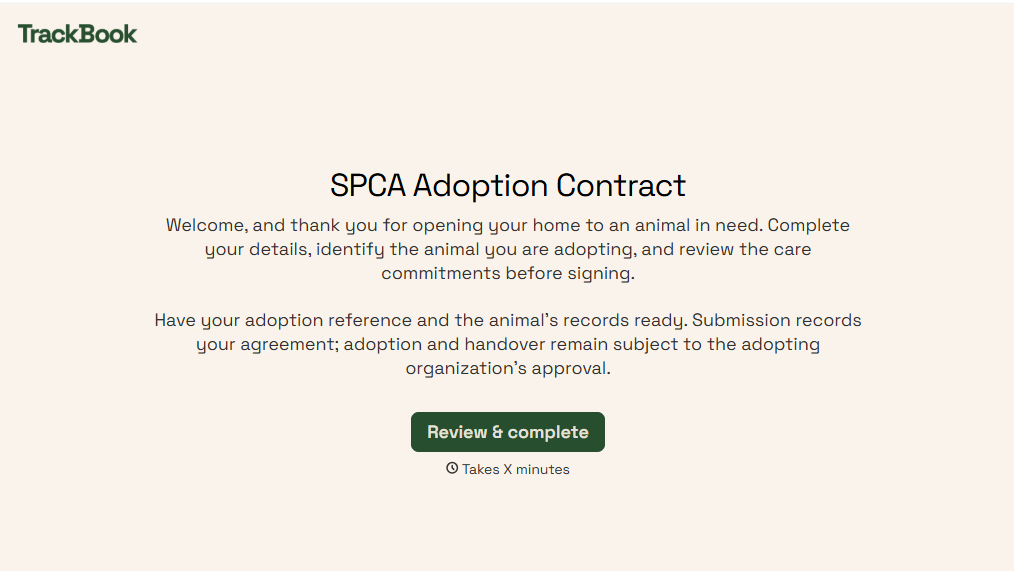
SPCA Adoption Contract Form
Give animal shelters an efficient way to finalize pet adoptions with a form that collects adopter information, pet details, and adoption agreements. Keep records organized so your team can verify requirements, document responsibilities, and help animals transition into their new homes.
View template

Shipment Status Monitoring Form
Give logistics teams and businesses an easy way to monitor shipments with a form that collects tracking numbers, carrier information, and delivery details. Keep shipment records organized so teams can track delivery progress, identify potential delays, and communicate shipping updates to customers and stakeholders.
View template
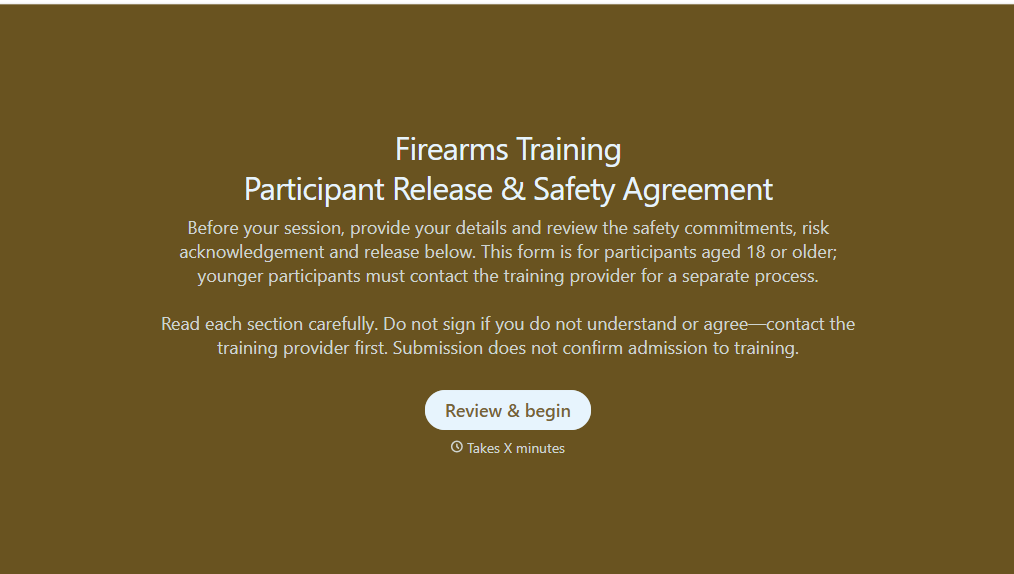
Firearms Training Release Form
Give shooting ranges, firearms instructors, and training organizations a straightforward way to document participant acknowledgments with a form that collects personal information, safety agreements, and liability release details. Keep records organized so training providers can verify required documentation, communicate safety expectations, and prepare participants for supervised firearms training activities.
View template
With Typeform, you can customize everything
Change text, colors, and even logos to match the look and feel of your brand. Then embed forms smoothly onto web and email.
Make forms feel effortless to fill out. Pace questions, call people by their name, and adapt the flow based on the data they share.
Stay efficient by connecting forms to your workflow. Typeform integrates with 300+ tools including Slack, Zapier, and HubSpot.


