Stripe Donation Form
A donor who's just watched your appeal video, read the story, felt the pull to give right now, doesn't stay in that moment for long. A donation form that makes them page through fields, re-enter their card number on a slow-loading checkout, or hunt for a "give" button buried in a footer is exactly what turns that impulse into a tab they never come back to.



Right now, a clunky donation form, too many fields, a slow redirect to a separate payment page, no clear sense of how close someone is to finishing, is one of the more common reasons a ready-to-give donor doesn't. The moment of commitment is short, and every extra step is a chance for it to pass.
Typeform's Stripe donation form collects donor name and email, a donation amount with preset options plus a custom field, an optional fund or program designation, an optional tribute or memorial dedication, and a communication opt-in, before moving into a one-question-at-a-time payment step powered by Stripe, credit card, Apple Pay, or Google Pay, though the last two aren't available if the form's embedded on your own site rather than opened directly. An automated receipt email can go out on submission, which requires collecting an email address as part of the flow.
Two things worth knowing before building a giving program around this. Typeform's payment question only processes one-time payments, there's currently no way to set up recurring billing through it, so a "give monthly" option needs a separate recurring donation setup, through Stripe's own subscription tools or your donor management platform, this form can capture someone's intent to give monthly, but it can't charge them again next month on its own. And an automated payment confirmation isn't the same as the written acknowledgment the IRS requires for any single gift of $250 or more, that acknowledgment has to state whether the donor received anything of value in exchange and, if so, its estimated worth, so confirm whatever receipt goes out actually meets that bar rather than assuming a payment confirmation covers it.
A Stripe donation form is an online giving form that collects a donor's information and donation amount, then processes the payment directly through Stripe, credit card, Apple Pay, or Google Pay, in one flow instead of routing donors to a separate checkout page.
Cover what a donor needs to give, and what your organization needs to acknowledge the gift properly:
- Donor name and email
- Donation amount, with preset options and a custom field
- Fund or program designation, if donors can direct their gift
- Optional tribute or memorial dedication
- Communication opt-in
- Payment details, processed through Stripe
Not on its own. Typeform's payment question currently processes one-time payments only; it can't set up a recurring charge. To offer monthly giving, you'll need a separate recurring billing setup, through Stripe's subscription tools or your donor management platform, this form works well for capturing the initial gift and a donor's stated intent to give monthly, not for running the recurring charges itself.
A Typeform Basic plan or higher, a connected Stripe account, one Typeform account links to one Stripe account, and if the payment question is required, a minimum charge of $0.50. It's also not available on accounts hosting data in Typeform's EU Data Center, and Apple Pay and Google Pay only work when someone opens the form directly, not when it's embedded on your website.
Not automatically. For any single donation of $250 or more, the IRS requires a written acknowledgment stating the amount given and whether the donor received anything of value in return, and if so, its estimated value. A generic payment confirmation email doesn't necessarily include that, so make sure whatever receipt your donation flow sends actually contains that language before donors rely on it for tax purposes.
Get inspired by relevant templates and categories
3200+ Templates, 300+ Integrations
Stripe Donation Form
A donor who's just watched your appeal video, read the story, felt the pull to give right now, doesn't stay in that moment for long. A donation form that makes them page through fields, re-enter their card number on a slow-loading checkout, or hunt for a "give" button buried in a footer is exactly what turns that impulse into a tab they never come back to.
View template
With Typeform, you can customize everything
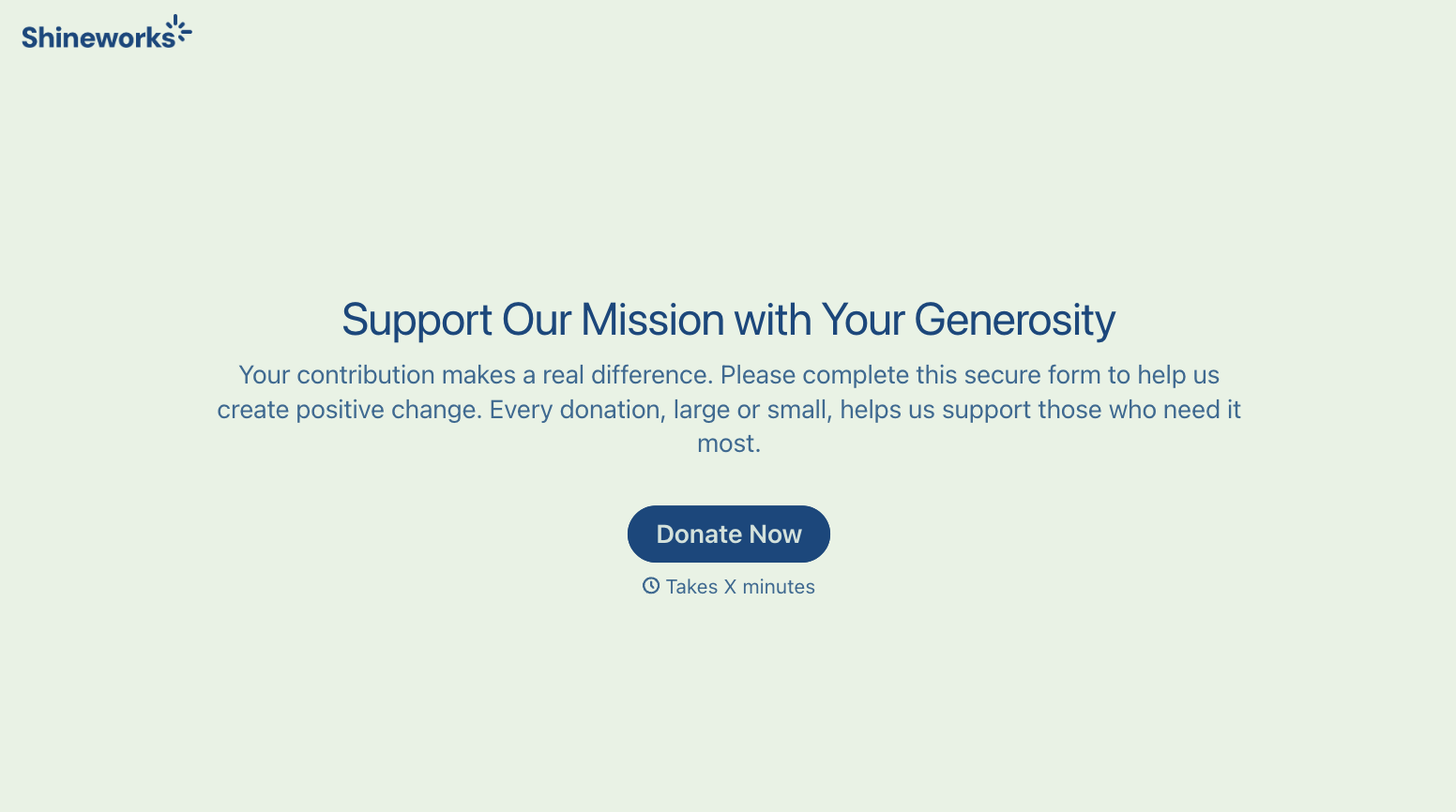
Change text, colors, and even logos to match the look and feel of your brand. Then embed forms smoothly onto web and email.
Make forms feel effortless to fill out. Pace questions, call people by their name, and adapt the flow based on the data they share.
Stay efficient by connecting forms to your workflow. Typeform integrates with 300+ tools including Slack, Zapier, and HubSpot.


