Auto Repair Release Form
Confirm what the customer approved, in writing, before the car goes on the lift. Collect the vehicle details, the repairs they authorized, the cost ceiling, and their acknowledgment in one form.



As an auto repair service provider, you don’t normally receive customer disputes on whether you fixed the car. Most of the time, they're about whether the customer agreed to a certain price for the work. A verbal go-ahead on the phone is hard to prove when the customer sees a bill at twice the estimate and refuses to pay Typeform's auto repair release form records which repairs the customer authorized, the dollar limit they set, and what you'll do if the job runs past it.
Customers confirm the vehicle, the repairs they're approving, and the point at which you have to call them again. Conditional logic branches on the job type: choose a diagnostic, and the form asks for the diagnostic fee and what happens if the problem turns out to be something else. Choose a specific, known repair, and it asks for the parts, the labor ceiling estimate, and whether aftermarket parts are acceptable.
Every job you work on begins with a documented record of what the customer approved from the start, and the price they agreed to. If customers end up questioning your bill, you can fall back on documented proof of customer consent, preventing unwarranted chargebacks or customer complaints.
An auto repair release form is an online form a customer completes to authorize a shop to carry out work on their vehicle. It collects the vehicle details, the repairs the customer is approving, the estimated cost and the ceiling above which the shop has to call, and their acknowledgments about pre-existing condition and personal items. Repair shops and dealerships use auto repair release forms to start auto repair work on a documented authorization from the customer, rather than a verbal one.
Without an auto repair release form, customer consent or approval usually happens over a phone call—which two people can remember differently. The customer says they approved a brake job, but you recall them approving whatever it took to make the car safe. An auto repair release form records the specific repairs and the dollar limit the customer agreed to, so you settle the number with them before you order the parts.
Capture what the authorization has to cover:
- Vehicle details and mileage
- Work the customer is approving
- Estimated cost and approval ceiling
- Contact for additional approvals
- Acknowledgment of condition and personal items
Check your local rules before you rely on it. Several states set specific rules for written estimates, authorization, and what a shop must do before exceeding an approved figure, and some states require particular wording or a signature. Use this to capture the authorization clearly and consistently, then confirm with your state's regulator or your own counsel that the record satisfies what requirements apply to you.
Yes. You can upload photos of the vehicle with File Upload, available on paid Typeform plans. You can add images or PDFs up to 10MB each, so the dent that was already on the door is on record before the car goes on the lift. Every photo arrives attached to the authorization.
Get inspired by relevant templates and categories
3200+ Templates, 300+ Integrations


Nationality Verification Form
A self-certification buried in a stack of new account paperwork isn't the kind of record a compliance team can rely on for a regulatory filing. Collect nationality, tax residency, and a signed declaration before an account opens, so compliance isn't chasing down a customer's citizenship status after the fact.
View template
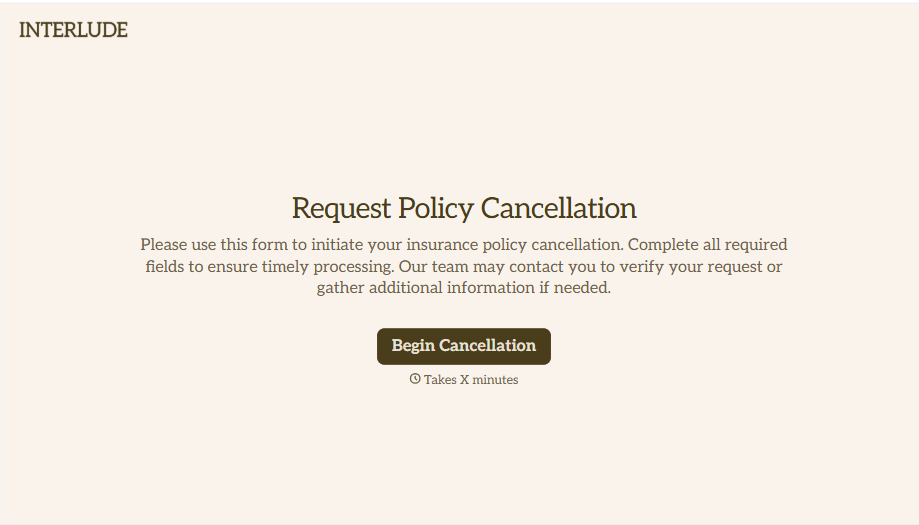
Policy Cancellation Form
A cancellation requested over the phone doesn't leave a clear record of exactly what date the policyholder actually asked for, and that date matters more than it sounds like it should. Collect what your agency actually needs, policy details, identity verification, and the requested effective date, before coverage actually ends.
View template
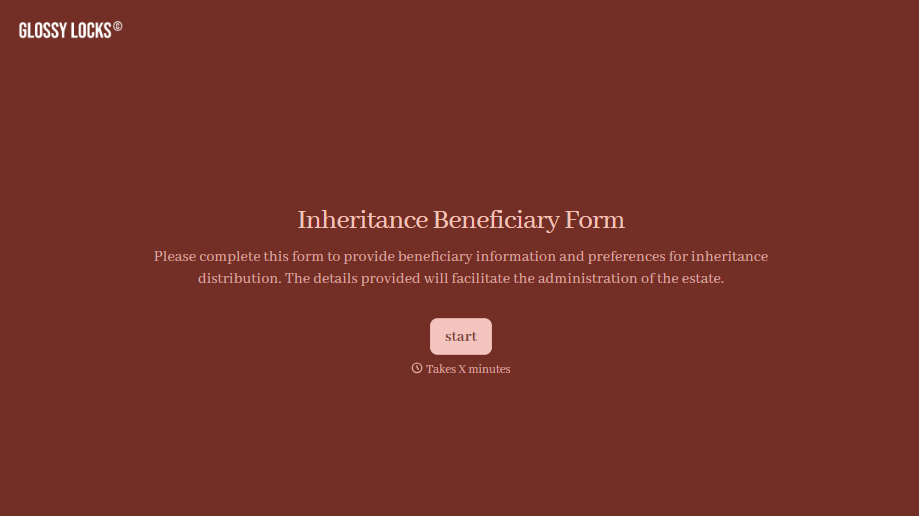
Inheritance Beneficiary Form
Asking a grieving family member for the same banking details across three different phone calls doesn't make settling an estate go any faster. Collect what your firm actually needs, beneficiary information, identification, and distribution details, in one submission instead of three calls.
View template
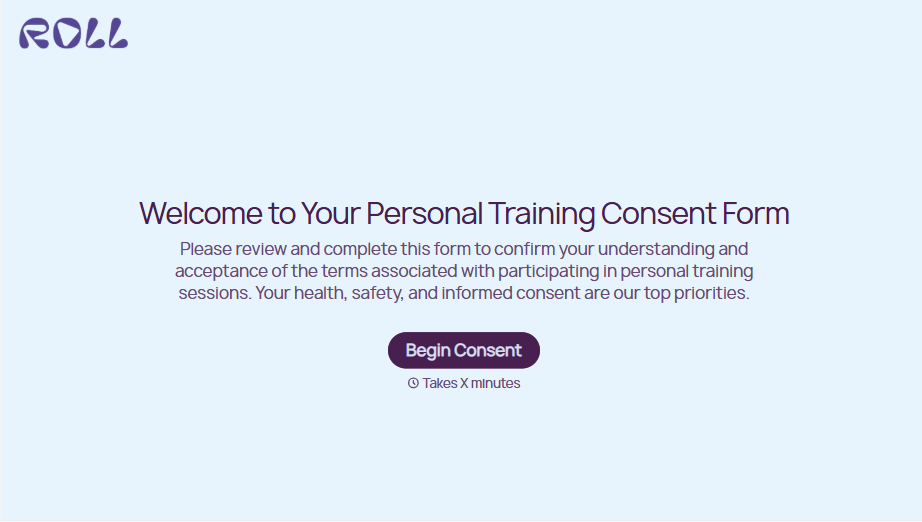
Personal Training Informed Consent Form
A consent form signed in the ten seconds before a first session isn't the kind of informed agreement that holds up if something goes wrong. Walk clients through the specific risks of training and get a signed, dated acknowledgment before the first rep, so consent actually means what the word implies.
View template

Unconditional Release Form
A lien waiver signed at the job site with a pen borrowed from someone's truck isn't the kind of document a lender wants to see before releasing a draw. Collect the project, payment details, and a signed unconditional release before funds go out, so a draw isn't held up by a waiver nobody can find.
View template
With Typeform, you can customize everything
Change text, colors, and even logos to match the look and feel of your brand. Then embed forms smoothly onto web and email.
Make forms feel effortless to fill out. Pace questions, call people by their name, and adapt the flow based on the data they share.
Stay efficient by connecting forms to your workflow. Typeform integrates with 300+ tools including Slack, Zapier, and HubSpot.


