Board Nomination Form Template
Give your members or stakeholders a structured way to nominate candidates for board positions.


Board elections and appointment processes need to produce well-qualified candidates, but that only happens if the nomination process collects the right information. When nominations come in through email or informal channels, you end up with inconsistent submissions: some with full candidate profiles, others with just a name. The selection committee can't compare candidates fairly when they don't all have the same information on the table.
A Typeform board nomination form standardizes what every nomination includes. Nominators walk through the candidate's background, relevant experience, reason for nomination, and supporting details in a consistent format. Conditional logic can adjust questions based on which board position is being nominated for, so the criteria stay relevant to the role.
Customize the form with your organization's board positions and eligibility criteria, add your branding, and share it during the nomination window. Close submissions automatically at the deadline.
A board nomination form is a structured document used to formally nominate a candidate for a seat on a board of directors, advisory board, or governing body. It captures the nominee's qualifications, background, and the rationale for their candidacy.
A consistent nomination process ensures every candidate is evaluated against the same information. It reduces the influence of informal networks, makes the selection committee's job easier, and creates a documented record of the nomination process.
Collect what the selection committee needs to evaluate each candidate:
- Nominee's full name, title, and organization
- Nominator's name and relationship to the nominee
- Board position being nominated for
- Nominee's relevant professional experience and background
- Prior board or governance experience
- Skills, expertise, or perspectives they would bring
- Why the nominator believes the candidate is the right fit
- Nominee's confirmation of willingness to serve (or how that will be collected)
- Any conflicts of interest to disclose
Include eligibility criteria at the start of the form as informational text. You can also add a checklist asking nominators to confirm the candidate meets each criterion before proceeding. If a key criterion isn't met, the form can display a message explaining that the nominee doesn't qualify, rather than allowing submission.
The form works for both. Include a question asking whether this is a self-nomination or a third-party nomination, and use conditional logic to adjust the language and fields accordingly. For self-nominations, the form can ask the candidate to make their own case. For third-party nominations, it asks the nominator to describe the candidate from their perspective.
Get inspired by relevant templates and categories
3200+ Templates, 300+ Integrations



With Typeform, you can customize everything
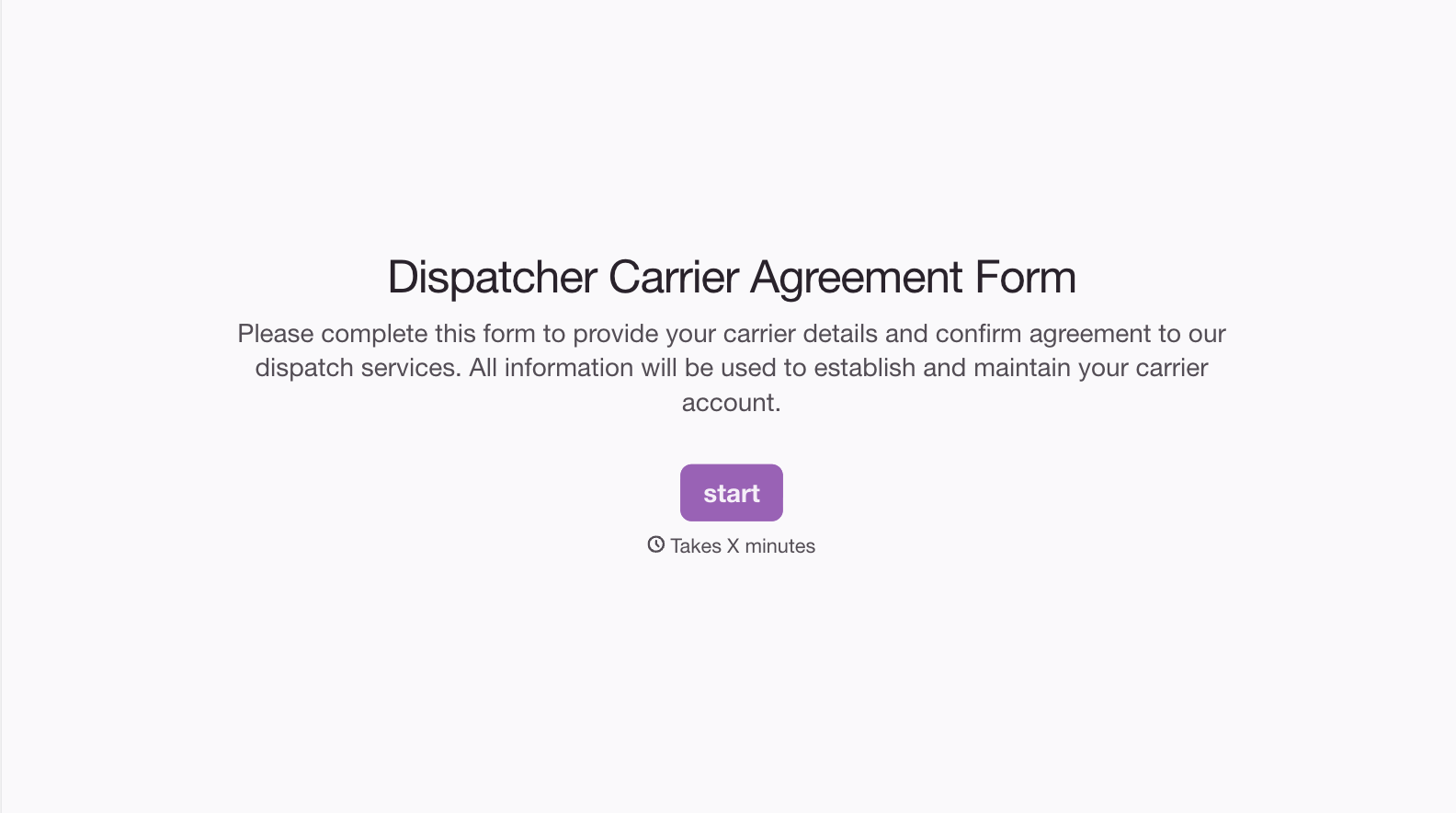
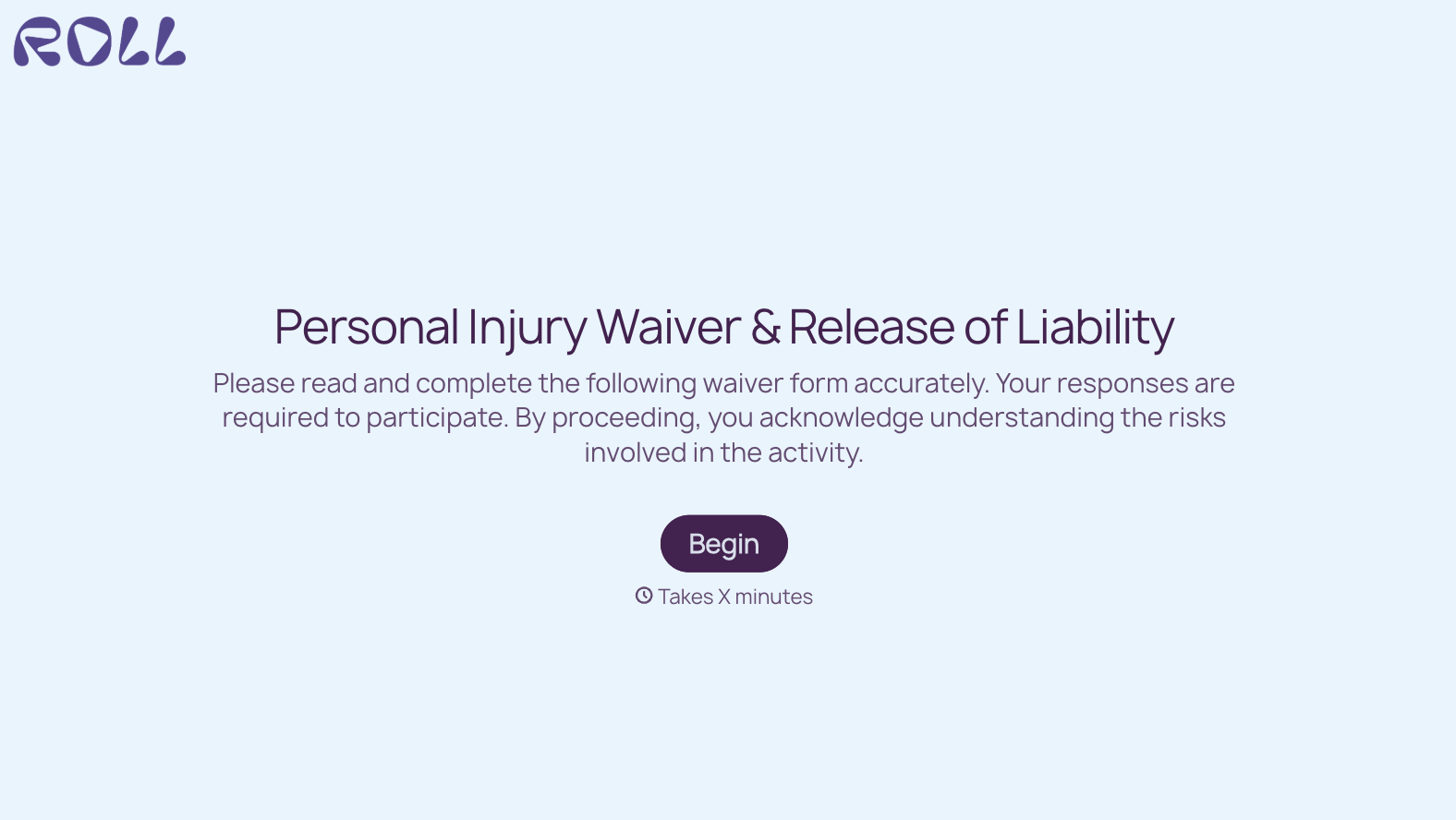
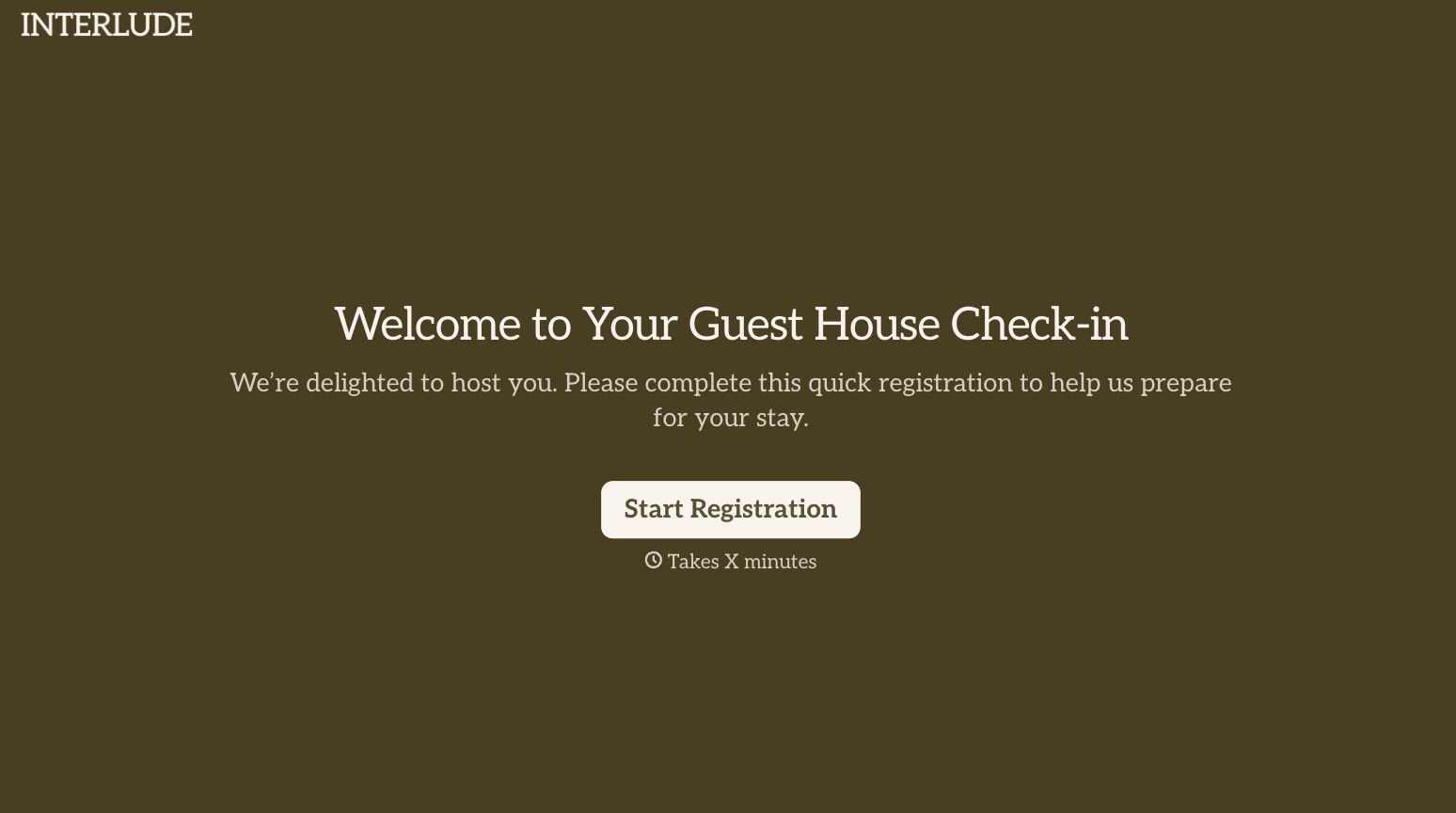
Change text, colors, and even logos to match the look and feel of your brand. Then embed forms smoothly onto web and email.
Make forms feel effortless to fill out. Pace questions, call people by their name, and adapt the flow based on the data they share.
Stay efficient by connecting forms to your workflow. Typeform integrates with 300+ tools including Slack, Zapier, and HubSpot.


