Bond Application Form Template
Stop chasing applicants for missing details. Collect everything you need to process a bond application the first time.



Bond underwriters, surety agents, and compliance teams share a common problem: incomplete applications. A missing financial disclosure or unsigned declaration stalls the whole process. Typeform’s bond application form template gives everyone in the approval chain a structured way to collect all the required details upfront, before review even begins.
Typeform walks applicants through each question individually, so the process never feels like a wall of paperwork. Conditional logic adapts the form based on an applicant's responses. Someone applying for a contractor license bond sees different follow-up questions than someone applying for a court surety bond—keeping questions relevant to each applicant.
Connect submissions to Google Sheets, Airtable, or your CRM via Zapier—responses arrive organized and ready to review. The form takes minutes to set up, works on any device, and is easy to customize for specific bond types or jurisdictions—complete applications in, faster decisions out.
A bond application form is a structured document that collects the information a surety company or underwriter needs to evaluate a bond request. It captures applicant details, bond type, coverage amount, business history, and financial disclosures (such as credit authorization and prior claims). Every bond approval starts here.
Incomplete applications are the leading cause of delays in bond approvals. A structured form sets clear expectations upfront and ensures every submission arrives with the same required information. That consistency makes it easier to compare applications, flag risk factors early, and move qualified applicants through the process faster. It also creates a paper trail that matters when disputes arise.
Cover every detail that affects the underwriting decision:
- Applicant name, business name, and contact information
- Bond type and required coverage amount
- Business structure and years in operation
- Prior bond history and any claims filed
- Financial references or credit authorization
- Signature and declaration of accuracy
Start with the core fields every bond application needs—applicant identity, bond type, and coverage amount—then add or remove sections based on what the bond requires. A contractor license bond typically needs proof of business registration and a financial history, while a court bond focuses on the case number, jurisdiction, and principal obligation amount. Conditional logic branches questions based on the applicant's selected bond type, so the form stays relevant without requiring you to build separate versions for each scenario.
Connect the form to Google Sheets or Airtable via Zapier so every submission lands in a shared tracker automatically. Assign a status column—pending review, approved, declined—and update it as applications move through the process. Reviewing from a centralized log means no application slips through, and your whole team works from the same record.
Get inspired by relevant templates and categories
3200+ Templates, 300+ Integrations

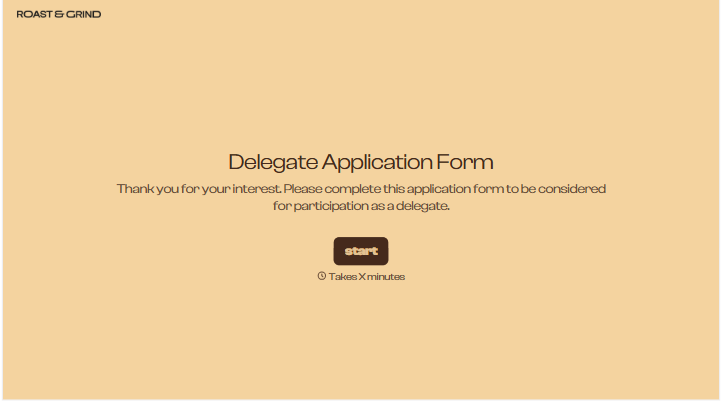



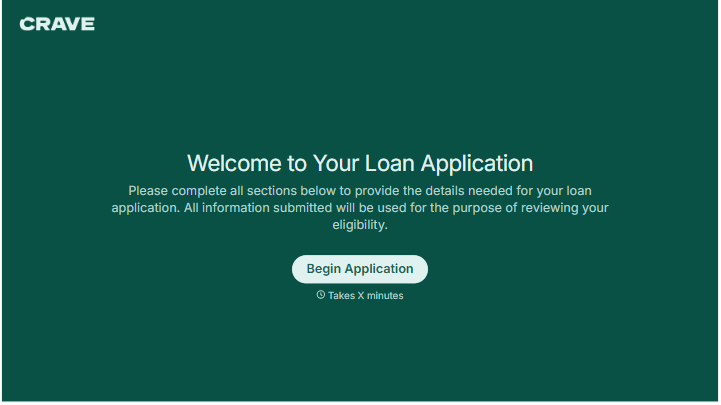
With Typeform, you can customize everything
Change text, colors, and even logos to match the look and feel of your brand. Then embed forms smoothly onto web and email.
Make forms feel effortless to fill out. Pace questions, call people by their name, and adapt the flow based on the data they share.
Stay efficient by connecting forms to your workflow. Typeform integrates with 300+ tools including Slack, Zapier, and HubSpot.


