Bug Tracker Form Template
Give your team and users a structured way to report software bugs. This template captures the information developers actually need to reproduce and fix issues.



Bug reports that say "it's not working" are almost useless. Developers need to know which version, which browser, what steps were taken, what was expected, and what actually happened. When reports come in without that context — through Slack messages, email, or informal channels — triaging them takes longer than fixing them.
A structured bug tracker form solves the upstream problem. Reporters are prompted to provide the environment details, reproduction steps, expected behavior, and actual behavior before anything gets logged. Typeform's conditional logic can surface additional fields for specific bug categories — a performance issue needs different detail than a display glitch or a data integrity problem.
Connect the form to your issue tracker (Jira, Linear, GitHub Issues) and route new submissions directly into your engineering workflow without any manual reformatting.
A bug tracker form is a structured intake tool that captures the information needed to log, reproduce, and prioritize a software bug. It replaces informal bug reports with a consistent format that gives developers the context they need to investigate issues efficiently.
Incomplete bug reports create rework. Developers have to go back to the reporter for missing details, which takes time and often results in the reporter not being able to accurately recreate the conditions of the original issue. A form that prompts for the right information from the start cuts that cycle short and gets bugs into the right hands faster.
Cover the key elements of a reproducible bug report:
- What is a brief summary of the issue you're experiencing?
- What steps did you take immediately before the bug occurred?
- What did you expect to happen?
- What actually happened?
- What device, operating system, and browser/app version were you using?
- How frequently does this issue occur — always, sometimes, or once?
Include a severity or impact field in your form — options like "blocks all work," "workaround exists," or "minor inconvenience" give your team an initial signal. Combine that with an urgency field and the functional area affected. With those 3 data points, your engineering team can triage incoming reports against other priorities without spending time on clarifying conversations for every submission.
Yes. You can share the form publicly with customers or beta users and route their submissions into the same engineering workflow as internal reports. Consider adding a field that asks whether the reporter is a customer, internal team member, or partner — this helps your team weight the urgency and understand the scope of impact when a bug is reported by multiple external users simultaneously.
Get inspired by relevant templates and categories
3200+ Templates, 300+ Integrations
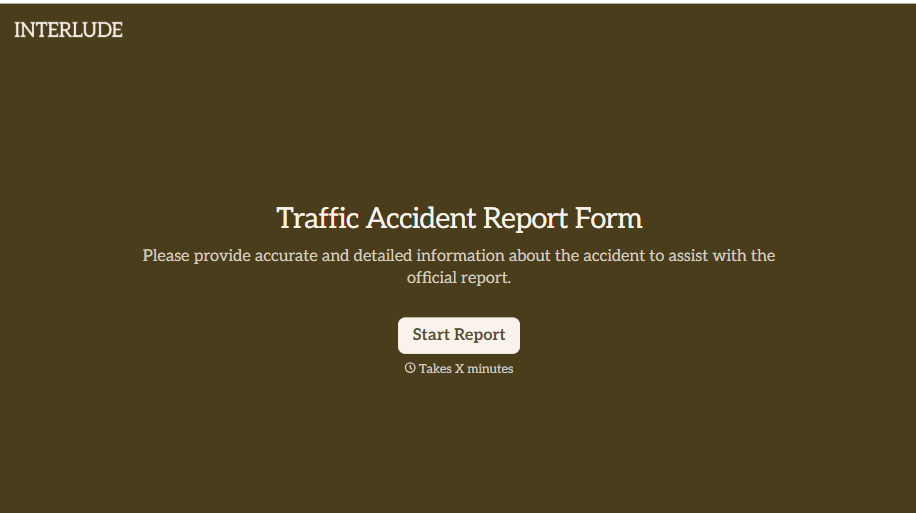
Traffic Accident Report Form
A phone call to a supervisor from the side of the road isn't the kind of record an insurance claim can be built on. Collect the accident details, the other party's information, and photos of the scene before memory starts to fade, so a claim doesn't sit unfiled for days waiting on someone to write it up.
View template


New Client Onboarding Checklist Form
A new client who's signed the engagement letter but never confirmed their billing entity, who's actually authorized to approve work, or where the invoice should go isn't onboarded, they've just signed something. Collect what your firm actually needs, contact and billing details, scope confirmation, a signed agreement, before the first invoice goes out.
View template
With Typeform, you can customize everything
Change text, colors, and even logos to match the look and feel of your brand. Then embed forms smoothly onto web and email.
Make forms feel effortless to fill out. Pace questions, call people by their name, and adapt the flow based on the data they share.
Stay efficient by connecting forms to your workflow. Typeform integrates with 300+ tools including Slack, Zapier, and HubSpot.


