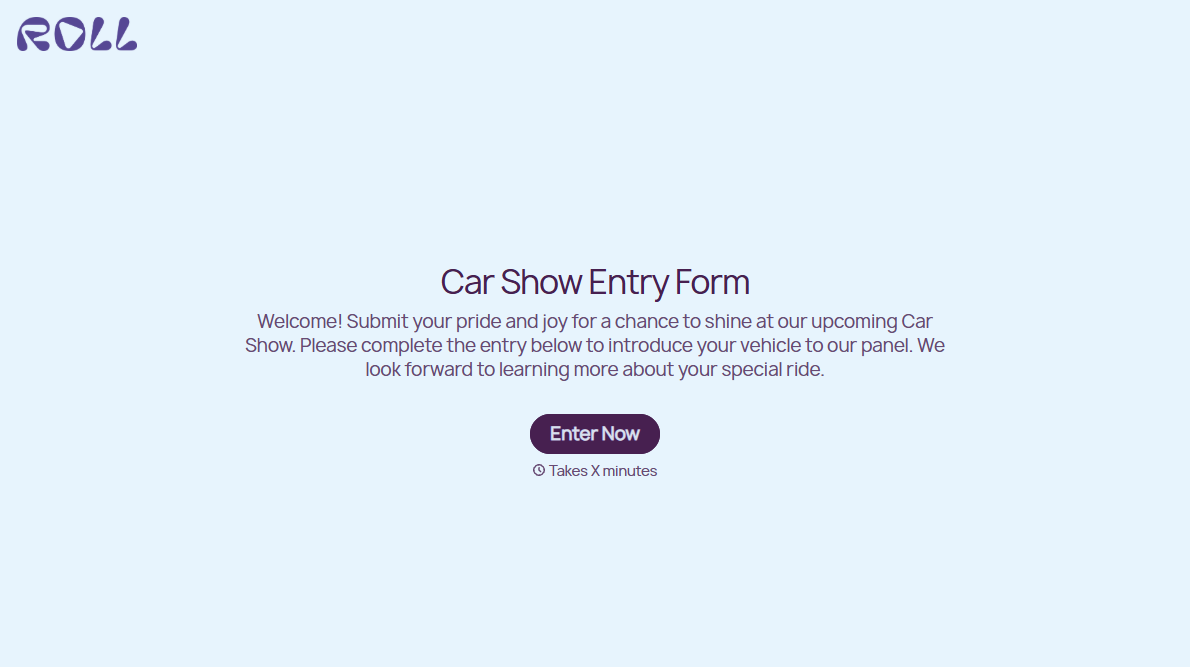
Car Show Entry Form
Sort every car into the right class before judging starts, not after an owner protests the results. Collect year, make, model, modifications, and photos in one submission.



Two 1969 Camaros can belong in completely different car show classes: one is a numbers-matching restoration, the other runs a modern drivetrain and air ride. Judge them on the same sheet and you might get a protest at the awards table. Typeform's car show entry form asks what the owner actually did to the car, so you assign a class from the build, rather than the badge.
Entrants give the year, make, and model, then describe the work. Conditional logic reads whether the owner calls the car stock or modified and asks only what applies. A stock or restored car prompts questions about originality, matching numbers, and restoration history. A modified car surfaces questions about an engine swap, suspension, paint, and interior work. Photos arrive with the entry, so you can set a class before the car rolls through the gate.
Every entry lands with the facts that decide the car’s class. Judges compare cars built to the same standard, entrants know why they landed where they did, and nobody spends the awards ceremony relitigating a class assignment.
A car show entry form is an online form owners complete to register a vehicle for a show. It collects the year, make, and model, the engine and drivetrain, modifications and restoration history, photos of the car, and the entrant's details. Show organizers use car show entry forms to assign classes accurately before judging begins.
Without a car show entry form, entries arrive as a year, a make, and a model, which tells you almost nothing about the class a car belongs in for a car show. You end up assigning classes at the gate, listening to an owner describe their engine swap, while a line of cars builds behind them. A car show entry form collects the build details in advance, so you set a car’s class at a desk, with the photos and details already in front of you.
Capture what decides the class:
- Year, make, and model
- Engine and drivetrain, original or swapped
- Modifications to suspension, paint, and interior
- Restoration history and originality
- Photos of the car
Yes. Entrants can upload photos of the car with File Upload, available on paid Typeform plans. They can add images or PDFs up to 10MB each, so you can see whether an engine bay is stock before you put that car in a stock class. Every photo arrives attached to the entry.
Yes. Connect the car show entry form to Stripe on a paid Typeform plan and charge the entry fee while someone registers. Set a price per class or per additional vehicle, so each entrant pays what their own entry costs. Stripe records every payment against the entry that produced it, so you open the gates having already charged participants, instead of counting cash at a folding table.
Get inspired by relevant templates and categories
3200+ Templates, 300+ Integrations



With Typeform, you can customize everything
Change text, colors, and even logos to match the look and feel of your brand. Then embed forms smoothly onto web and email.
Make forms feel effortless to fill out. Pace questions, call people by their name, and adapt the flow based on the data they share.
Stay efficient by connecting forms to your workflow. Typeform integrates with 300+ tools including Slack, Zapier, and HubSpot.


