CC Order Form
Give customers a simple way to place orders with a form that collects product selections, quantities, and payment preferences. Keep the order details organized so your team can process credit card purchases and fulfill requests accurately.



A customer wants to purchase several products using a credit card, while another needs to place an order for a single item. Both are ready to complete their purchases, but their orders involve different products and payment amounts. A CC order form helps businesses collect the information needed to organize and process each transaction.
Customers select products, specify quantities, and provide contact information. You can include options for product variations, shipping preferences, and billing details in the form. Fields for special instructions give customers space to explain customization requests or delivery requirements that aren't covered by standard selections.
Your team receives organized order information without relying on scattered emails or phone calls. Staff reviews submissions, confirms product availability, and coordinates payment processing through a secure integration. Customers get a straightforward ordering experience with clear expectations about pricing, payment, and fulfillment.
A CC order form collects purchase information from customers who want to pay for products or services using a credit card. It typically includes product selections, quantities, customer contact details, and payment preferences. Businesses use it to organize purchases, calculate order totals, and process transactions through a secure payment system.
Managing credit card orders through phone calls, emails, or handwritten records can lead to missing information and processing errors. A structured form collects consistent purchase details from every customer. It helps businesses organize transactions, track orders, and coordinate fulfillment while giving customers a convenient way to submit purchases securely.
Collect the information that's needed to process purchases and coordinate order fulfillment, like:
- Customer name and contact information
- Product or service selection
- Quantity of each item
- Product variations, such as size or color
- Unit prices and order subtotal
- Billing name and address
- Shipping or delivery address
- Preferred delivery or pickup date
- Applicable taxes and shipping fees
- Total purchase amount
- Secure credit card payment integration
- Special instructions or additional notes
- Agreement to payment and refund policies
- Order confirmation preferences
You can adjust the fields to match your products, payment requirements, and fulfillment process.
Use multiple-choice questions or dropdown menus for product selections and numerical fields for quantities. Include product descriptions, images, and prices to help customers make informed decisions. Conditional logic can display shipping fields only when delivery is selected. Show the final order total and provide clear payment instructions before submission.
Yes. A CC order form can process credit card payments when connected to a compatible, secure payment processor. Customers can select products, review their order totals, and complete transactions through an integrated checkout experience. Clearly display prices, taxes, shipping fees, and refund policies before payment. Never collect credit card numbers or security codes through standard form fields.
Get inspired by relevant templates and categories
3200+ Templates, 300+ Integrations

Pet Grooming Check Out Form
Give pet grooming businesses a straightforward way to complete appointments with a form that collects service details, payment information, and owner feedback. Keep checkout records organized so grooming teams can confirm completed services, document pet care notes, and provide customers with a smooth pickup experience.
View template
Recurring Credit Card Authorization Form
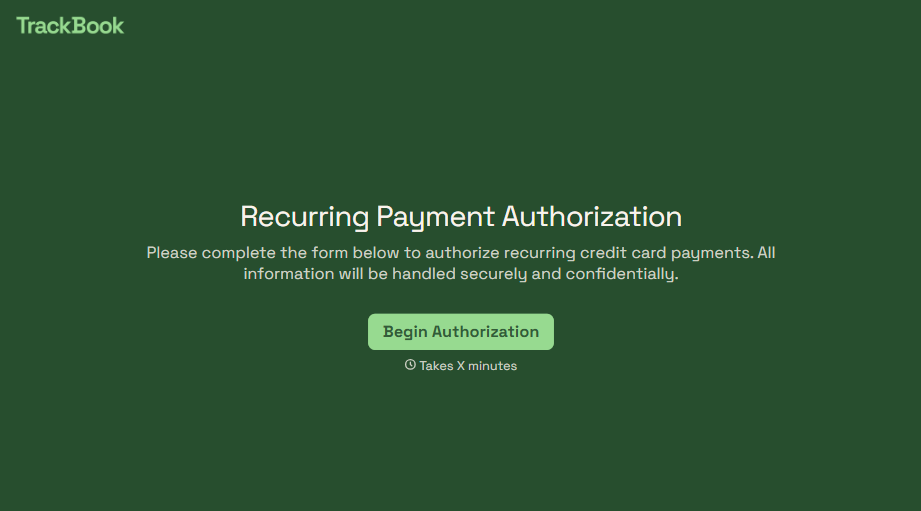
An authorization that just says "I agree to be charged monthly" doesn't survive a chargeback dispute. The bank's going to ask, charged for what, how much, and how often, and vague language doesn't answer any of that. Spell out the amount, the frequency, and the cancellation terms in writing, before the first charge goes through.
View template
With Typeform, you can customize everything
Change text, colors, and even logos to match the look and feel of your brand. Then embed forms smoothly onto web and email.
Make forms feel effortless to fill out. Pace questions, call people by their name, and adapt the flow based on the data they share.
Stay efficient by connecting forms to your workflow. Typeform integrates with 300+ tools including Slack, Zapier, and HubSpot.


