Payment Confirmation Form
A bank transfer that lands in your account with no note attached doesn't tell you which invoice it's actually paying off. Collect what your team actually needs, payment details, method, and the invoice it applies to, right after the payment's sent.



Manual payments, a wire transfer, a check, a Zelle or Venmo payment, tend to show up in an account with little more than a name and a dollar amount attached. Whoever's reconciling payments has to guess which invoice it's for, or track down the customer to ask, and if two invoices happen to be close in amount, matching them up turns into real detective work before anything gets credited to the right account.
Typeform's payment confirmation form asks for what your team actually needs, payment amount, date, method, and the invoice or account number it applies to, then uses conditional logic to branch from there. A payment made by check can ask for a check number, while a wire transfer can ask for a confirmation number instead, and a customer paying multiple invoices at once can list each one instead of a single field standing in for the whole payment. Every confirmation lands in one record next to the payment itself, instead of a dollar amount nobody's sure how to apply.
Connect the form to your accounting software through Zapier, and a submitted confirmation can match itself against the right invoice automatically. Ask customers to submit it right after they send a payment, and your team can credit the account the same day, instead of waiting on a bank statement to sort out what a transfer was actually for.
A payment confirmation form is an online form businesses use to collect the details of a manual payment, amount, date, method, and the invoice it applies to, directly from the person who sent it. Instead of matching a bank deposit to an invoice from scratch, the payer's own confirmation fills in the gaps.
A bank statement usually shows a name and an amount, not which invoice a payment was meant to cover, especially when a customer has more than one open balance. A form gets that context directly from the payer, at the time they actually send the payment.
Ask for what your team will actually need to apply the payment correctly:
- Payer name and contact information
- Payment amount and date
- Payment method
- Invoice or account number it applies to
- Confirmation or check number
Not necessarily. The form confirms what the payer says they sent, but it doesn't replace checking the actual bank or account records, since a check can bounce or a transfer can still be pending. Confirm the payment against your own records before treating it as received.
Yes. Add a file upload question and payers can attach a screenshot, a receipt, or another confirmation document in the same submission, no separate email required. Pair it with conditional logic so the upload only appears for the payment methods that call for it.
Get inspired by relevant templates and categories
3200+ Templates, 300+ Integrations
Recurring Credit Card Authorization Form
An authorization that just says "I agree to be charged monthly" doesn't survive a chargeback dispute. The bank's going to ask, charged for what, how much, and how often, and vague language doesn't answer any of that. Spell out the amount, the frequency, and the cancellation terms in writing, before the first charge goes through.
View template
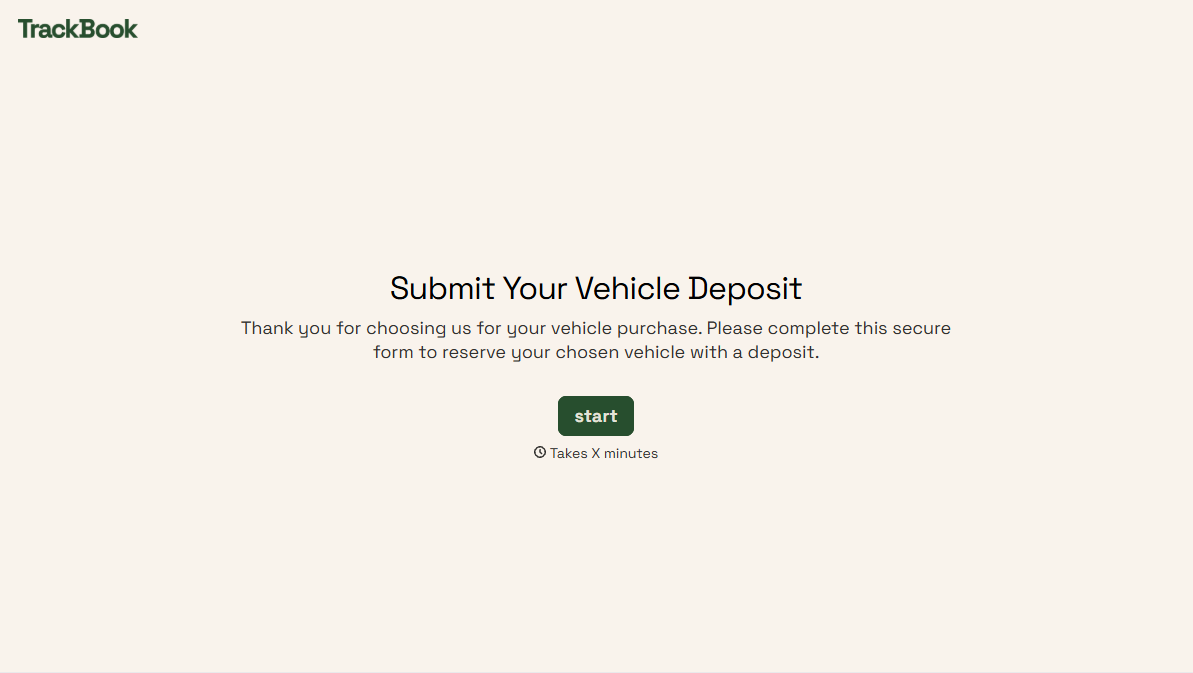
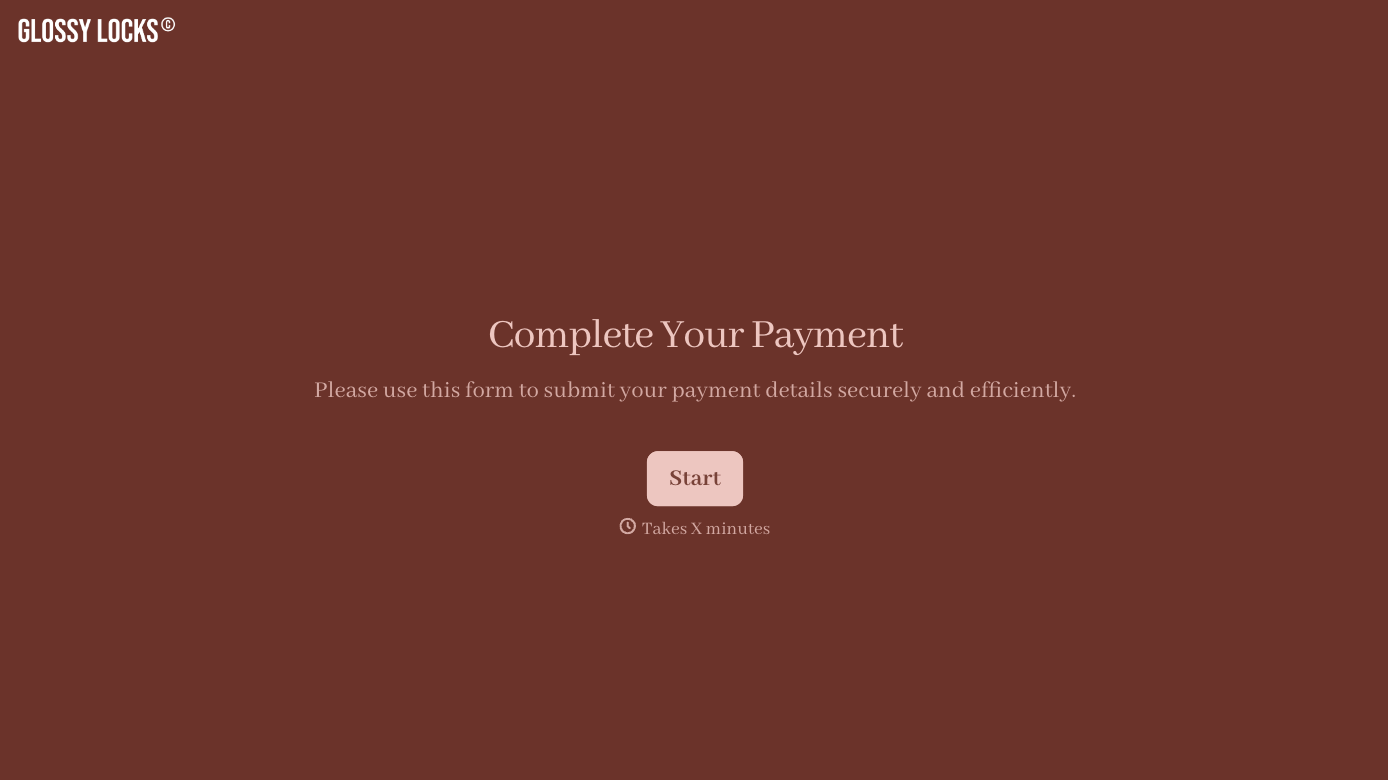
With Typeform, you can customize everything
Change text, colors, and even logos to match the look and feel of your brand. Then embed forms smoothly onto web and email.
Make forms feel effortless to fill out. Pace questions, call people by their name, and adapt the flow based on the data they share.
Stay efficient by connecting forms to your workflow. Typeform integrates with 300+ tools including Slack, Zapier, and HubSpot.


