User Testing Survey Form
Feedback gathered in a quick verbal debrief right after a testing session gets filtered through whatever the participant remembers wanting to say in the room. Ask them directly, while the task is still fresh, and get an answer that isn't shaped by what’s polite to bring up out loud.



User testing sessions usually end the same way: the moderator asks a few questions, jots down notes on the fly, and the participant's actual experience gets condensed into whatever made it into that conversation. Details that didn't feel worth mentioning out loud, or that the participant only half noticed, tend not to make it into the writeup.
Typeform's user testing survey form asks for what the research actually needs to measure: how easy each task was, where things got confusing, and how satisfied the participant felt overall, and uses conditional logic to branch from there. A task rated difficult can branch to a follow-up asking exactly what was confusing; a task that went smoothly can skip past it, instead of every participant answering the same open ended questions regardless of how the task actually went.
Every response lands in one record instead of scattered notes from different moderators. Connect the form to your research repository or project management tool through Zapier, and a low satisfaction score on a specific task can get flagged for the team to review automatically. Send it right after the session, and you're working from what the participant actually experienced, not a summary shaped by what came up in conversation.
A user testing survey form is an online form UX and product teams use to collect structured feedback after a usability testing session, covering task completion, pain points, and overall satisfaction. Instead of relying on a moderator's notes or a verbal debrief, every participant answers the same questions in their own words.
A verbal debrief depends on what the participant remembers and feels comfortable saying out loud in the moment, and on the moderator catching and writing down the important parts. A survey gives the participant time to answer directly, and it captures their response in their own words instead of a paraphrase from someone else's notes.
Ask for what your research team will actually use to make decisions:
- Participant name or ID
- Task completion and ease ratings
- Open ended pain points, where things got confusing
- Overall satisfaction with the experience
- Likelihood to use the product again
No. The survey captures what the participant experienced, it doesn't decide the product roadmap. Connect the form to your project management tool through Zapier, and a pattern of low scores on the same feature can get flagged automatically, but the team still has to weigh it against everything else competing for the same sprint.
Yes. Add a file upload question and participants can attach a screenshot or a screen recording in the same submission, no separate email required. Pair it with conditional logic so the upload only appears after someone flags a task as confusing.
Get inspired by relevant templates and categories
3200+ Templates, 300+ Integrations
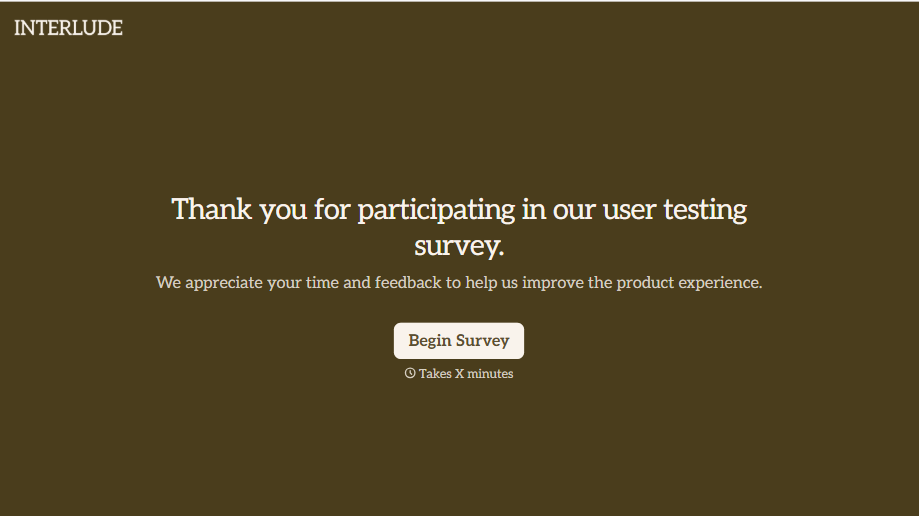
User Testing Survey Form
Feedback gathered in a quick verbal debrief right after a testing session gets filtered through whatever the participant remembers wanting to say in the room. Ask them directly, while the task is still fresh, and get an answer that isn't shaped by what’s polite to bring up out loud.
View template

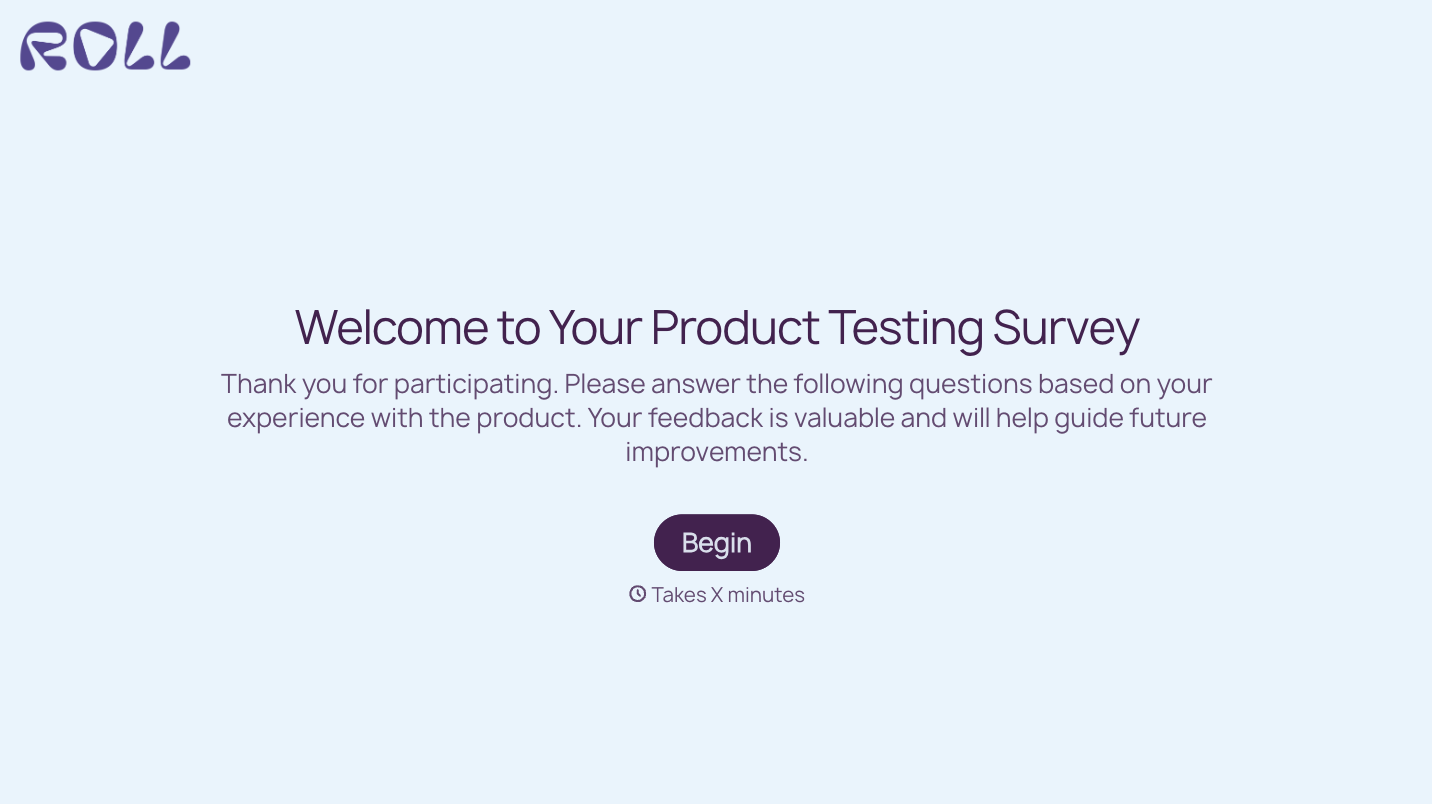

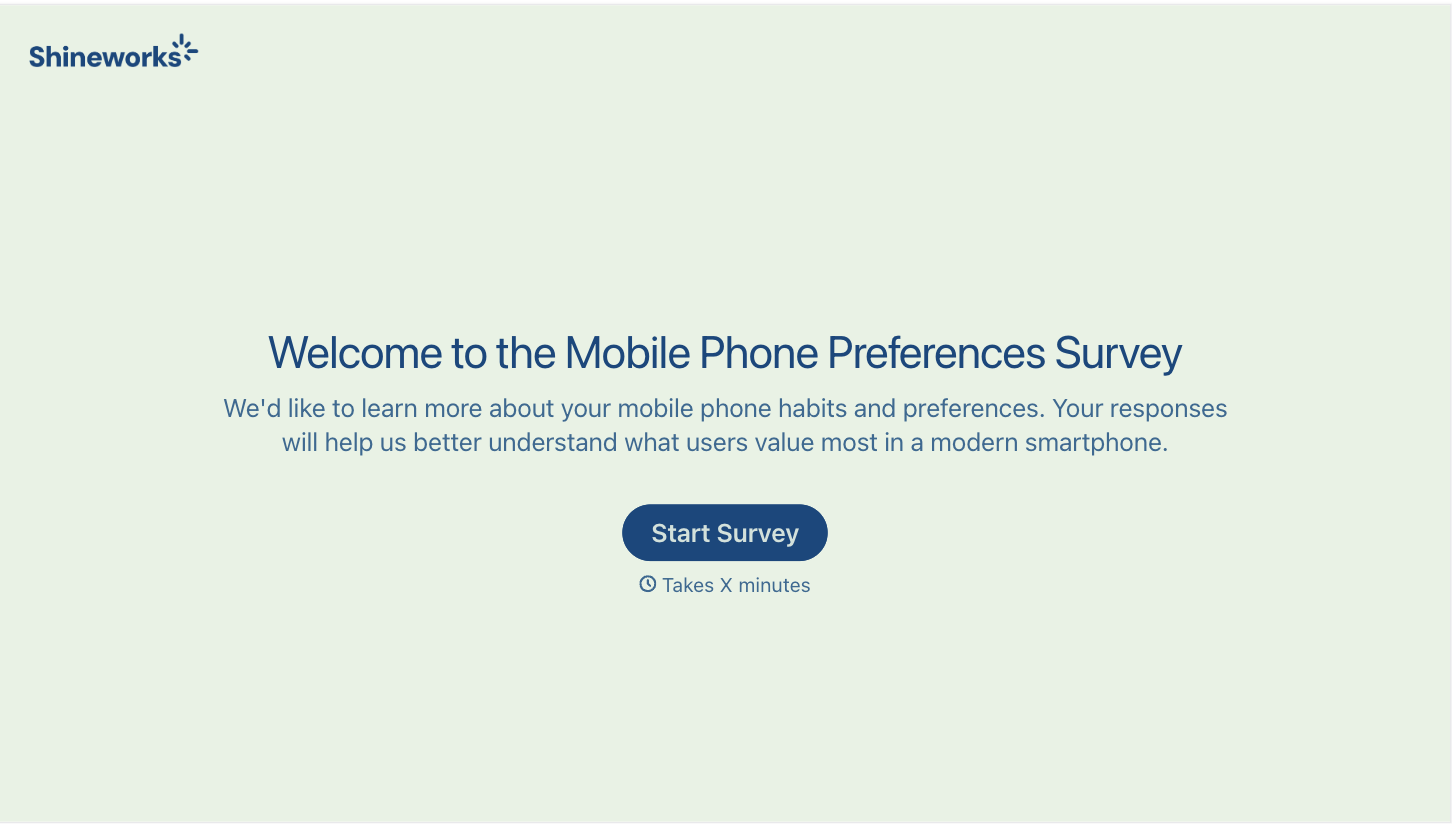

With Typeform, you can customize everything
Change text, colors, and even logos to match the look and feel of your brand. Then embed forms smoothly onto web and email.
Make forms feel effortless to fill out. Pace questions, call people by their name, and adapt the flow based on the data they share.
Stay efficient by connecting forms to your workflow. Typeform integrates with 300+ tools including Slack, Zapier, and HubSpot.


