Conference Report Template
Capture every insight from every conference your team attends, so learnings get shared instead of lost in a notebook.



Most conference insights never make it back to the team. They stay in a notebook, a half-finished email, or someone's memory until they fade. Typeform's conference report template gives teams a consistent way to capture and share key takeaways from every event they attend.
The form captures event details, session summaries, key speakers, action items, applicable learnings, and recommended follow-ups in one place. Typeform presents one question at a time, so completing the report feels like a structured debrief, not a chore. Conditional logic adapts sections based on the conference track or sessions attended. An employee who attended product sessions sees different follow-up prompts than one who attended leadership or strategy tracks.
Customize the template with your company name, relevant departments, and learning objectives for the event. Send it via email right after the conference, while sessions are still fresh. Every submission logs automatically in Google Sheets or Airtable via Zapier, so insights are searchable and accessible across your organization. Your team stops losing key takeaways to personal notebooks and starts building a knowledge base they can actually use.
A conference report template captures key learnings, session summaries, and action items from a conference or industry event. It gathers event details, speaker highlights, applicable learnings, and recommended follow-ups in a single submission. It functions as the official record of what was learned and how the organization plans to apply it.
Conference attendance is an investment, and most of that investment disappears when attendees don't document what they learned. A structured report ensures insights are captured while fresh, in a format that's easy to share, search, and act on. It also creates a record of your team's external learning activity, which matters for training budgets and development planning. Use it for industry conferences, trade shows, leadership summits, and external training sessions.
A complete conference report covers:
- Event name, date, location, and attending employee
- Key sessions attended and speaker highlights
- Main takeaways and applicable learnings
- Recommended action items or follow-ups
- Resources to share with the team (e.g., slides, links, tools)
- Overall relevance to current projects or initiatives
- Suggestions for future attendance
Connect the form to Google Sheets via Zapier so every submission populates a shared learning log automatically. Filter by conference, department, or topic to surface relevant insights for different teams. Use Typeform's email notifications to route submissions directly to team leads or a shared inbox for high-value takeaways. Over time, your organization builds a searchable record of every conference attended and what the team took away from it.
Set up conditional logic to branch the report by track, so attendees only answer questions relevant to their sessions. An employee attending a product or technical track sees different prompts than one attending a sales or leadership track. This keeps the report focused without creating a separate template for every event type your team attends. Add a free-text field for any insights that don't fit a structured category.
Get inspired by relevant templates and categories
3200+ Templates, 300+ Integrations





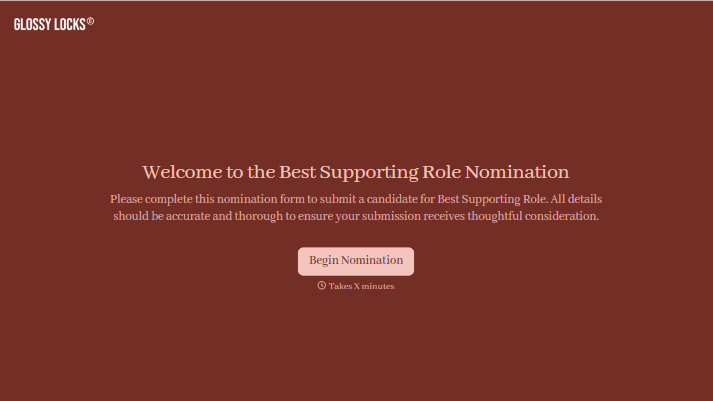
With Typeform, you can customize everything
Change text, colors, and even logos to match the look and feel of your brand. Then embed forms smoothly onto web and email.
Make forms feel effortless to fill out. Pace questions, call people by their name, and adapt the flow based on the data they share.
Stay efficient by connecting forms to your workflow. Typeform integrates with 300+ tools including Slack, Zapier, and HubSpot.


