Fitness Waiver Form
Record which version of the waiver each member signed, and the date they signed it. Collect the signature, emergency contact, and health disclosures before anyone's first session.



Gyms update their waiver text, but members sign once and keep training for years on the version they signed. When someone gets hurt, you have to show which version that member agreed to and when they agreed to it, and a folder of paper signatures rarely produces that quickly. Typeform's fitness waiver form stores every member acknowledgment and signed waiver with a timestamped record
Members read the waiver, confirm that they accept it, provide an emergency contact, and answer relevant health questions. Conditional logic reads whether the member is signing for themselves or for a minor. An adult accepts on their own behalf. A parent or guardian gives their name, their relationship to the child, and their contact details, then accepts for the child.
You can pull any member acknowledgment in seconds from your Typeform account. When you change the waiver text, the new wording applies from that day forward, but you still have records of earlier member acknowledgments, keeping the version the member accepted still on file.
A fitness waiver form is an online form participants complete to acknowledge the risks of exercise and release a facility from liability before they train. It collects their acceptance of your waiver text, an affirmation that they're fit to take part, emergency contact details, and a guardian's acknowledgment where the participant is a minor. Gyms, studios, and trainers use fitness waiver forms to hold a dated, retrievable record of what each member agreed to.
Without a fitness waiver form, your only record of member waivers and consent is a paper file, and you go looking through it on the day your insurer or a lawyer asks for it. You might find the waiver or you might not. If you updated your waiver’s wording last year, the version that a member signed previously becomes outdated. A fitness waiver form stores each acknowledgment with its text and date on file, so you can find it easily by searching a name.
Capture what a waiver has to establish:
- Participant name and contact
- Acceptance of your waiver wording
- Affirmation of fitness to take part
- Emergency contact
- Guardian acknowledgment for minors
Send the fitness waiver form to your whole member list the day the new wording goes live, and put the link on the front-desk tablet for members who don't read email. Hidden fields can carry each member's ID from your gym software into the response, so acceptances match to member records automatically. Compare the acceptances against your active roster and follow up with whoever is missing.
For many facilities it's enough, and it's stronger than an illegible one on paper because it carries a timestamp and the exact text. Where you need a formal electronic signature, connect the form to a dedicated signing tool and use this to collect everything around it. Ask your insurer what they expect to see, since they're usually the party who'll ask for it.
Get inspired by relevant templates and categories
3200+ Templates, 300+ Integrations


Nationality Verification Form
A self-certification buried in a stack of new account paperwork isn't the kind of record a compliance team can rely on for a regulatory filing. Collect nationality, tax residency, and a signed declaration before an account opens, so compliance isn't chasing down a customer's citizenship status after the fact.
View template
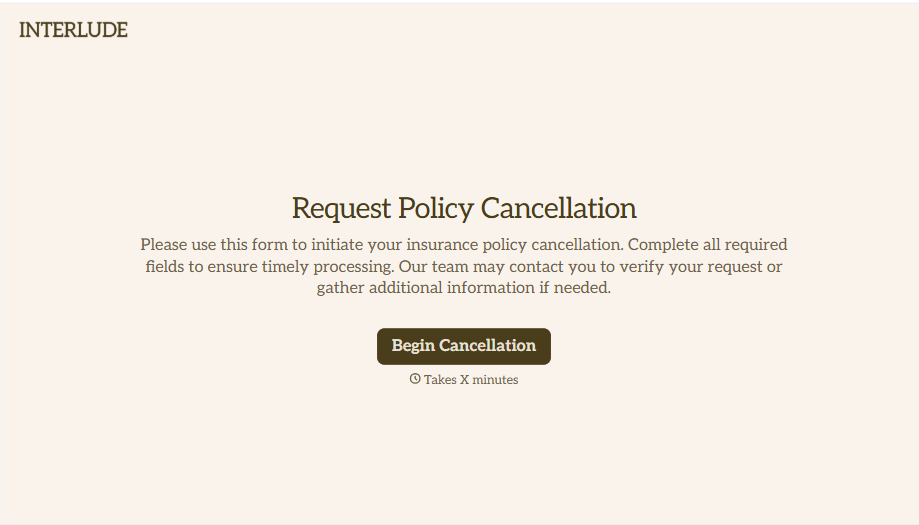
Policy Cancellation Form
A cancellation requested over the phone doesn't leave a clear record of exactly what date the policyholder actually asked for, and that date matters more than it sounds like it should. Collect what your agency actually needs, policy details, identity verification, and the requested effective date, before coverage actually ends.
View template
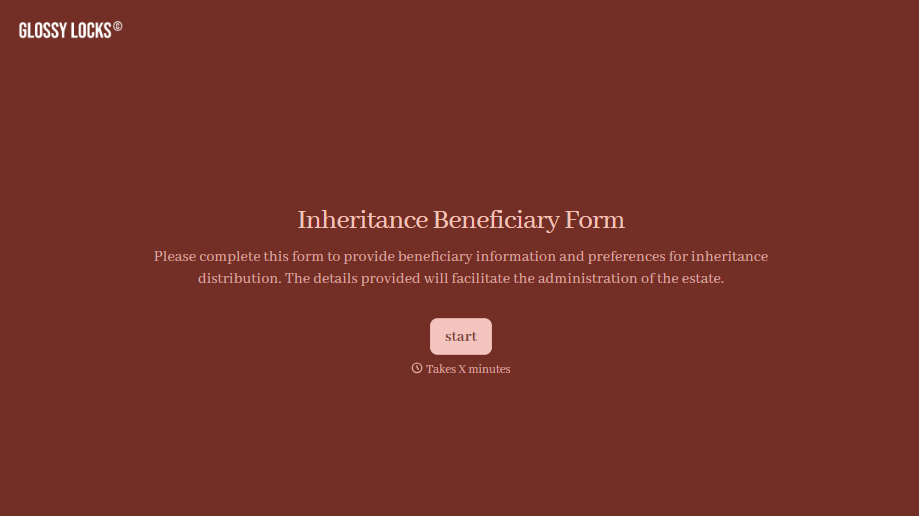
Inheritance Beneficiary Form
Asking a grieving family member for the same banking details across three different phone calls doesn't make settling an estate go any faster. Collect what your firm actually needs, beneficiary information, identification, and distribution details, in one submission instead of three calls.
View template
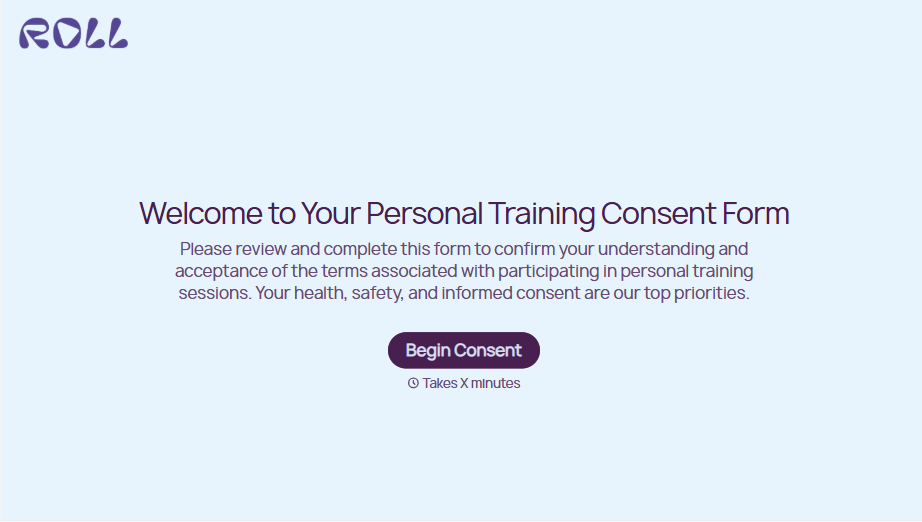
Personal Training Informed Consent Form
A consent form signed in the ten seconds before a first session isn't the kind of informed agreement that holds up if something goes wrong. Walk clients through the specific risks of training and get a signed, dated acknowledgment before the first rep, so consent actually means what the word implies.
View template

Unconditional Release Form
A lien waiver signed at the job site with a pen borrowed from someone's truck isn't the kind of document a lender wants to see before releasing a draw. Collect the project, payment details, and a signed unconditional release before funds go out, so a draw isn't held up by a waiver nobody can find.
View template
With Typeform, you can customize everything
Change text, colors, and even logos to match the look and feel of your brand. Then embed forms smoothly onto web and email.
Make forms feel effortless to fill out. Pace questions, call people by their name, and adapt the flow based on the data they share.
Stay efficient by connecting forms to your workflow. Typeform integrates with 300+ tools including Slack, Zapier, and HubSpot.


