Contributions Form Template
Make it easy for people to give — to your cause, event, or community.



Whether you're raising funds for a community project, accepting donations for a nonprofit, or collecting contributions for a team gift, this form gives donors a simple, respectful experience. The focus is on making giving easy and making donors feel good about it.
The template covers a brief description of what the contributions support, preset donation amounts plus a custom option, the donor's name and contact details for a receipt, an optional dedication or message field, and a payment integration via Stripe or PayPal.
A contributions form that communicates impact — not just transactional need — converts better. When donors see how their contribution matters, giving feels meaningful rather than obligatory.
With Stripe, you can accept credit and debit cards, Apple Pay, and Google Pay. PayPal integrations are also available through Zapier. Set up the payment integration that your donors are most likely to use.
Yes. Pre-set options reduce decision fatigue and anchor expectations. Set amounts that reflect meaningful levels of contribution for your context — not so high they seem unreachable, not so low they seem trivial.
For charitable donations, a tax receipt is typically required. Connect the form to your accounting or donor management system to generate and send receipts automatically. Include the organization's tax ID in the receipt.
Recurring donations require a subscription billing setup. Use Stripe Billing or a dedicated fundraising platform for recurring giving. This form is best for one-time contributions.
Use the form's intro text or the confirmation message to connect the gift to a specific outcome. 'Your $25 provides a week of school supplies for one student' is more motivating than a generic thank-you.
Get inspired by relevant templates and categories
3200+ Templates, 300+ Integrations
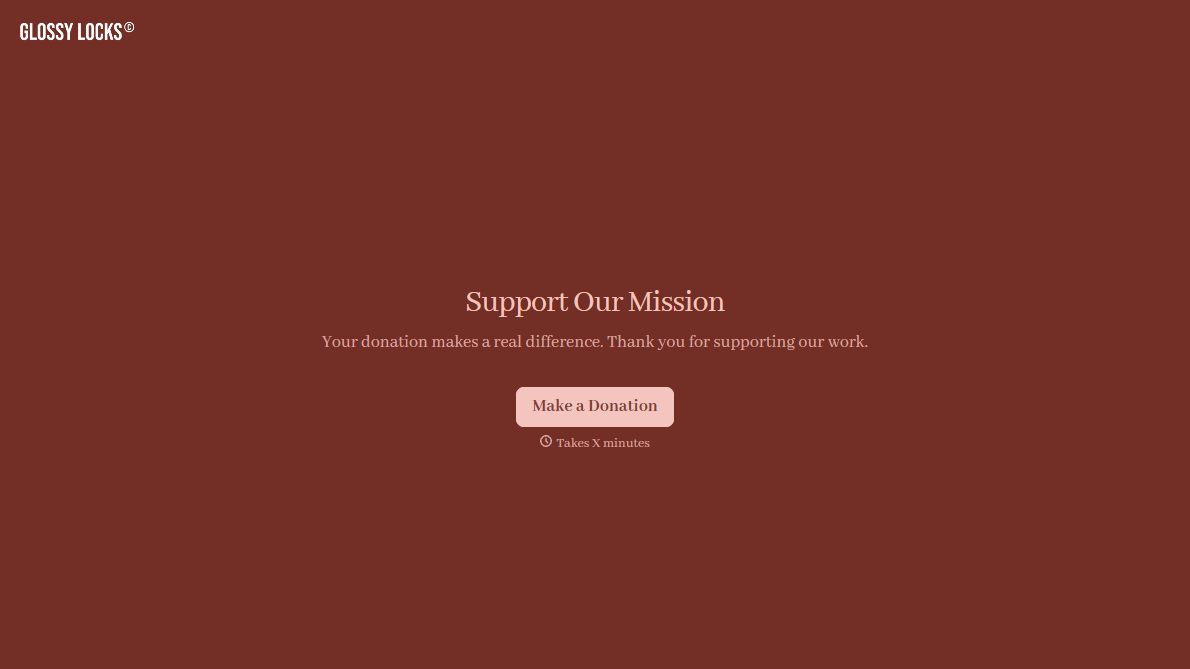
Stripe Donation Form
A donor who's just watched your appeal video, read the story, felt the pull to give right now, doesn't stay in that moment for long. A donation form that makes them page through fields, re-enter their card number on a slow-loading checkout, or hunt for a "give" button buried in a footer is exactly what turns that impulse into a tab they never come back to.
View template
With Typeform, you can customize everything
Change text, colors, and even logos to match the look and feel of your brand. Then embed forms smoothly onto web and email.
Make forms feel effortless to fill out. Pace questions, call people by their name, and adapt the flow based on the data they share.
Stay efficient by connecting forms to your workflow. Typeform integrates with 300+ tools including Slack, Zapier, and HubSpot.


