Free Customer Contact Form Template
Give customers a direct, simple way to get in touch — and make sure every message reaches the right team automatically.



A generic email address or a buried contact page sends the message that you're not that interested in hearing from customers. When there's no structure to the inquiry, your team ends up either routing emails manually or responding to a vague message without enough context to actually help.
A Typeform customer contact form makes the first touchpoint better for everyone. Customers tell you what they need — whether it's support, a sales question, a billing issue, or feedback — and the form routes their inquiry appropriately. Conditional logic shows different follow-up fields based on the nature of the request, so a support ticket prompts for account details while a sales inquiry asks about company size and use case.
The template is free to use. Customize it with your inquiry types, add your brand identity, and embed it on your contact page or in your help center.
A customer contact form is a web form that allows customers or prospects to reach out to a company directly from a website or app. It collects the customer's details, the nature of their inquiry, and any relevant context so the right team can respond effectively.
A structured contact form reduces friction for customers trying to reach you and reduces work for your team by routing inquiries before they arrive. It also ensures every inquiry includes enough information to respond to without a back-and-forth to gather basics.
Keep it focused on what the team needs to help:
- Customer's full name and email address
- Type of inquiry (support, billing, sales, feedback, other)
- Order number or account details (if relevant)
- Brief description of the issue or question
- Preferred contact method or urgency level
- Attachment option for screenshots or documents (if helpful)
Use a reason-for-contact dropdown and set up email notifications that trigger based on the selected option. Sales inquiries go to sales, support issues go to your helpdesk, and billing questions go to finance — all routed automatically.
It depends on your volume and response time expectations. A contact form is better suited for non-urgent inquiries where a response within a few hours is acceptable. For real-time support, live chat is a better fit. Many companies use both: a contact form for general inquiries and live chat for immediate help.
Get inspired by relevant templates and categories
3200+ Templates, 300+ Integrations
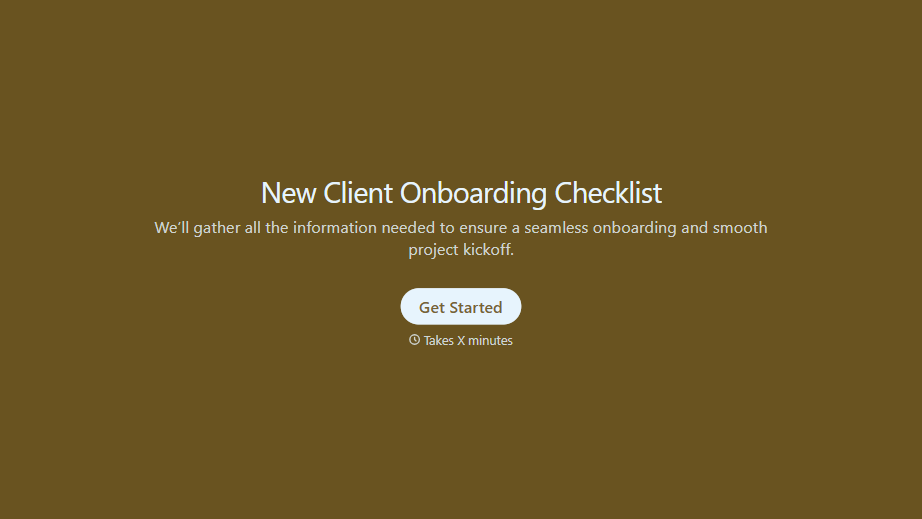
New Client Onboarding Checklist Form
A new client who's signed the engagement letter but never confirmed their billing entity, who's actually authorized to approve work, or where the invoice should go isn't onboarded, they've just signed something. Collect what your firm actually needs, contact and billing details, scope confirmation, a signed agreement, before the first invoice goes out.
View template
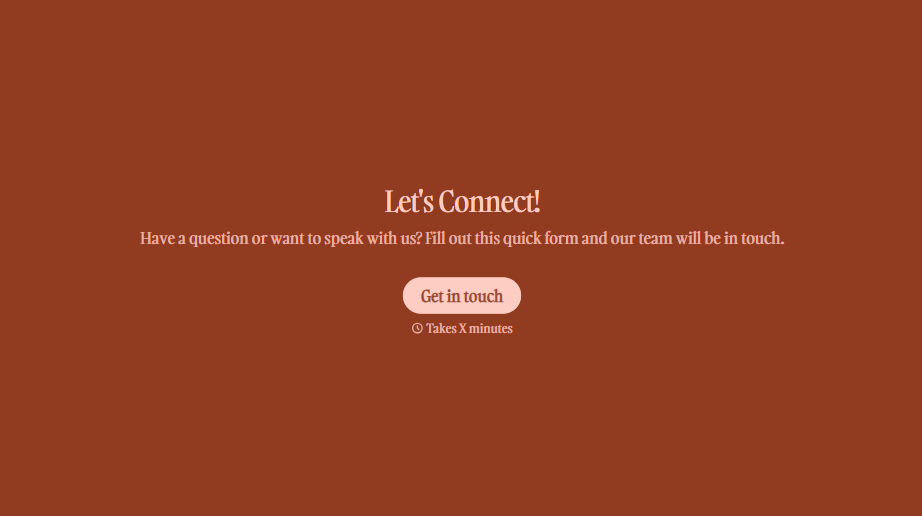
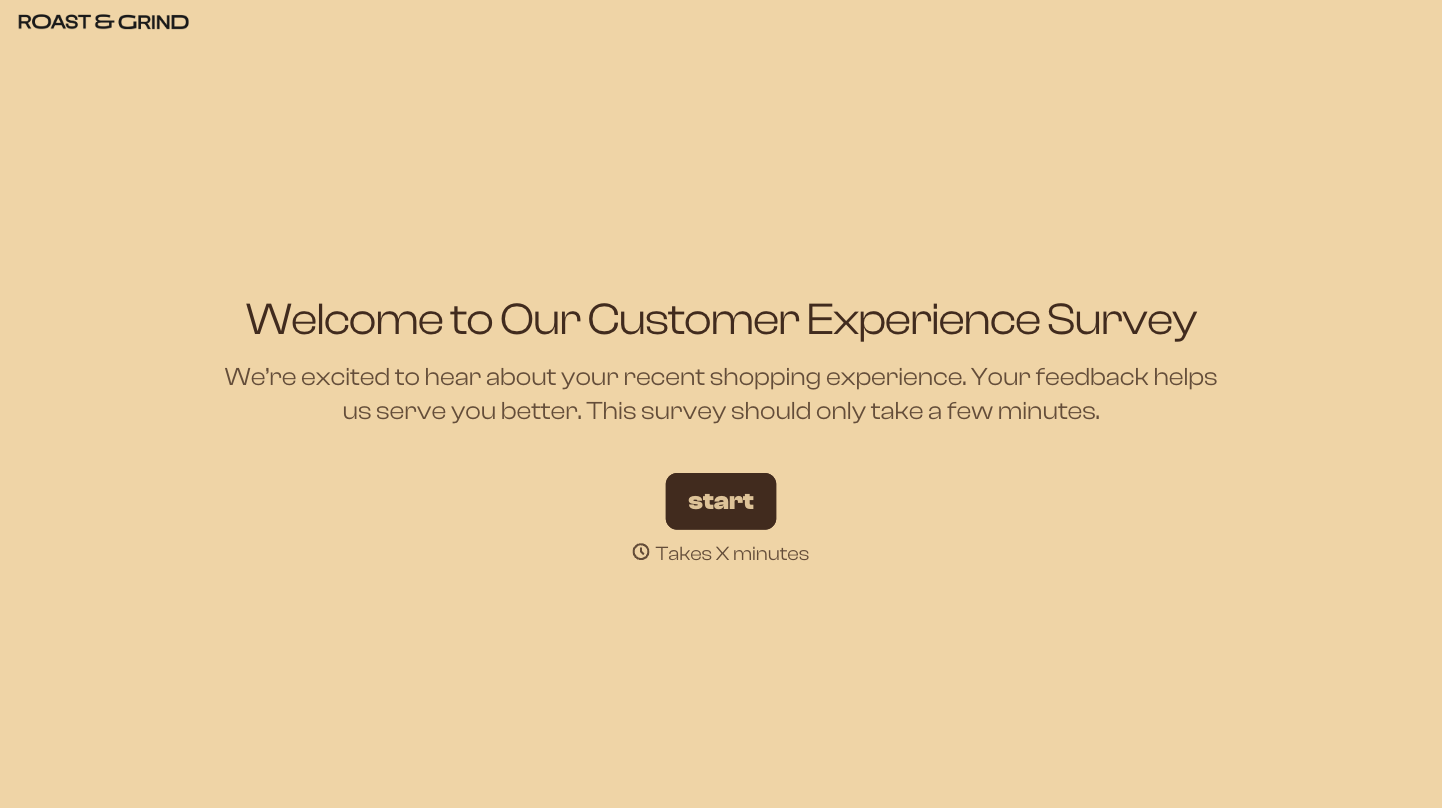
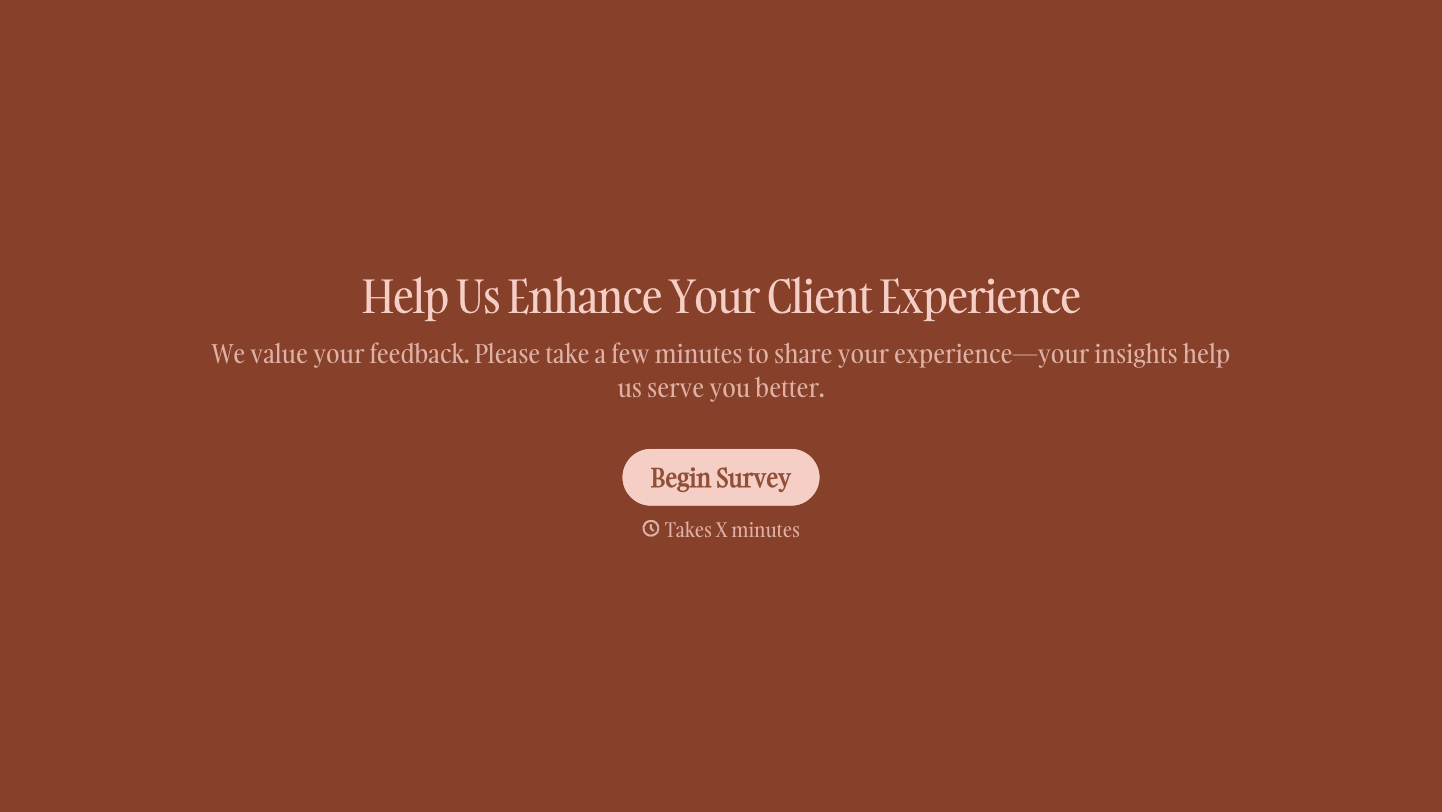

With Typeform, you can customize everything
Change text, colors, and even logos to match the look and feel of your brand. Then embed forms smoothly onto web and email.
Make forms feel effortless to fill out. Pace questions, call people by their name, and adapt the flow based on the data they share.
Stay efficient by connecting forms to your workflow. Typeform integrates with 300+ tools including Slack, Zapier, and HubSpot.


