Popup Contact Form
Move past a popup that just asks for an email and a phone number to unlock a discount. Confirm what that popup is actually agreeing someone to, and get the consent language right before a marketing text turns into a lawsuit.



A popup that collects a phone number for a "10% off" text club is collecting more than a lead. Under the TCPA, sending marketing texts requires prior express written consent, and the checkbox authorizing it has to be unchecked by default, a pre-checked box doesn't count as someone actively choosing in, with a disclosure that's clear and conspicuous rather than buried in fine print, saying consent isn't a condition of purchase, that message and data rates may apply, and how to opt out. TCPA violations carry statutory damages of $500 to $1,500 per text message, and because damages accrue per message, a single bulk campaign sent to an improperly consented list can turn into a large claim fast. The rules shifted recently too: a 2023 FCC rule had required consent to apply to one specific seller only, but the 11th Circuit found the FCC exceeded its authority and the FCC didn't challenge the ruling, so companies now have more room to get consent covering more than a single seller through one form, though the underlying requirement that the disclosure be clear, conspicuous, and actively agreed to hasn't gone anywhere.
If your popup reaches visitors in the EU, there's a separate rule that trips people up just as often: consent checkboxes can't be pre-ticked. The Planet49 case established that consent requires active participation, a box someone actually clicks, not one that arrives already checked and relies on them not noticing, and bundling a cookie consent and a marketing opt-in into a single pre-checked box fails for the same reason, each purpose needs its own clear, unambiguous yes.
Typeform's popup contact form keeps consent checkboxes unchecked by default, separates what someone's agreeing to, email marketing, SMS, cookies, into distinct opt-ins instead of one bundled box, and includes the disclosure language each channel actually requires. Every submission becomes a timestamped record of what someone actually agreed to and when, the file you want if a consent claim gets challenged or a marketing list gets questioned.
A popup contact form is a form that appears over a website's content, usually to capture an email address, phone number, or other contact details in exchange for a discount, a resource, or a newsletter signup.
Yes, but the consent has to meet TCPA's requirements: an unchecked-by-default checkbox that a visitor actively selects, plus a clear disclosure that consent isn't required to make a purchase, that message and data rates may apply, and how to opt out. Skipping this isn't just a compliance gap; TCPA violations carry statutory damages of $500 to $1,500 per text message sent without valid consent.
Yes. A 2023 FCC rule had required consent to apply to one specific seller at a time, but the Eleventh Circuit ruled the FCC exceeded its authority, and the FCC didn't appeal. Companies now have more flexibility to collect consent covering more than one seller through a single form, but the disclosure still has to be clear, conspicuous, and actively agreed to.
If you're collecting consent for more than one thing, like email marketing and cookies, generally yes. Under GDPR, a pre-ticked box isn't valid consent, and bundling multiple purposes into a single checkbox doesn't satisfy the requirement that each be specific and unambiguous. Keep each opt-in separate and unchecked by default.
Capture what you need without bundling consent together:
- The specific information being requested (email, phone number, name)
- What the visitor is agreeing to, separated by purpose (marketing emails, SMS, cookies)
- Unchecked-by-default consent checkboxes for each purpose
- Required disclosures, such as message/data rates and opt-out instructions for SMS
- A clear incentive or reason for submitting, if one is being offered
Yes. Typeform timestamps every submission, so you have a record of exactly what someone agreed to and when. For agreements that need an actual signature, its signature question lets someone sign by typing, drawing, or uploading their signature, time-stamped and locked once submitted. It's available on Typeform's Growth Flow, Growth Custom, and Enterprise plans.
Get inspired by relevant templates and categories
3200+ Templates, 300+ Integrations
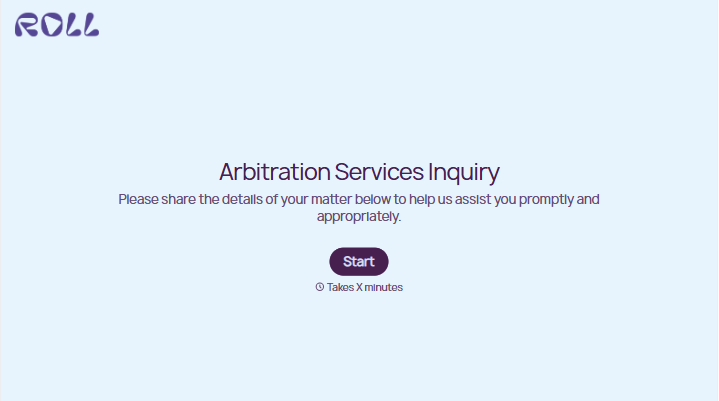
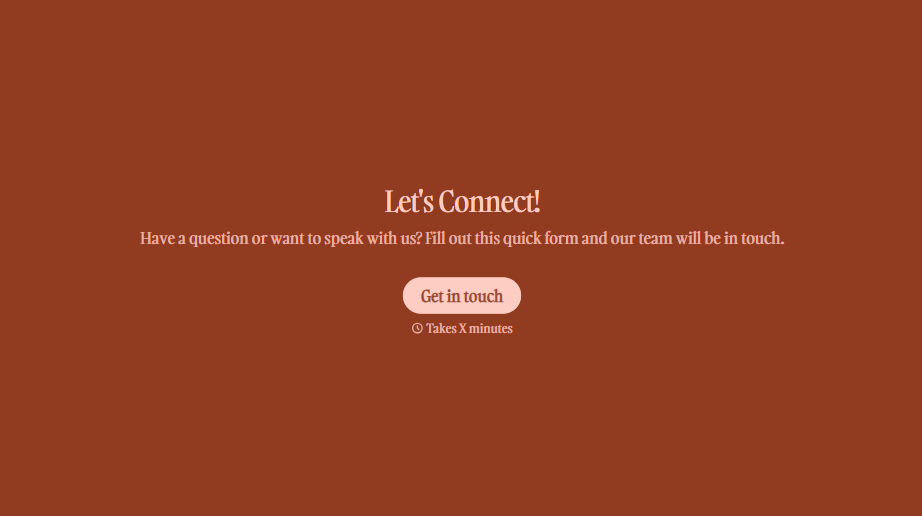
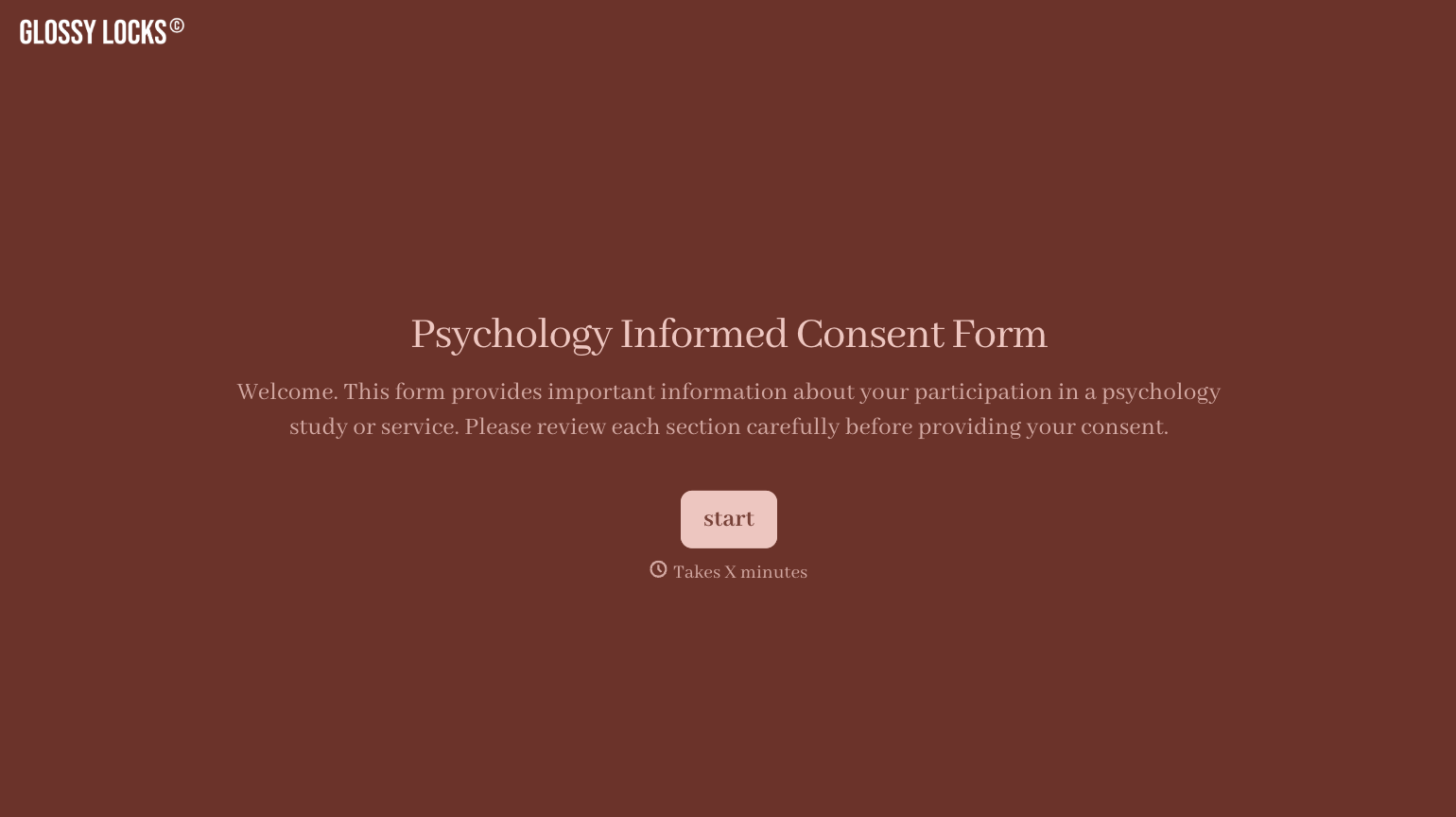
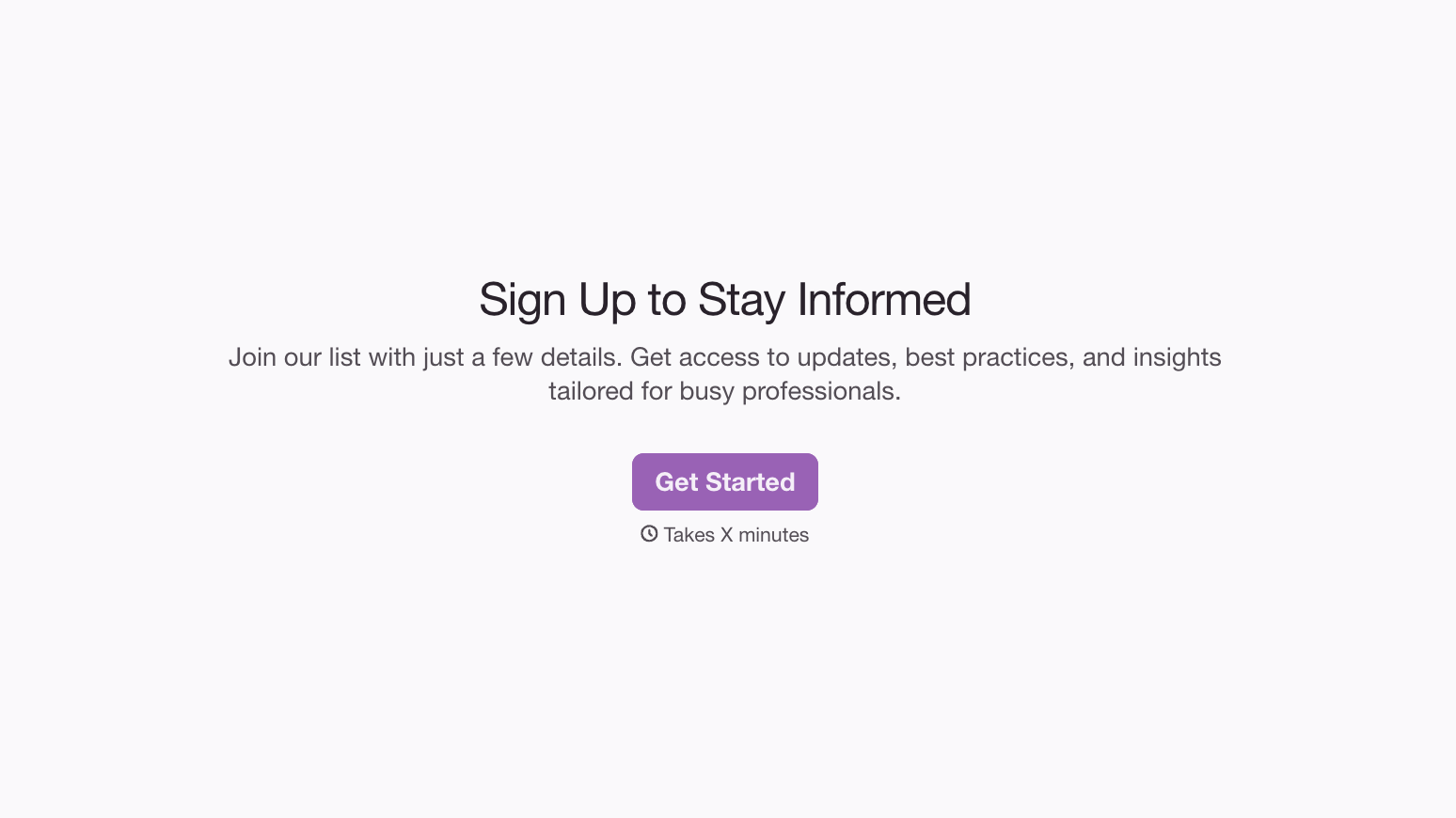
With Typeform, you can customize everything
Change text, colors, and even logos to match the look and feel of your brand. Then embed forms smoothly onto web and email.
Make forms feel effortless to fill out. Pace questions, call people by their name, and adapt the flow based on the data they share.
Stay efficient by connecting forms to your workflow. Typeform integrates with 300+ tools including Slack, Zapier, and HubSpot.


