Designer Contact Form Template
Make it easy for potential clients to tell you about their project, so your first conversation is already informed.



Most designer contact forms ask for a name, email, and a message box. That's not enough information to have a useful first conversation. You end up with a lot of vague enquiries, spend time going back and forth to understand the scope, and sometimes discover the project isn't a good fit only after you've already invested time in responding.
A Typeform designer contact form asks the right questions upfront. Prospective clients share their project type, timeline, budget range, and what they're trying to achieve, all before the first call. You arrive at that conversation with context, which makes it more productive and helps you assess fit quickly. Conditional logic can show different follow-up questions based on the type of design work they're requesting.
Customize the form with your services, your typical project categories, and any qualifying questions that help you filter enquiries efficiently. Embed it on your portfolio site or link to it from your social profiles.
A designer contact form is an intake form used by independent designers or design agencies to collect initial information from potential clients. It captures project details, goals, budget, and timeline so the designer can assess the enquiry and prepare for a first conversation.
A structured intake form saves time on both sides. Clients who complete a detailed form are more serious enquiries, and you arrive at discovery conversations prepared rather than spending the first 20 minutes gathering basic information you could have collected in advance.
Get the information you need to assess the project and prepare:
- Type of design work needed (branding, UI/UX, print, web, etc.)
- Brief description of the project and business context
- Desired timeline and any hard deadlines
- Budget range or flexibility
- Have they worked with a designer before, and if so, what worked or didn't
- How they heard about you
Yes. Clients who are genuinely ready to move forward will provide a range. Those who won't often aren't ready to commit, or have expectations that don't match professional rates. Including it as a range (rather than an exact figure) makes it less intimidating and filters your enquiries more effectively.
A well-designed intake form makes it easier to spot misaligned projects before you spend time on them. For enquiries that don't fit your services or budget range, a short, polite response explaining your specialization and suggesting where they might look is faster for everyone than a discovery call that leads nowhere.
Get inspired by relevant templates and categories
3200+ Templates, 300+ Integrations
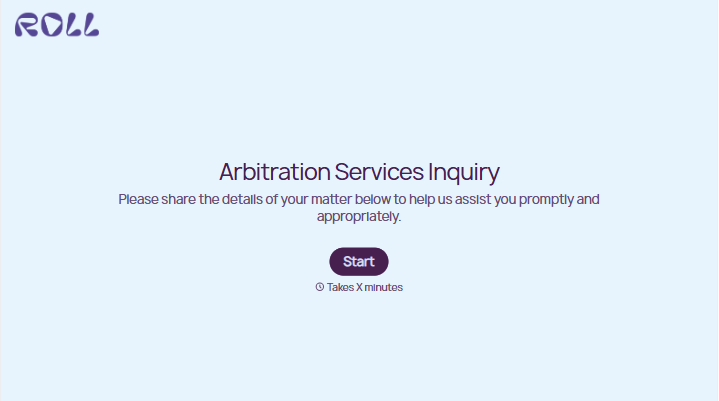
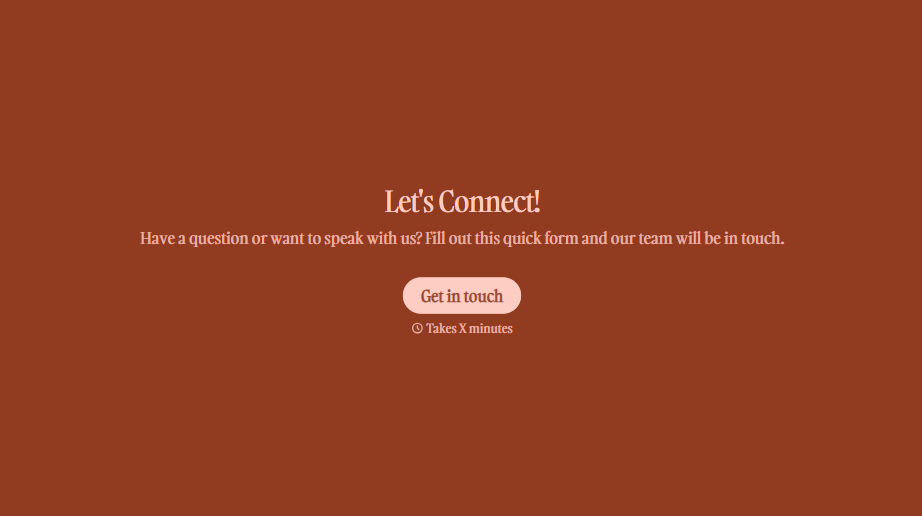

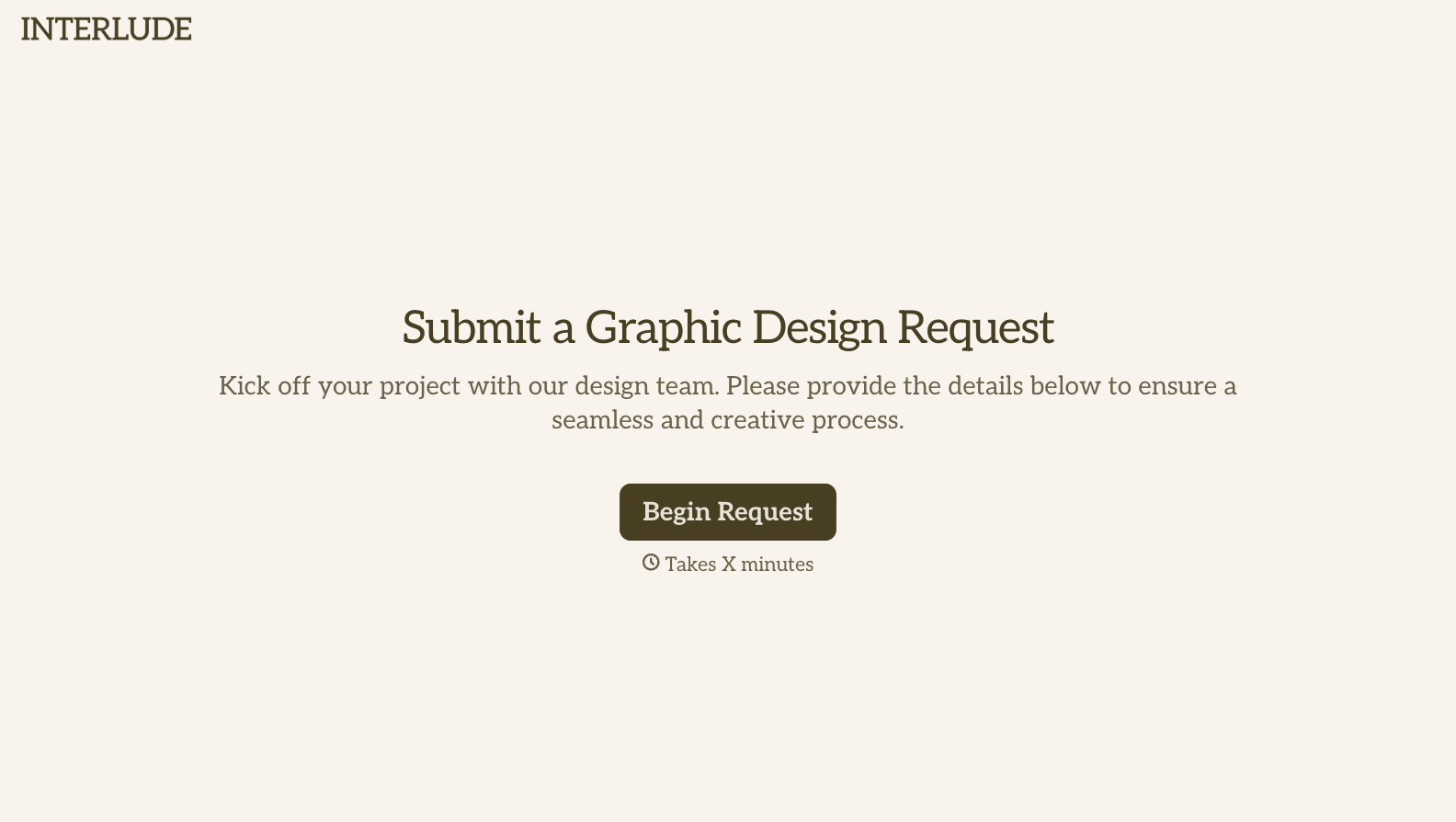

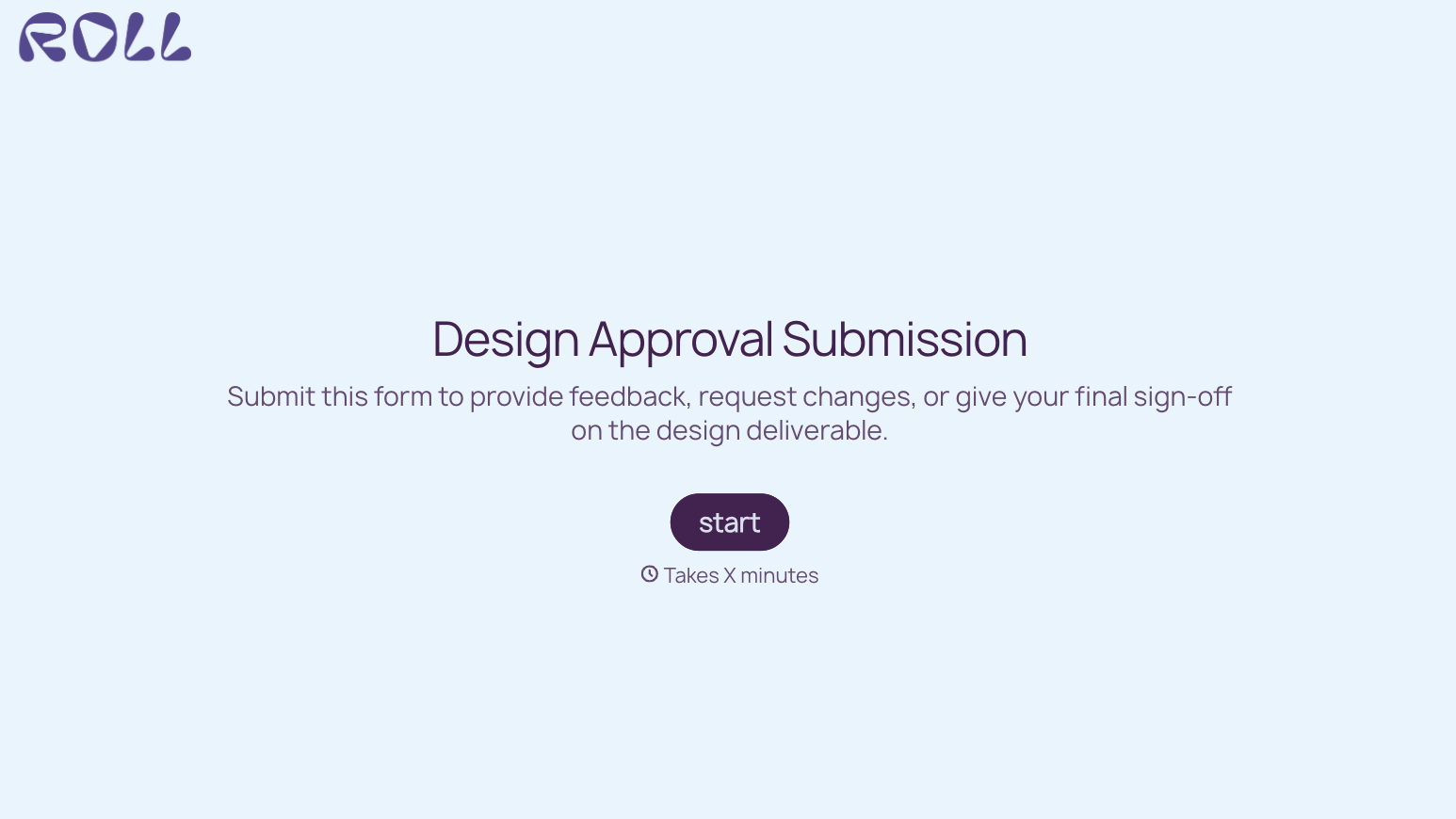
With Typeform, you can customize everything
Change text, colors, and even logos to match the look and feel of your brand. Then embed forms smoothly onto web and email.
Make forms feel effortless to fill out. Pace questions, call people by their name, and adapt the flow based on the data they share.
Stay efficient by connecting forms to your workflow. Typeform integrates with 300+ tools including Slack, Zapier, and HubSpot.


