Dietary Restrictions Form
Collect everyone's dietary needs before your event, meal program, or food service begins.


Planning a meal without knowing your guests' dietary restrictions is a gamble. This form gives caterers, event planners, schools, and meal programs a clear way to collect allergy and preference information upfront — so every guest has something safe and appropriate to eat.
The template covers common allergens (nuts, dairy, gluten, shellfish, eggs, soy), dietary preferences (vegetarian, vegan, kosher, halal), specific food intolerances, the severity of allergies (preference vs. medical necessity), and any additional notes from the respondent.
The difference between a preference and a life-threatening allergy matters enormously. This form asks about both clearly so the kitchen team can distinguish between substitution requests and strict avoidance requirements.
The FDA's major food allergens: milk, eggs, fish, shellfish, tree nuts, peanuts, wheat, and soybeans. Sesame was added in 2023 and should be included. For international events, additional allergens may be relevant depending on the cuisine.
Ask explicitly — include a question about whether the restriction is a preference, intolerance, or life-threatening allergy. Medical allergies require strict avoidance and possible EpiPen accommodation; preferences allow more flexibility.
At least 2 to 3 weeks before a catered event, and at enrollment for ongoing meal programs. The earlier, the better for planning and sourcing.
Share it with the kitchen team in a format they can act on quickly — a clear list of allergens by guest name, highlighting severe allergies. Don't bury it in a spreadsheet that requires translation.
Yes — kosher, halal, and other religious dietary practices are not allergies, but they're equally important for the affected guests. Include them as options alongside allergen and preference questions.
Get inspired by relevant templates and categories
3200+ Templates, 300+ Integrations
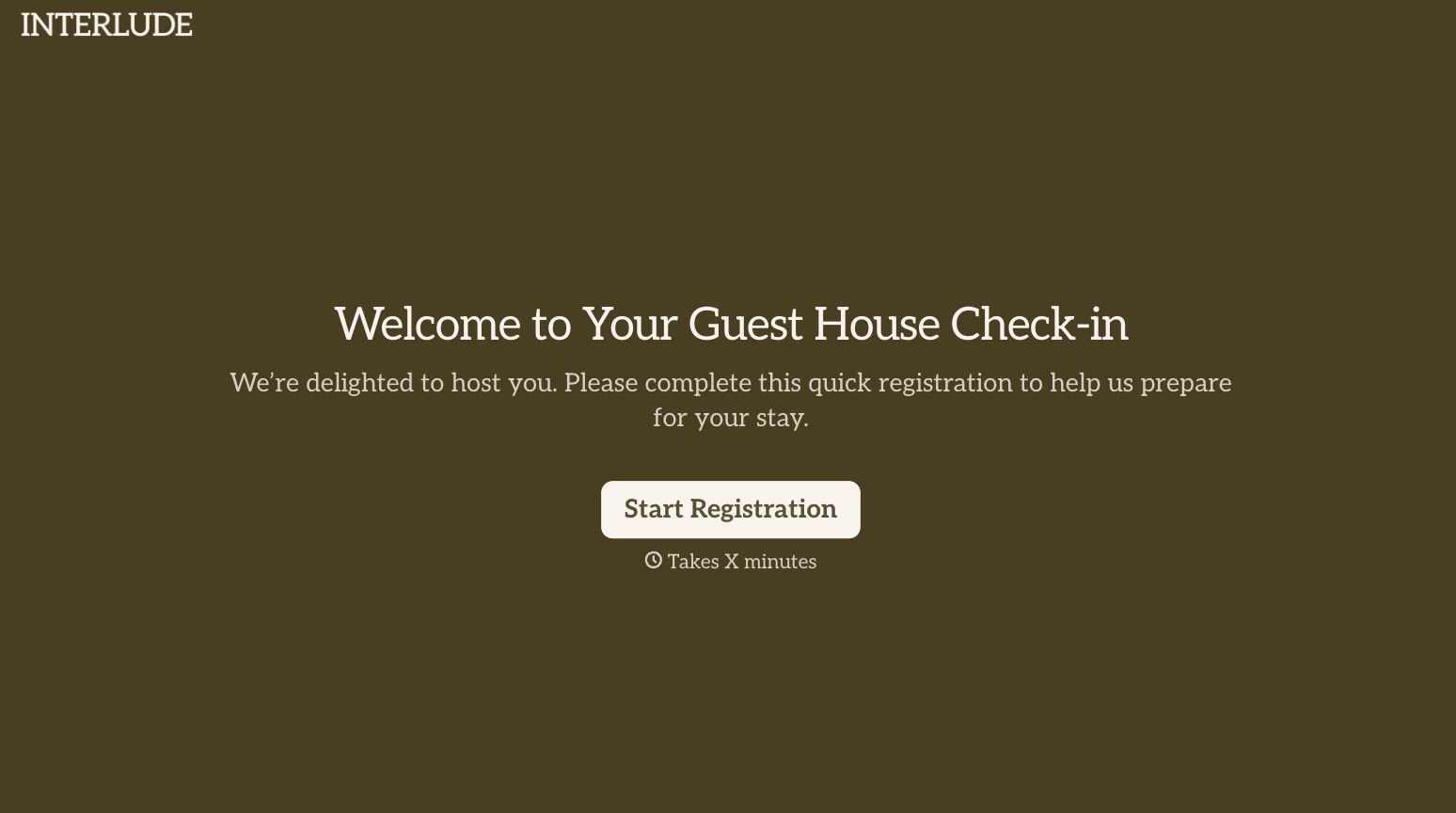

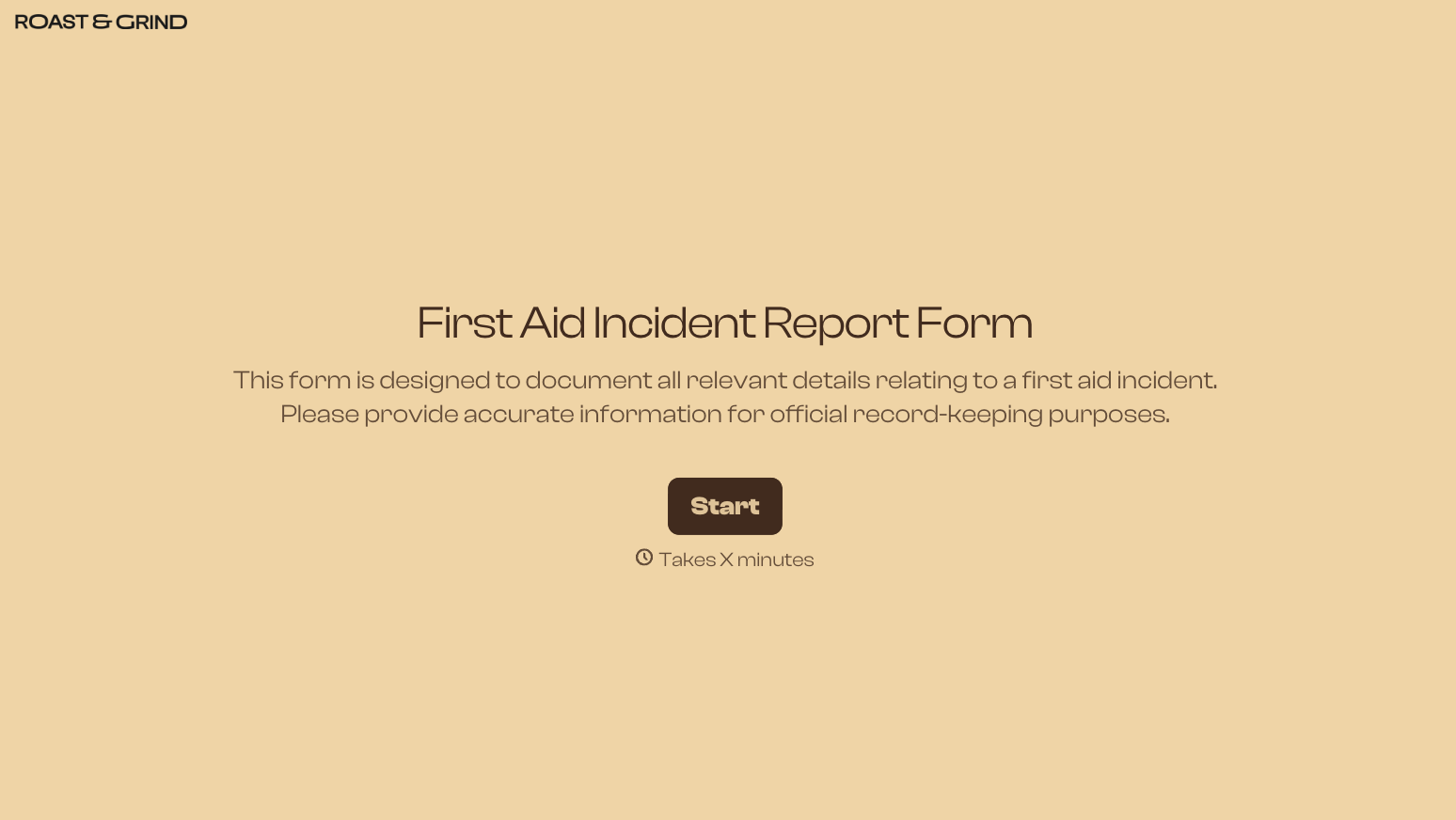
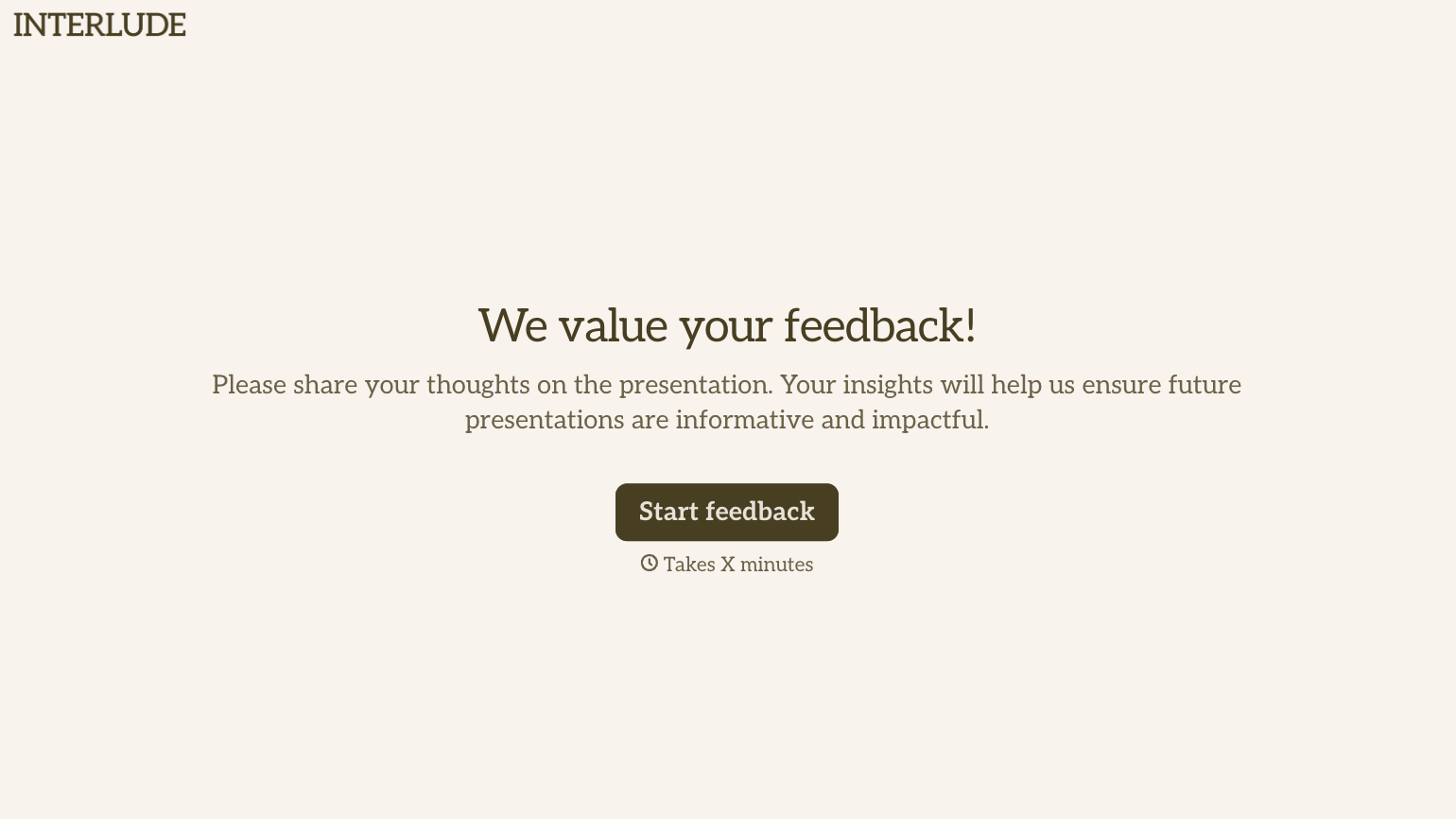
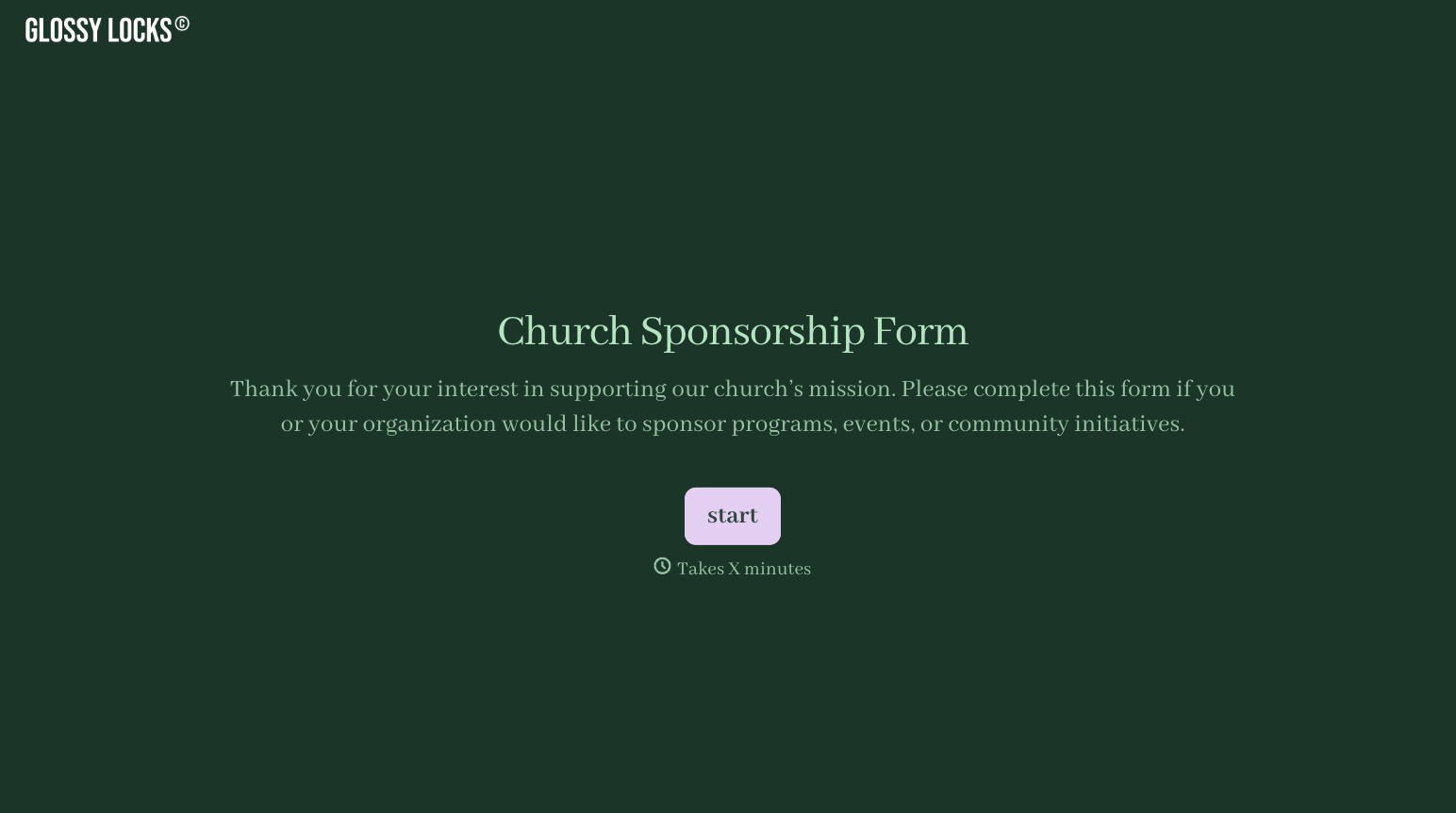
With Typeform, you can customize everything
Change text, colors, and even logos to match the look and feel of your brand. Then embed forms smoothly onto web and email.
Make forms feel effortless to fill out. Pace questions, call people by their name, and adapt the flow based on the data they share.
Stay efficient by connecting forms to your workflow. Typeform integrates with 300+ tools including Slack, Zapier, and HubSpot.


