Digital Product Development Form Template
Gather the requirements, goals, and context needed to scope a digital product project. This template structures the intake process before development work begins.



Digital product projects run into trouble when they start without clear requirements. Developers build toward assumptions, stakeholders have different expectations, and the first review reveals misalignments that should have been surfaced in week 1. A requirements intake form doesn't prevent all of that — but it dramatically reduces it.
A structured digital product development form walks requesters through the key questions your team needs answered before scoping work: what problem the product solves, who will use it, what the success criteria are, and what constraints exist around timeline or technology. Getting that information upfront — in a consistent format that everyone on the team can reference — replaces the scattered notes from initial calls with a documented starting point.
Customize the form for your team's intake process, route submissions to your project management tool, and start every engagement with alignment rather than assumptions.
A digital product development form collects the requirements, goals, and constraints needed to scope and plan a digital product project. It's used by agencies, product teams, and development shops to standardize the intake process and ensure the right information is captured before any development work begins.
Starting a project without documented requirements is the fastest way to build the wrong thing. A structured intake form forces clarity upfront — requesters have to articulate what they need, why they need it, and what success looks like. That shared definition of scope reduces rework, aligns expectations, and gives your team a reference point for decisions throughout the project.
Cover the problem, the user, the outcome, and the constraints:
- What problem or opportunity is this product designed to address?
- Who are the primary users of this product, and what do they need it to do?
- What does success look like 6 months after launch?
- What platforms or devices does the product need to support?
- Are there existing systems or tools this product needs to integrate with?
- What is the target timeline and budget range for the project?
Detailed enough to give your team a meaningful starting point, but not so long that it becomes a barrier. Aim for a form that takes 15 to 20 minutes to complete thoughtfully. If a project is complex, you can use the initial form to identify areas that need a deeper discovery conversation — the form surfaces what you know you need to know, and the follow-up conversation handles the rest.
Use required fields for the absolute essentials (project name, primary contact, problem statement), and allow open text for contextual questions where a range of detail is acceptable. For submissions that come in with critical gaps, set up a follow-up email through your integrations that prompts the requester to add missing detail. This keeps the intake process moving without having to chase every incomplete form manually.
Get inspired by relevant templates and categories
3200+ Templates, 300+ Integrations
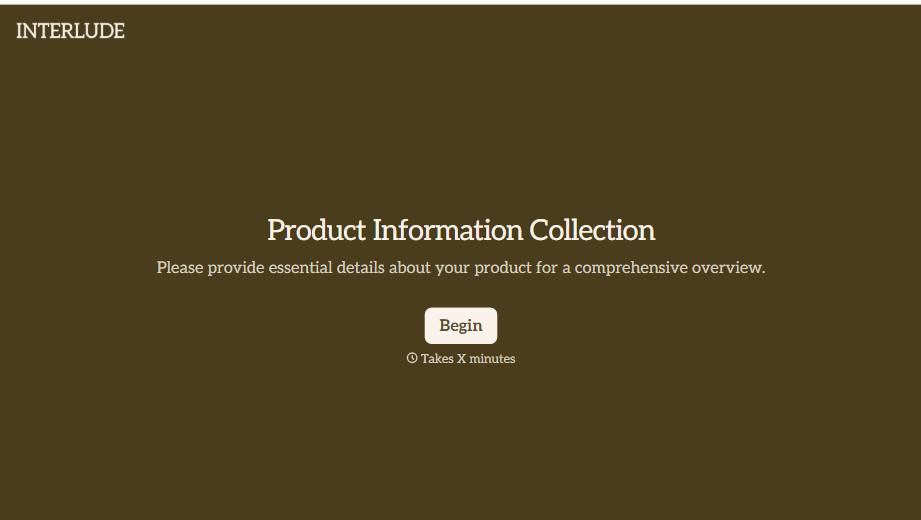

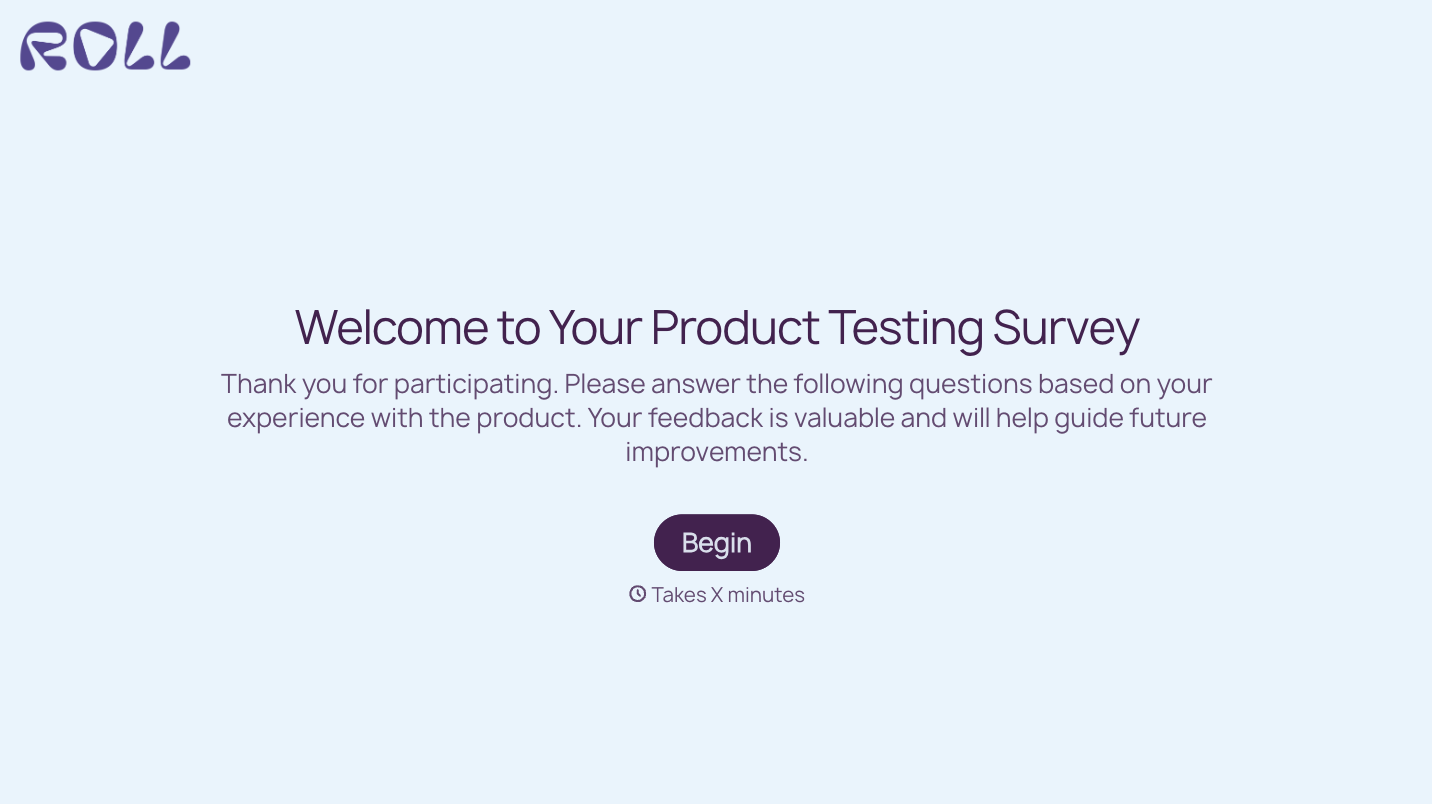

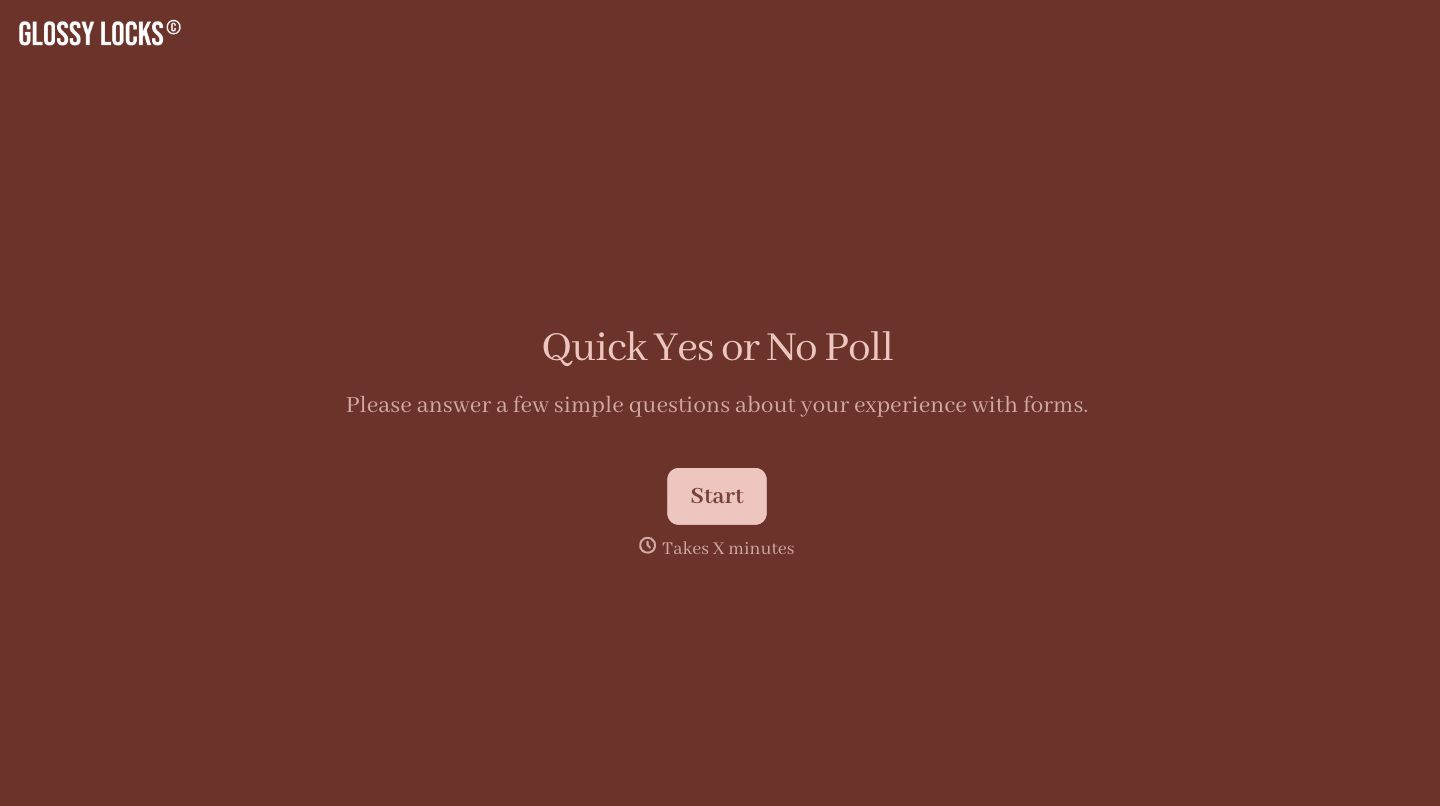

With Typeform, you can customize everything
Change text, colors, and even logos to match the look and feel of your brand. Then embed forms smoothly onto web and email.
Make forms feel effortless to fill out. Pace questions, call people by their name, and adapt the flow based on the data they share.
Stay efficient by connecting forms to your workflow. Typeform integrates with 300+ tools including Slack, Zapier, and HubSpot.


