Electrical Panel Inspection Checklist Form
Record every panel inspection with the findings, photos, and sign-off that hold up months later. Collect breaker condition, grounding, labeling, and defects in one checklist.



An electrical panel stays closed and covered, most of its life. Your inspection is one of the few times anyone looks inside, which makes whatever you write down the entire record of that panel's condition. Note "OK" with no detail and the record documents nothing that you could point to later—not the double-tapped breaker you decided was acceptable, not the corrosion you judged minor, not the state of the grounding. Typeform's electrical panel inspection checklist form captures each finding with a photo attached, so the record shows what you actually saw.
Inspectors work through the panel item by item: breakers, wiring, grounding, labeling, and the enclosure itself. Flag a defect and the form asks how severe it is, what it needs, and for a photo of it, while an item that passes moves straight on.
Each inspection comes back as a dated record with photos, findings, and your sign-off in one place. When a buyer's attorney asks what the panel looked like, or a landlord asks why you flagged a breaker, the answer is already on file.
An electrical panel inspection checklist form is an online form for recording the condition of a service panel on site. It collects the state of the breakers, wiring, grounding, and labeling, any defects found, photos of each one, and the inspector's sign-off. Electricians and home inspectors use electrical panel inspection checklist forms to leave a dated, photographed record of every panel they open.
Without one, findings go into a notebook or a phone note and someone types them up later—if at all. The detail that mattered, which breaker it was, how bad the corrosion looked, whether anyone actually verified the grounding, thins out between the panel and the report. An electrical panel inspection checklist form captures each item at the panel, with a photo, so the report comes from what you recorded on site rather than what you remember afterward.
Check what the panel inspection depends on:
- Panel rating, type, and location
- Breaker condition and any double-taps
- Wire gauge against breaker size
- Grounding and bonding
- Enclosure condition, labeling, and open slots
Yes. Inspectors can upload photos of the open panel and any defect with File Upload, available on paid Typeform plans. They can add images or PDFs up to 10MB each, so a double-tapped breaker goes on record as an image rather than a line of text. Every photo arrives attached to the finding it belongs to.
Load the form before you head down, because Typeform needs a connection to open a form and to submit one. If you lose signal partway through an inspection, keep the tab open and it will keep trying, then submit once you're back in range. For basements and crawl spaces that means that filling it in on the spot still works, as long as you don't close the tab before you resurface.
Get inspired by relevant templates and categories
3200+ Templates, 300+ Integrations

Point of Sale Agreement Extension Form
Give businesses a straightforward way to request extensions to existing point of sale agreements with a form that collects contract details, extension terms, and authorization information. Keep requests organized so service providers can review agreements, coordinate renewals, and maintain accurate contract records.
View template
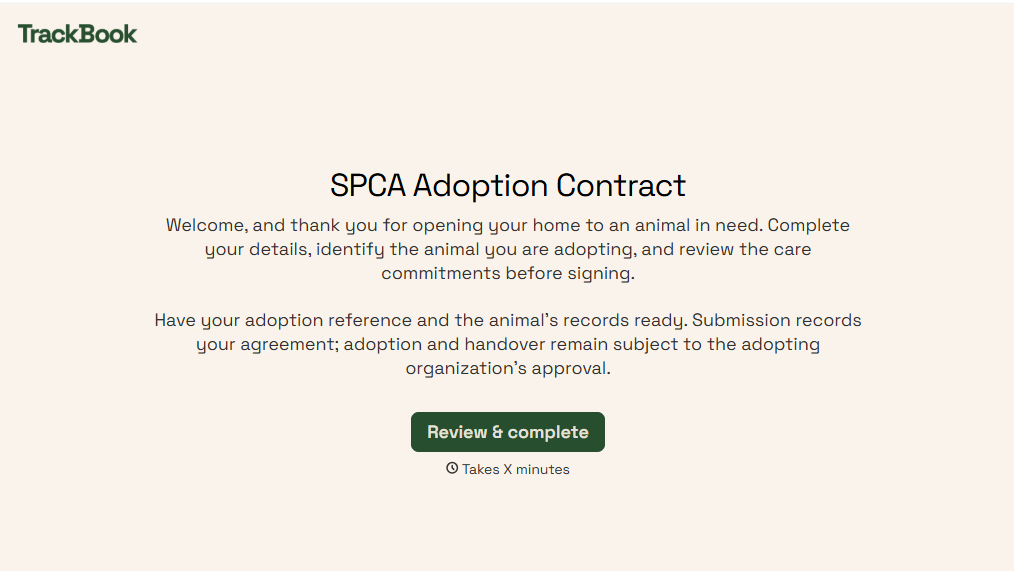
SPCA Adoption Contract Form
Give animal shelters an efficient way to finalize pet adoptions with a form that collects adopter information, pet details, and adoption agreements. Keep records organized so your team can verify requirements, document responsibilities, and help animals transition into their new homes.
View template

Shipment Status Monitoring Form
Give logistics teams and businesses an easy way to monitor shipments with a form that collects tracking numbers, carrier information, and delivery details. Keep shipment records organized so teams can track delivery progress, identify potential delays, and communicate shipping updates to customers and stakeholders.
View template
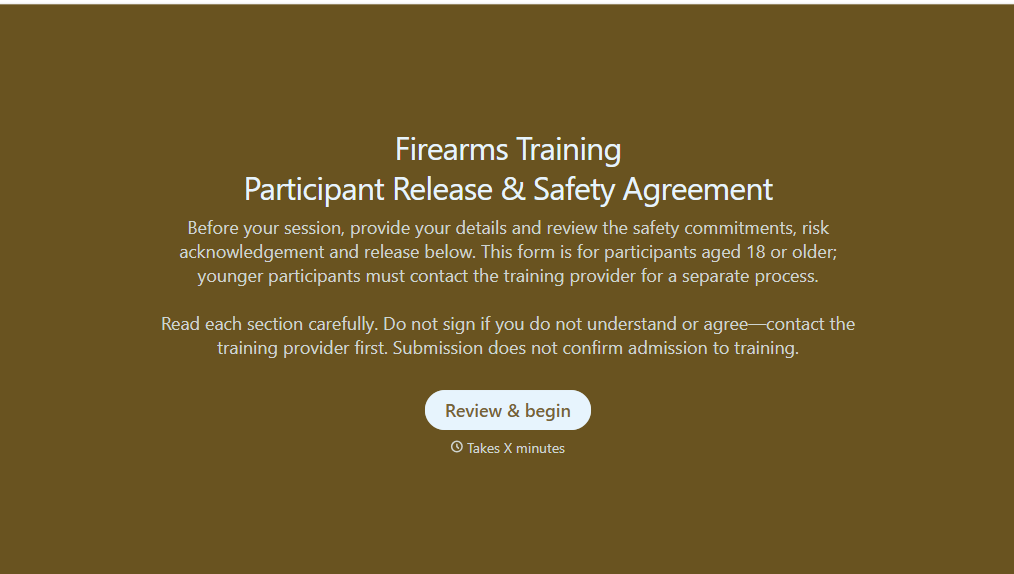
Firearms Training Release Form
Give shooting ranges, firearms instructors, and training organizations a straightforward way to document participant acknowledgments with a form that collects personal information, safety agreements, and liability release details. Keep records organized so training providers can verify required documentation, communicate safety expectations, and prepare participants for supervised firearms training activities.
View template

With Typeform, you can customize everything
Change text, colors, and even logos to match the look and feel of your brand. Then embed forms smoothly onto web and email.
Make forms feel effortless to fill out. Pace questions, call people by their name, and adapt the flow based on the data they share.
Stay efficient by connecting forms to your workflow. Typeform integrates with 300+ tools including Slack, Zapier, and HubSpot.


