Equality Monitoring Form
Equality monitoring shouldn't be a box nobody fills in on the last page of an application. Collect what your reporting actually needs, protected characteristics, kept separate from the decision, before the response rate becomes the problem.



Monitoring questions usually get tacked onto the end of a job application or a long staff survey, right when someone's ready to be done. People skip it, leave it blank, or never see it at all if they abandon the form early. By the time HR or compliance pulls a report, the response rate is too low to say anything meaningful about who's actually applying or who's actually being reached.
Typeform's equality monitoring form asks for what your reporting needs, characteristics like age range, disability, ethnicity, gender, sexual orientation, and religion or belief, with a "prefer not to say" option on every question, and uses conditional logic to keep it short. Someone who selects "prefer not to say" skips straight past any follow-up detail instead of getting asked to explain a non-answer.
Every response lands in one place, separate from the application or employee record it relates to, so it can be reported on in aggregate without being tied back to an individual. Connect the form to your reporting tools through Zapier, and completed responses can feed a dashboard automatically. Run it as its own short form instead of the last section of something longer, and you start seeing a response rate worth reporting on instead of a mostly-blank column in a spreadsheet.
An equality monitoring form is an online form organizations use to collect data on protected characteristics, like age, disability, ethnicity, gender, sexual orientation, and religion or belief, to understand who applies, works, or engages with them. Many organizations run these to support equality legislation, such as the UK's Equality Act 2010, or their own diversity reporting.
A section at the end of a long application is the first thing people skip. A short, standalone form gets a better response rate because it isn't competing with someone's patience for the rest of the process, and it's easier to keep visibly separate from the application it relates to.
Ask only what your reporting actually needs, and give people a way out of every question:
- Questions on the specific characteristics relevant to your reporting requirements
- A "prefer not to say" option on every question, not just some
- A plain-language explanation of how the data will be used
- A statement that responses are kept separate from any hiring or employment decision
- A note on whether responses are anonymous or confidential, and who can access them
It shouldn't, and keeping that true is the point of running monitoring data separately from application or personnel records in the first place. The people making hiring or management decisions typically shouldn't see individual responses at all, only aggregated reporting.
That depends on how your organization handles it; some run monitoring forms fully anonymously, others collect responses tied to an applicant or employee ID but restrict who can see them. Either way, individual responses should stay confidential and only ever get reported in aggregate.
Get inspired by relevant templates and categories
3200+ Templates, 300+ Integrations
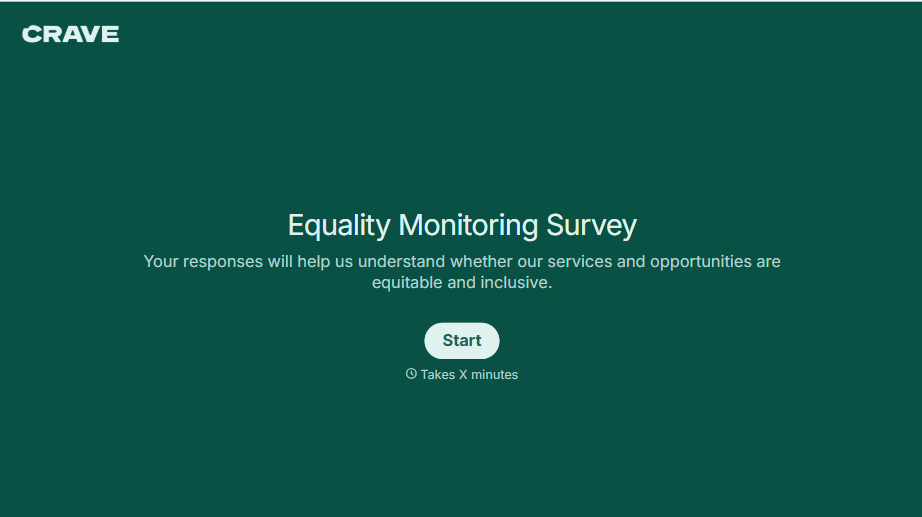
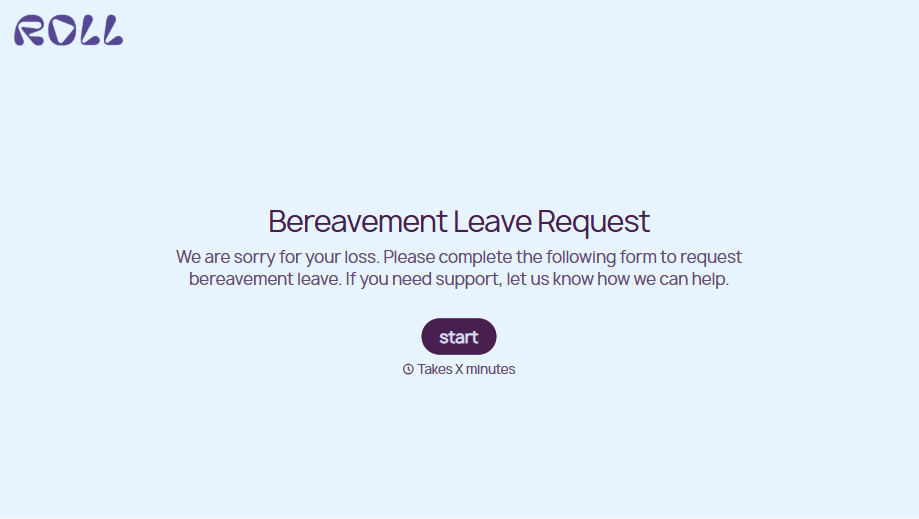
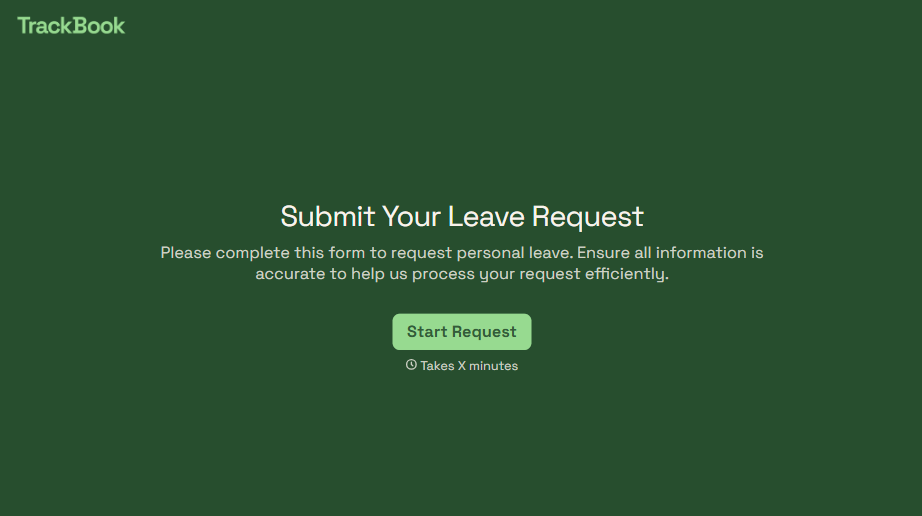
With Typeform, you can customize everything
Change text, colors, and even logos to match the look and feel of your brand. Then embed forms smoothly onto web and email.
Make forms feel effortless to fill out. Pace questions, call people by their name, and adapt the flow based on the data they share.
Stay efficient by connecting forms to your workflow. Typeform integrates with 300+ tools including Slack, Zapier, and HubSpot.


