Ergonomic Office Furniture Order Form
Give employees and businesses a straightforward way to order ergonomic office furniture with a form that collects product selections, workspace requirements, and delivery preferences. Keep orders organized so office managers and furniture suppliers can coordinate purchases, manage inventory, and create comfortable, functional workspaces.



An employee needs an adjustable office chair to improve comfort during long workdays, while a department manager wants to purchase standing desks for a newly renovated workspace. Even though they both need furniture that supports their daily activities, their product preferences and workspace requirements will differ. An ergonomic office furniture order form helps businesses collect furniture requests and coordinate purchases.
Customers or employees provide contact information, select furniture products, and specify their preferred features and quantities. You can include fields for desk dimensions, chair adjustments, material preferences, and delivery locations. Questions about workspace layouts, assembly requirements, and budget limits help suppliers and office managers recommend suitable furniture options and prepare accurate orders.
Your team receives organized furniture orders without relying on scattered emails or manual purchase requests. Office administrators review submissions, confirm product availability, and coordinate deliveries or installations. Businesses and furniture suppliers get a structured way to manage orders, track purchasing needs, and provide ergonomic furniture that supports employee comfort and productivity.
An ergonomic office furniture order form collects information from individuals or businesses purchasing furniture designed to support comfortable and functional workspaces. It typically includes customer contact details, product selections, quantities, preferred features, delivery information, and budget requirements. Office managers and furniture suppliers use it to organize purchases, coordinate fulfillment, and help customers select furniture that meets their workspace needs.
Managing furniture orders through individual emails or informal requests can make it difficult to track product preferences, quantities, and delivery requirements. A structured order form collects consistent information about furniture selections, workspace dimensions, and purchasing needs. It helps office managers and suppliers confirm order details, coordinate inventory, and schedule deliveries while reducing administrative work and purchasing errors.
Include questions that help businesses collect furniture orders and understand workspace requirements, like:
- What is your full name?
- What is your preferred contact email?
- What is your phone number?
- What is your company or organization name?
- Which department are you ordering furniture for?
- What is your delivery address?
- What type of ergonomic office furniture would you like to order?
- How many items do you need?
- Are you interested in adjustable desks, ergonomic chairs, or additional accessories?
- What furniture dimensions are suitable for your workspace?
- Do you have any preferred colors, materials, or finishes?
- Are there any specific adjustable features you need?
- What is your estimated budget?
- Are you replacing existing furniture or furnishing a new workspace?
- Do you have any workspace accessibility requirements?
- Would you like professional assembly or installation services?
- What is your preferred delivery date?
- Are there any special delivery instructions?
- Do you need approval from a manager or purchasing department?
- Have you reviewed the product pricing, delivery fees, and return policies?
You can customize the questions to match your available furniture products, purchasing procedures, and delivery services.
Use dropdown menus for furniture categories, product models, and preferred finishes. Include multiple-choice questions for adjustable features, delivery options, and assembly services. Conditional logic can display additional questions when customers select standing desks, ergonomic chairs, or specialized accessories. Allow customers to specify dimensions and quantities, and provide clear descriptions of product features. Explain pricing, delivery timelines, installation fees, and return policies so customers know what to expect before submitting an order.
Yes. An ergonomic office furniture order form helps businesses collect furniture requests for multiple employees, departments, or office locations. Purchasing teams can review submissions, compare product requirements, and consolidate orders when appropriate. The collected information also supports inventory planning, budget tracking, and coordination with furniture suppliers. Office managers can use a structured ordering process to organize large purchases, schedule deliveries, and prepare workspaces for new furniture installations.
Get inspired by relevant templates and categories
3200+ Templates, 300+ Integrations

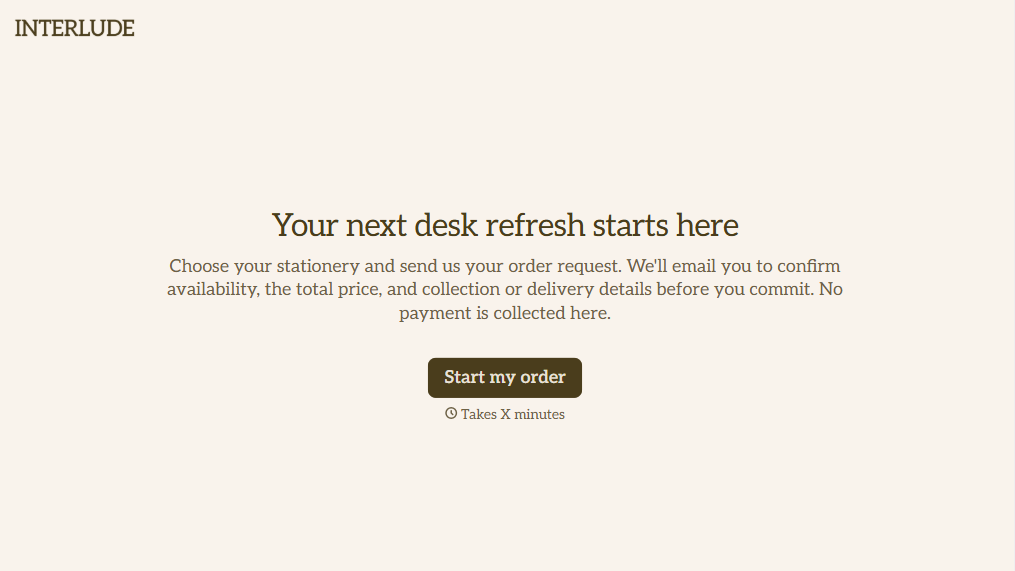
Online Order Form Without Payment Form
Give customers an easy way to place orders without paying upfront with a form that collects product selections, quantities, and delivery preferences. Keep order details organized so your team can review requests, confirm availability, and arrange payment separately.
View template
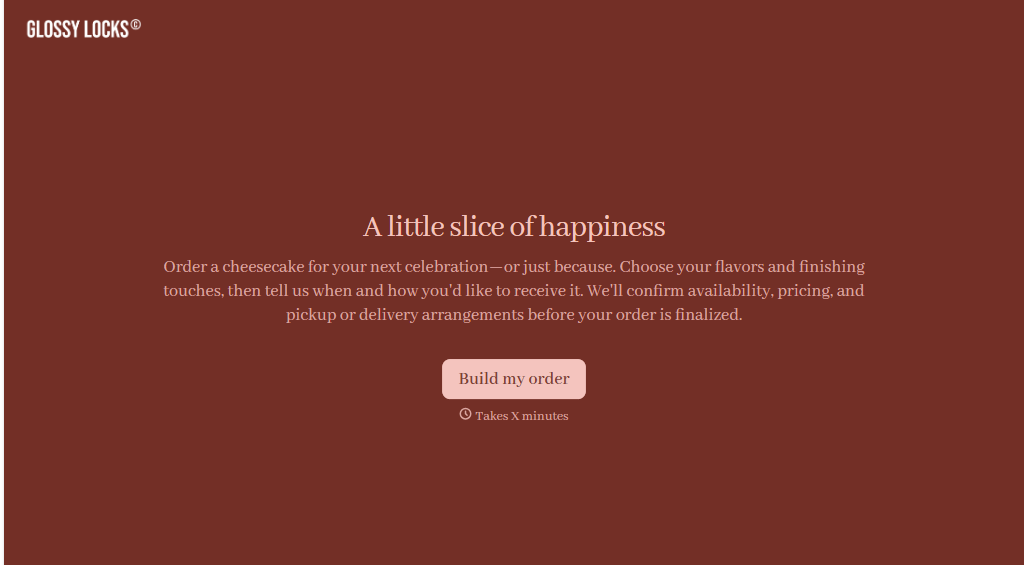
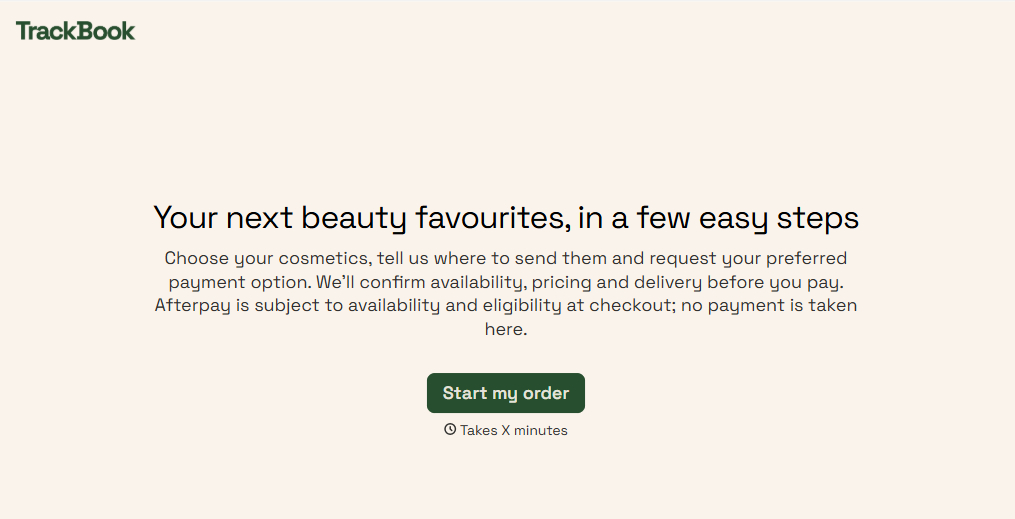
Afterpay Cosmetics Order Form
Give customers a convenient way to order cosmetics with a form that collects product selections, shade preferences, and delivery details. Keep orders organized so beauty retailers can manage purchases, prepare shipments, and offer flexible payment options through Afterpay.
View template

Ergonomic Office Furniture Order Form
Give employees and businesses a straightforward way to order ergonomic office furniture with a form that collects product selections, workspace requirements, and delivery preferences. Keep orders organized so office managers and furniture suppliers can coordinate purchases, manage inventory, and create comfortable, functional workspaces.
View template
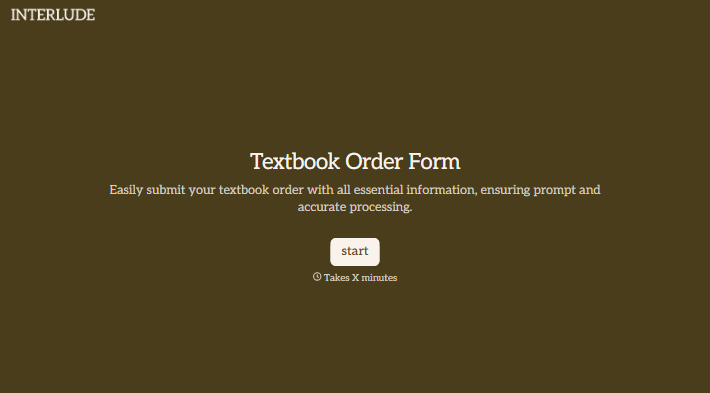
With Typeform, you can customize everything
Change text, colors, and even logos to match the look and feel of your brand. Then embed forms smoothly onto web and email.
Make forms feel effortless to fill out. Pace questions, call people by their name, and adapt the flow based on the data they share.
Stay efficient by connecting forms to your workflow. Typeform integrates with 300+ tools including Slack, Zapier, and HubSpot.


