Place Your Order Here Form
Give customers a simple way to place orders with a form that collects product selections, quantities, and delivery preferences. Keep purchase details organized so your team can process requests and fulfill orders accurately.



A customer wants to order several products for home delivery, and another customer needs a single item for pickup later in the week. Both are ready to make a purchase, but their orders require different fulfillment details. A place your order here form helps businesses collect the information needed to process each request.
Customers select products, specify quantities, and provide contact information. You can include options for product variations, customization requests, and preferred delivery or pickup dates. Fields for special instructions give customers space to explain requirements that aren't covered by standard selections.
Your team receives organized order information without relying on scattered emails or messages. Staff reviews requests, confirms availability, and coordinates fulfillment. Customers get a straightforward ordering experience with clear expectations about payment and delivery.
A place your order here form collects information from customers who want to purchase products or services. It typically includes product selections, quantities, customer contact details, and fulfillment preferences. Businesses use it to organize incoming orders, confirm purchase details, and coordinate delivery or pickup.
Taking orders through phone calls, emails, or direct messages can lead to missing details and fulfillment mistakes. A structured form collects the same essential information from every customer. It helps businesses track purchases, manage inventory, and process orders more efficiently while giving customers a convenient way to submit requests.
Collect the information that’s needed to process and fulfill customer orders, like:
- Customer name and contact information
- Product or service selection
- Quantity of each item
- Product variations, such as size or color
- Customization preferences
- Delivery or pickup selection
- Shipping or delivery address
- Preferred fulfillment date
- Order subtotal and applicable fees
- Payment method or payment instructions
- Special requests or additional notes
- Order confirmation preferences
You can adjust the fields to match your products, pricing, and fulfillment process.
Use multiple-choice questions or dropdown menus for product selections and numerical fields for quantities. Include product descriptions, images, and prices to help customers make decisions. Conditional logic can display delivery address fields only when customers select shipping. Show the order total and explain payment requirements before submission.
Yes. A place your order here form can support payments when connected to a compatible payment processor. Customers can select products, review their order totals, and complete transactions through a secure payment integration. Clearly display prices, taxes, shipping fees, and refund policies before checkout. Avoid collecting credit card details directly through standard form fields.
Get inspired by relevant templates and categories
3200+ Templates, 300+ Integrations

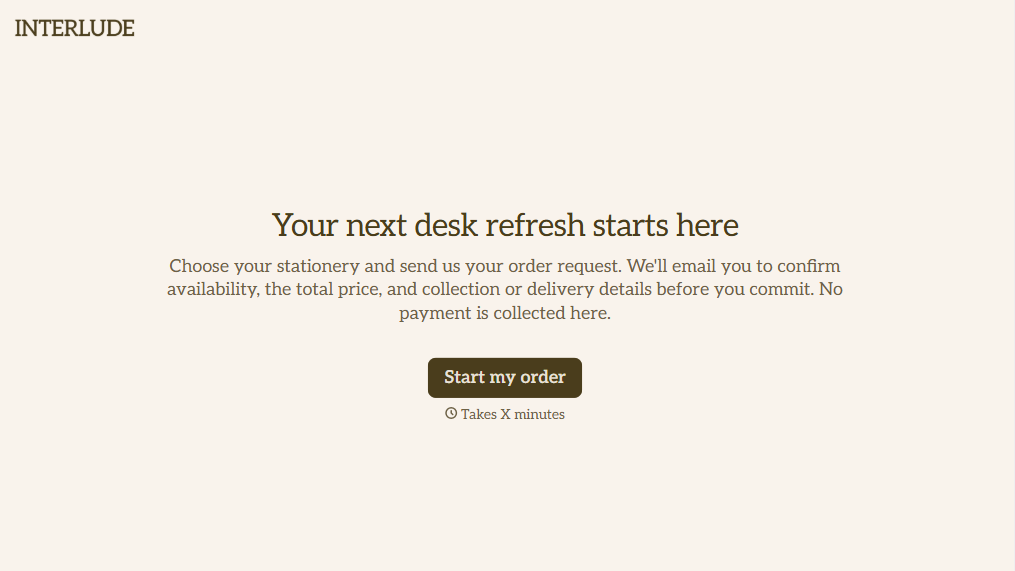
Online Order Form Without Payment Form
Give customers an easy way to place orders without paying upfront with a form that collects product selections, quantities, and delivery preferences. Keep order details organized so your team can review requests, confirm availability, and arrange payment separately.
View template
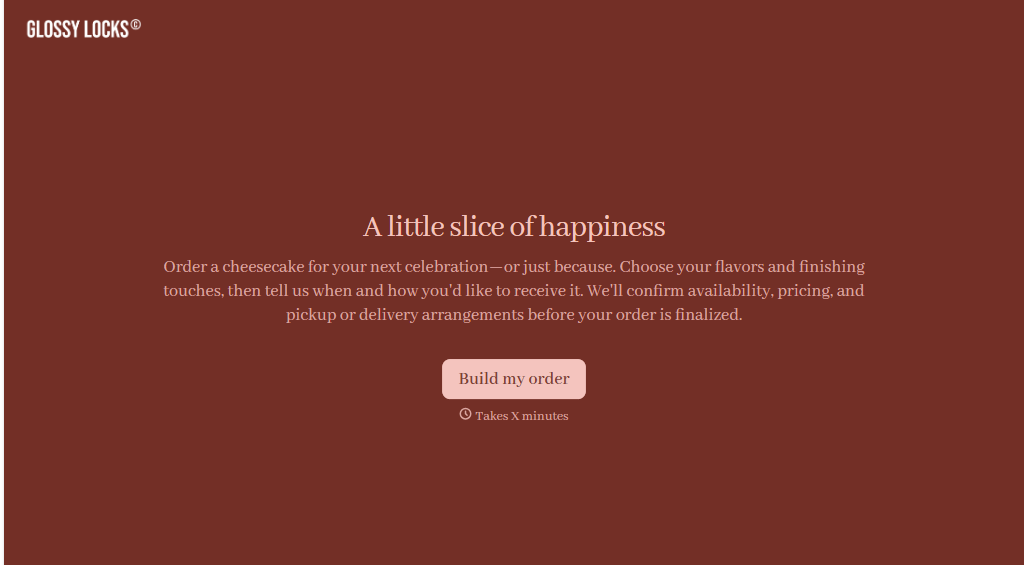
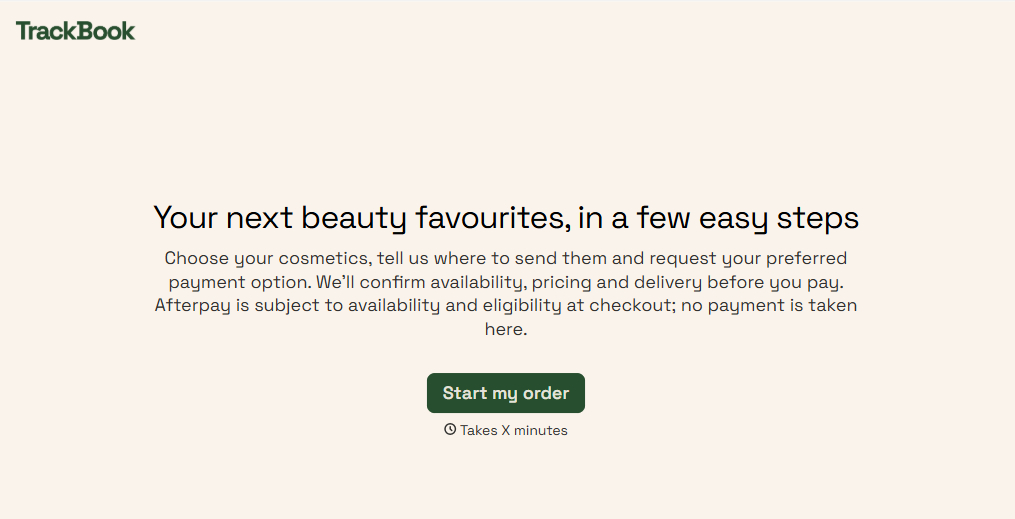
Afterpay Cosmetics Order Form
Give customers a convenient way to order cosmetics with a form that collects product selections, shade preferences, and delivery details. Keep orders organized so beauty retailers can manage purchases, prepare shipments, and offer flexible payment options through Afterpay.
View template

Ergonomic Office Furniture Order Form
Give employees and businesses a straightforward way to order ergonomic office furniture with a form that collects product selections, workspace requirements, and delivery preferences. Keep orders organized so office managers and furniture suppliers can coordinate purchases, manage inventory, and create comfortable, functional workspaces.
View template
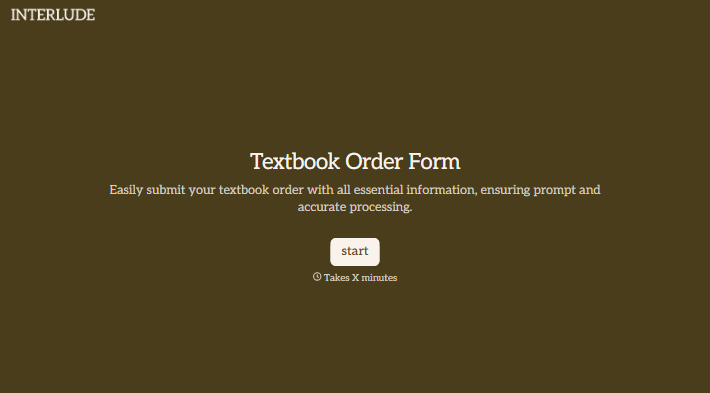
With Typeform, you can customize everything
Change text, colors, and even logos to match the look and feel of your brand. Then embed forms smoothly onto web and email.
Make forms feel effortless to fill out. Pace questions, call people by their name, and adapt the flow based on the data they share.
Stay efficient by connecting forms to your workflow. Typeform integrates with 300+ tools including Slack, Zapier, and HubSpot.


