Facial Consultation Form Template
Understand each client's skin and goals before they arrive, so the treatment is right from the start.



A facial consultation is about more than picking a treatment off a menu. Clients have different skin types, sensitivities, current routines, and outcomes they're hoping for. If you're finding out all of that at the start of the appointment, you're losing time that could be spent on actual treatment, and you risk missing something important about a client's skin history.
A Typeform facial consultation form lets clients share their skin concerns, allergies, current products, and expectations before they come in. Conditional logic can show different follow-up questions based on skin type or specific concerns, so oily skin clients and those with sensitivity issues get questions tailored to their situation. You arrive at the appointment already knowing what the client needs.
Customize the form with your salon or spa's branding, add or remove questions based on your treatment menu, and send it in the appointment confirmation email so clients complete it at their convenience.
A facial consultation form gathers information about a client's skin type, concerns, sensitivities, current skincare routine, and desired outcomes before a facial treatment. It helps estheticians personalize the treatment and avoid products or techniques that could cause a reaction.
Knowing a client's skin history before the appointment means you can prepare the right products and tailor the treatment from the start. It also creates a record you can reference for returning clients to track changes in their skin over time.
Cover the skin health and lifestyle factors that affect treatment:
- Skin type (dry, oily, combination, sensitive, normal)
- Primary skin concerns (acne, hyperpigmentation, fine lines, dryness, etc.)
- Known allergies or sensitivities to ingredients
- Current skincare products and routine
- Recent treatments, procedures, or medications affecting the skin
- Sun exposure and lifestyle habits
- Desired outcomes from the treatment
- Consent to photographs if applicable
Include a dedicated question for ingredient or product allergies and make it required. Conditional logic can prompt a follow-up asking them to list specific allergens if they select "yes." Flag those responses before the appointment so you can verify your product lineup is safe for that client.
Yes. You can create a shorter returning client version that only asks about changes since their last visit, recent treatments, and any new concerns. Using conditional logic, a single form can ask whether someone is a new or returning client and adjust the question set accordingly.
Get inspired by relevant templates and categories
3200+ Templates, 300+ Integrations



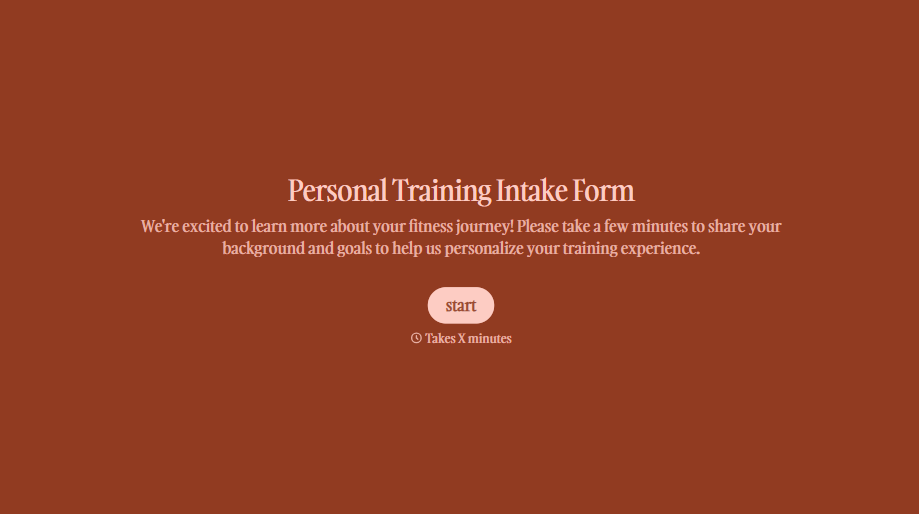
Personal Trainer Intake Form
A PAR-Q filled out in the lobby five minutes before a first session isn't intake, it's a formality nobody has time to read closely. Collect health history, injury information, and fitness goals before the first session, so your trainer isn't building a program blind.
View template
With Typeform, you can customize everything
Change text, colors, and even logos to match the look and feel of your brand. Then embed forms smoothly onto web and email.
Make forms feel effortless to fill out. Pace questions, call people by their name, and adapt the flow based on the data they share.
Stay efficient by connecting forms to your workflow. Typeform integrates with 300+ tools including Slack, Zapier, and HubSpot.


