Feedback Form Template
Find out what people actually think, with a form designed to get honest answers, not polite ones.



You know you need feedback. The problem is that most feedback forms either ask vague questions that produce useless responses or feel so corporate that respondents click through on autopilot. "Rate your experience from 1-5" tells you something went wrong but nothing about what or why.
This feedback form template structures questions to surface specific, actionable insights. Conditional logic creates follow-up paths. A low satisfaction score triggers questions about what disappointed them, while a high score asks what you should keep doing. The one-question-at-a-time format encourages thoughtful responses instead of speed-clicking.
Customize it for any context: product feedback, event feedback, service feedback, employee feedback. Connect it to your analytics or project management tools so insights flow directly into your improvement workflow.
A feedback form is a structured tool for collecting opinions, ratings, and suggestions from customers, employees, event attendees, or any stakeholder group. The goal is to gather actionable insights that inform decisions, improvements, and strategy.
Specificity. Asking "How was everything?" gets you nothing useful. Asking "What's 1 thing we could improve about the checkout process?" gets you a roadmap. Effective feedback forms use a mix of rating scales for benchmarking and open-ended questions for depth. Conditional logic helps by only asking detailed follow-ups on the topics that matter most to each respondent.
- Overall satisfaction rating (numerical scale)
- What went well or exceeded expectations
- What could be improved
- Likelihood to recommend (NPS-style question)
- Specific questions about key touchpoints relevant to your context
- Open-ended field for additional thoughts
Keep it short. Five to 7 questions is the sweet spot. Send it at the right moment, ideally right after the experience while it's fresh. Explain why the feedback matters and what you'll do with it. And make it mobile-friendly, because most people will respond on their phone.
It depends on your goal. Anonymous forms tend to get more honest, critical feedback because people aren't worried about repercussions. Named feedback lets you follow up and close the loop. Consider offering the option: collect a name but make it optional, so respondents choose their comfort level.
Get inspired by relevant templates and categories
3200+ Templates, 300+ Integrations
Travel Feedback Form
A quick "so, how was the trip?" when someone's back in the office doesn't tell your travel team which hotel to stop booking or which flight change actually caused the headache. Collect what your team actually needs, trip details, what worked, and what didn't, once the traveler's had a minute to think about it.
View template
Library Feedback Form
A comment card dropped in a suggestion box isn't a channel your staff can act on quickly, especially when nobody can tell if it's about a broken chair or a request for more audiobooks. Collect the specific feedback, which branch and department it concerns, and a way to follow up before the card gets buried under next week's stack.
View template
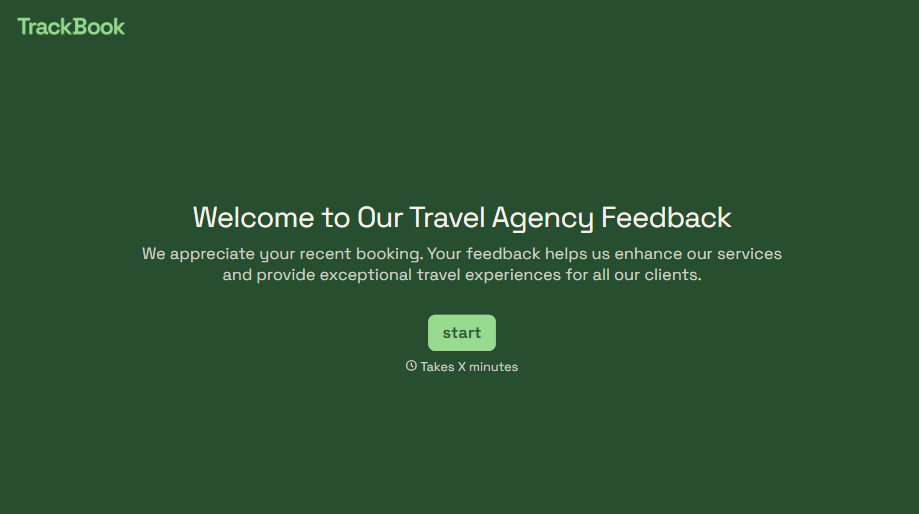
Travel Agency Feedback Form
A generic satisfaction survey emailed three weeks after a trip isn't the kind of feedback an agency can act on, especially once the specifics of a rough hotel transfer have faded. Collect feedback on the specific parts of a trip while it's still fresh, so a complaint that needs immediate follow-up doesn't sit behind a stack of routine responses.
View template
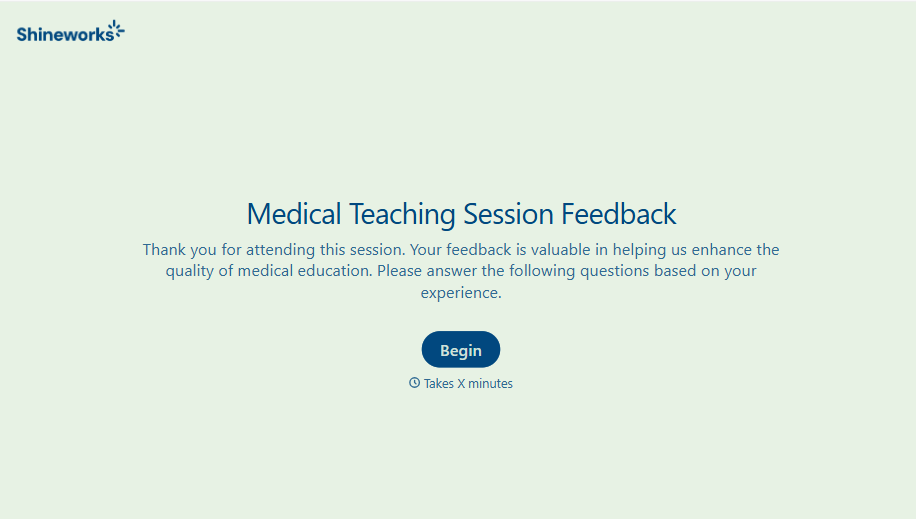
Medical Teaching Feedback Form
An evaluation handed out on the last day of a rotation, filled out in the hallway before everyone scatters, isn't the kind of feedback that helps a program improve teaching quality. Collect specific, timely feedback on teaching encounters before it fades into a generic "good rotation" comment.
View template
With Typeform, you can customize everything
Change text, colors, and even logos to match the look and feel of your brand. Then embed forms smoothly onto web and email.
Make forms feel effortless to fill out. Pace questions, call people by their name, and adapt the flow based on the data they share.
Stay efficient by connecting forms to your workflow. Typeform integrates with 300+ tools including Slack, Zapier, and HubSpot.


