Financial Application Form
Collect every applicant's financial details in one place, so your team assesses every application with the full picture.



Lenders and credit officers that collect applications by email often receive submissions missing the details that determine eligibility. Every missing field means a follow-up before the assessment can begin. Typeform's financial application form gives financial teams an organized way to collect complete applicant information from the first submission.
The form captures applicant details, employment status, income, existing liabilities, assets, and the purpose and amount of the application. Typeform's one-question-at-a-time format walks applicants through each section without the anxiety of a multi-page form. Conditional logic opens or closes sections based on the applicant's financial profile. A self-employed applicant sees different income verification fields than a salaried applicant, keeping questions relevant to each financial situation.
Customize the form with your product types, eligibility criteria, income thresholds, and any disclosure fields your process requires. Share it as a direct link, embed it on your application portal, or include it in your client onboarding workflow. Hook it up to your CRM or Google Sheets via Zapier and applications arrive organized from the first submission. Your team assesses every application with complete financial information already in hand, no chasing required.
A financial application form collects what a lender or advisor needs to assess an applicant's eligibility for a financial product. It gathers employment status, income, liabilities, assets, credit history, and the purpose and amount of the application in one submission. It functions as the official intake record for every financial application your team processes.
Incomplete financial applications stall assessments. A missing income figure, undisclosed liability, or unsigned declaration stops the assessment before it can begin. A structured form ensures every submission arrives with the detail your team needs to assess eligibility on the first review. Use it for personal loan applications, credit assessments, mortgage pre-qualifications, grant applications, and investment account openings.
A complete financial application form covers:
- Applicant name, date of birth, and contact details
- Employment status and employer details
- Income sources and gross annual income
- Existing liabilities (e.g., loans, credit cards, mortgages)
- Assets (e.g., property, savings, investments)
- Credit history declaration
- Purpose and amount of the application
- Identification and consent declaration
Set up conditional logic to branch by employment status, so applicants see income fields relevant to their situation. A self-employed applicant sees fields for business income, trading history, and tax return reference. A salaried applicant sees fields for employer details, gross salary, and payslip reference instead. Both paths give your team the right financial detail without requiring a separate form for each employment type.
Typeform's File Upload feature lets applicants attach payslips, bank statements, tax returns, or identification documents directly in the application. Accepted file types include PDF, JPG, and PNG, with a 10MB limit per file. Documents arrive alongside each submission's financial details, so your team reviews the application and supporting evidence in one place. File Upload is available on paid Typeform plans.
Get inspired by relevant templates and categories
3200+ Templates, 300+ Integrations




With Typeform, you can customize everything
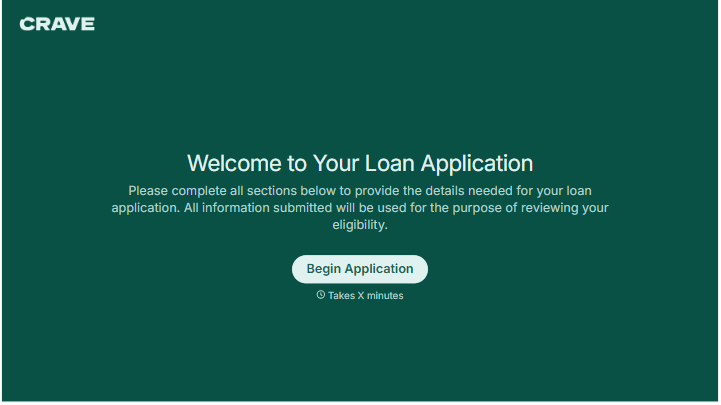
Change text, colors, and even logos to match the look and feel of your brand. Then embed forms smoothly onto web and email.
Make forms feel effortless to fill out. Pace questions, call people by their name, and adapt the flow based on the data they share.
Stay efficient by connecting forms to your workflow. Typeform integrates with 300+ tools including Slack, Zapier, and HubSpot.


