First Class Pre-K School Application Form Template
Make your Pre-K application process welcoming from the first click. Collect family information clearly without the paperwork pile.



Applying to a preschool program is one of the first experiences a family has with your school. A confusing or intimidating application process sends the wrong signal before a child has ever set foot in the classroom.
Typeform's pre-K application form guides families through the process one question at a time, which feels far less overwhelming than a multi-page PDF. Conditional logic lets you collect additional details only when they're relevant — medical needs, sibling enrollment, language spoken at home — without making every family wade through the same lengthy form.
You can brand the form to match your school, add a welcoming introductory message, and receive applications directly in your inbox or connected spreadsheet, organized and ready to review.
A Pre-K school application form collects the information a school needs to assess and enroll applicants to their preschool program. It typically covers the child's basic information, family contact details, developmental history, and any special requirements.
Paper applications require printing, mailing, scanning, and manual data entry. A digital form eliminates all of those steps, is easier for families to complete at their own pace, and gives your admissions team an organized record from the start.
The essentials for a Pre-K application include:
- Child's full name, date of birth, and gender
- Parent or guardian names and contact information
- Home address
- Any medical conditions, allergies, or special needs
- Primary language spoken at home
- Prior childcare or preschool experience
- How the family heard about the program
Responses appear in your Typeform results dashboard and can be exported to a spreadsheet or connected to an admissions management tool. You can set up notifications for new submissions so your team is alerted immediately, and use filters to sort applications by grade level, program, or submission date.
Yes. You can add a question asking whether the family is applying for immediate enrollment or would like to be added to a waitlist, then use that response to segment your applicant pool automatically.
Get inspired by relevant templates and categories
3200+ Templates, 300+ Integrations
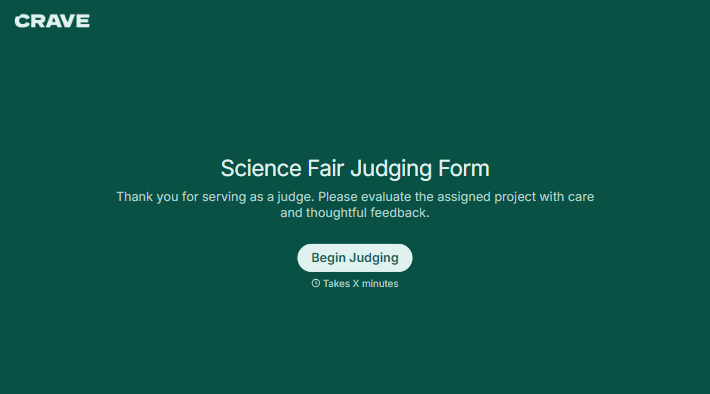
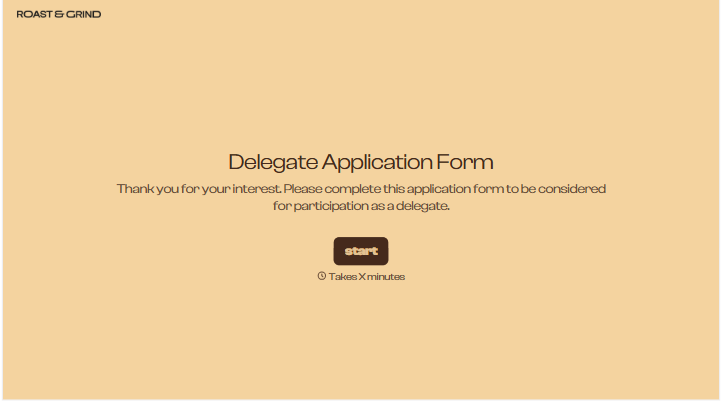
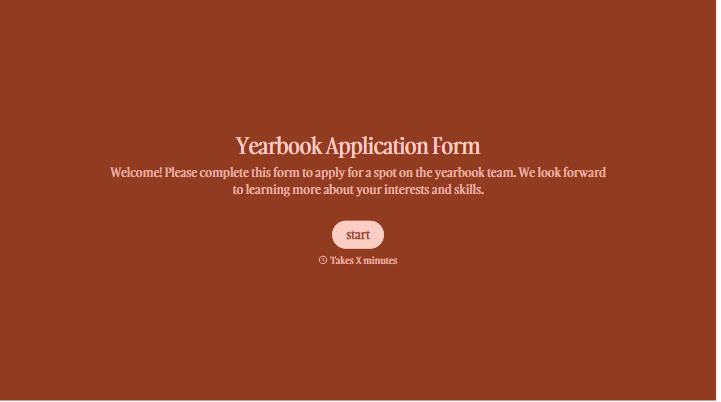
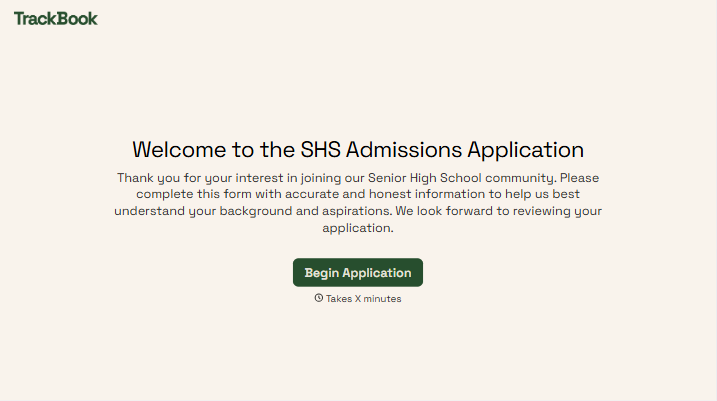
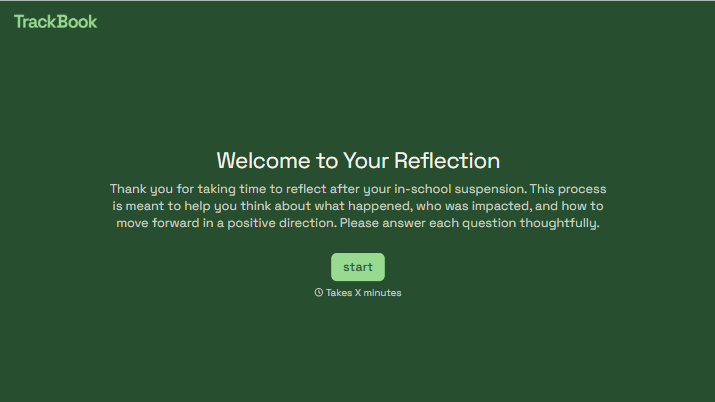
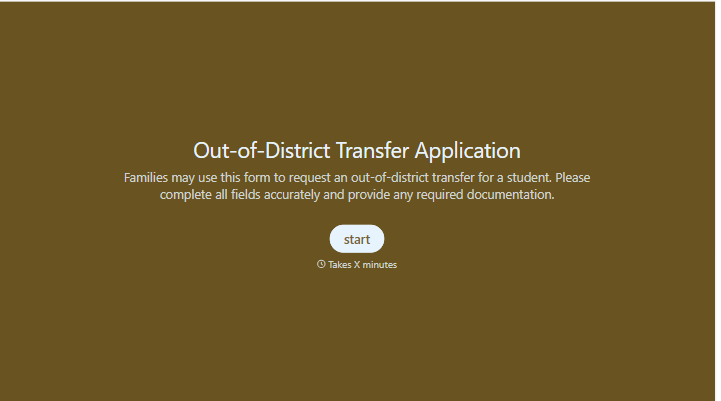
With Typeform, you can customize everything
Change text, colors, and even logos to match the look and feel of your brand. Then embed forms smoothly onto web and email.
Make forms feel effortless to fill out. Pace questions, call people by their name, and adapt the flow based on the data they share.
Stay efficient by connecting forms to your workflow. Typeform integrates with 300+ tools including Slack, Zapier, and HubSpot.


