Flight Booking Form
Take flight requests with every detail you need, from dates and destinations to seat and meal preferences, and none of the email back-and-forth.


Travel agents and corporate bookers lose hours to incomplete flight requests and follow-up emails. A missing passport detail or vague date range delays every booking. Typeform's flight booking template gives travel teams a complete way to capture requests right the first time.
The form captures traveler details, trip dates, destinations, and seat and meal preferences. With Typeform, travelers move through questions one at a time, so no detail gets skipped. Conditional logic adapts the form based on trip type—a round-trip request surfaces return-date questions, while a one-way booking skips them, and international trips prompt passport details.
Customize the fields to match your service, and add a payment field for deposits or fares. Share it by email, embed it on your booking page, or send it as a link. Every request logs to your booking system or Google Sheets via Zapier. Book it right the first time, without chasing missing details by email.
A flight booking form is a request tool for collecting all the details needed to book a traveler's flights. It captures traveler information, trip dates, destinations, and preferences. Think of it as a complete request that's ready to book from.
Incomplete requests mean endless follow-up emails and delayed bookings. A structured form collects every detail upfront, from passport numbers to seat preferences. You book from a complete request instead of chasing gaps. That completeness saves hours and prevents costly booking errors.
Gather everything needed to book without follow-ups:
- Traveler name as it appears on ID
- Trip type (one-way, round-trip, multi-city)
- Departure and return dates
- Origin and destination
- Seat, meal, and cabin preferences
- Passport details for international travel
Conditional logic branches the form based on the trip type a traveler selects. A round-trip request surfaces return-date questions, a multi-city trip adds segment fields, and an international booking prompts passport details. Travelers only answer what's relevant, and you receive a complete, bookable request every time.
You can integrate a payment processor like Stripe or PayPal to collect a deposit or fare at the time of request. Alternatively, use the form for the request only and send a payment link once fares are confirmed. The right approach depends on whether you quote fixed or variable pricing.
Get inspired by relevant templates and categories
3200+ Templates, 300+ Integrations
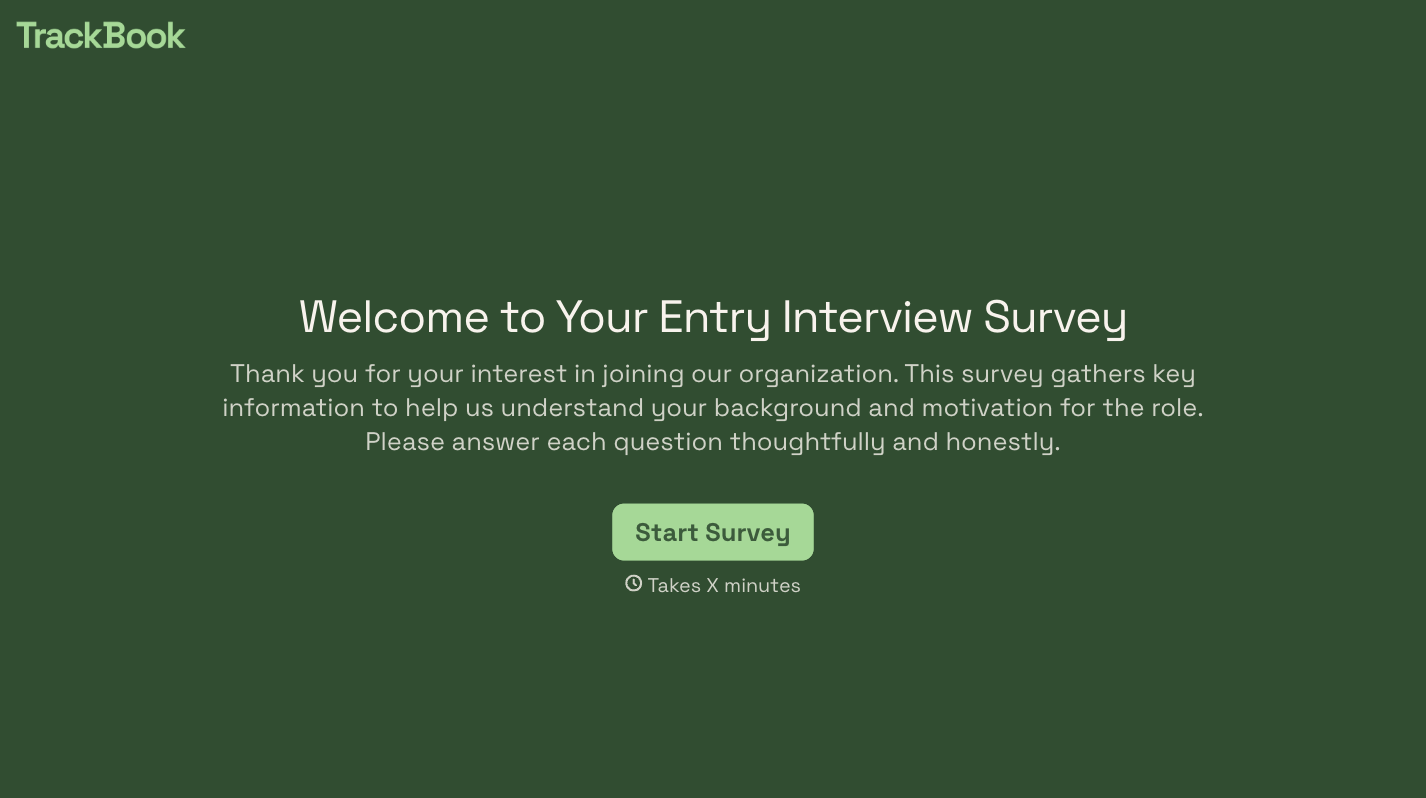
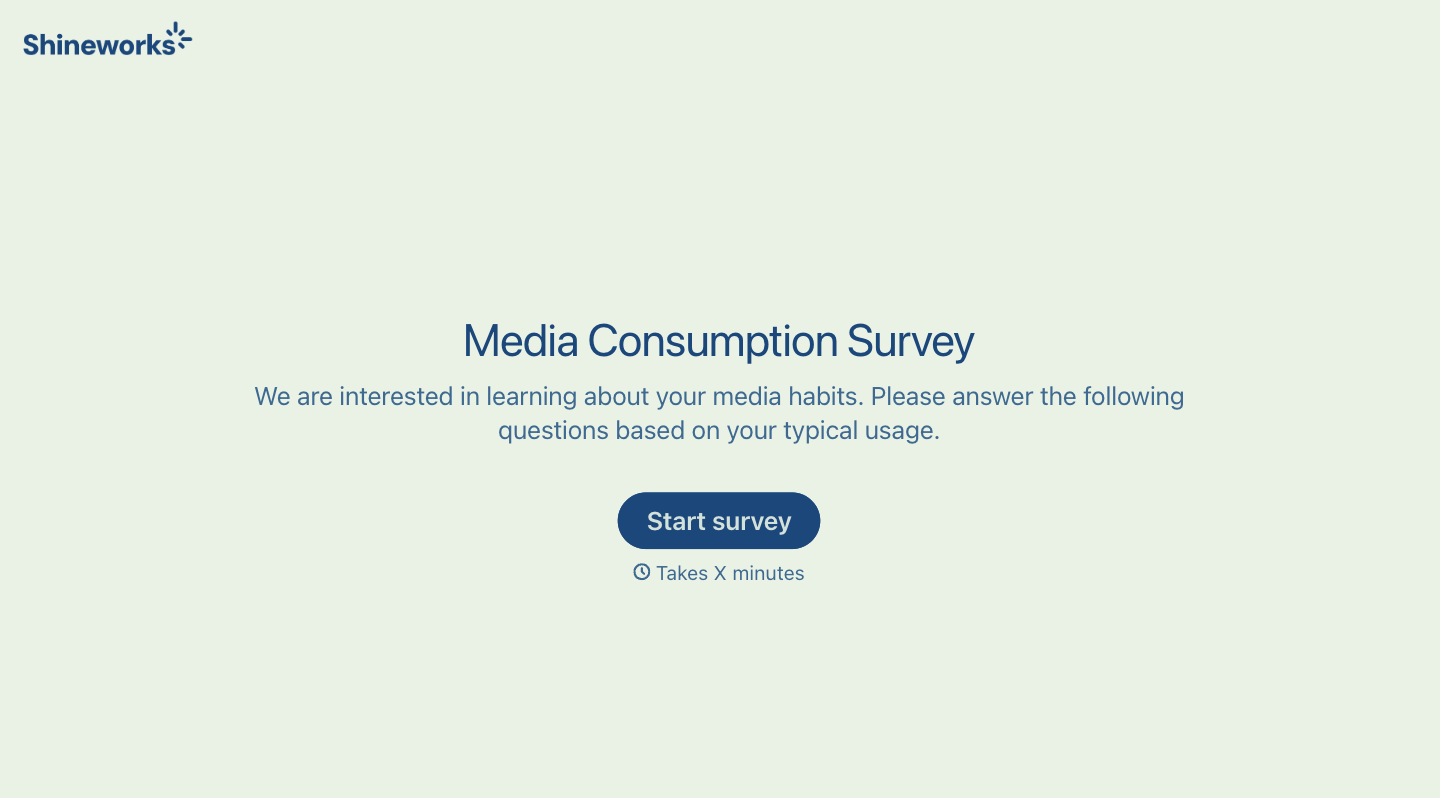
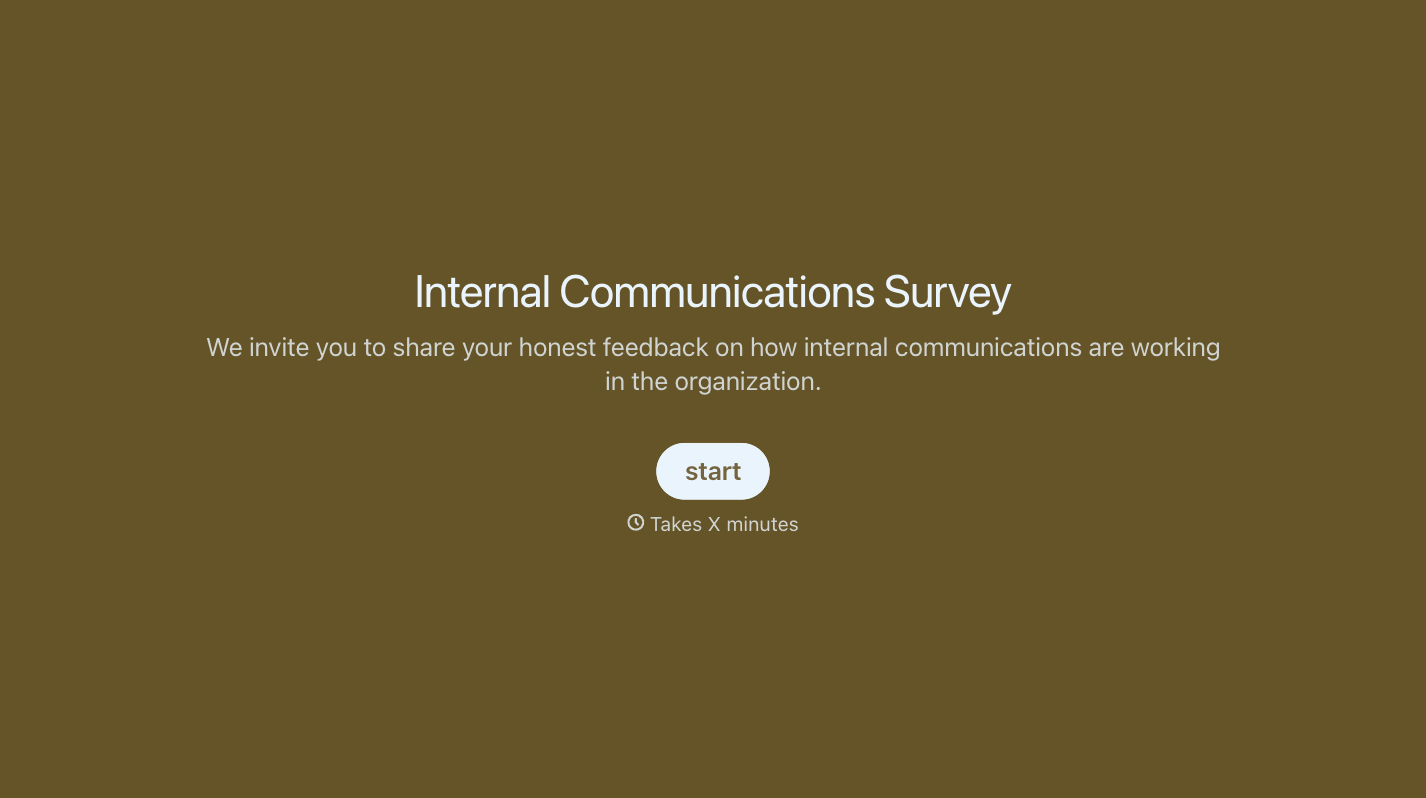
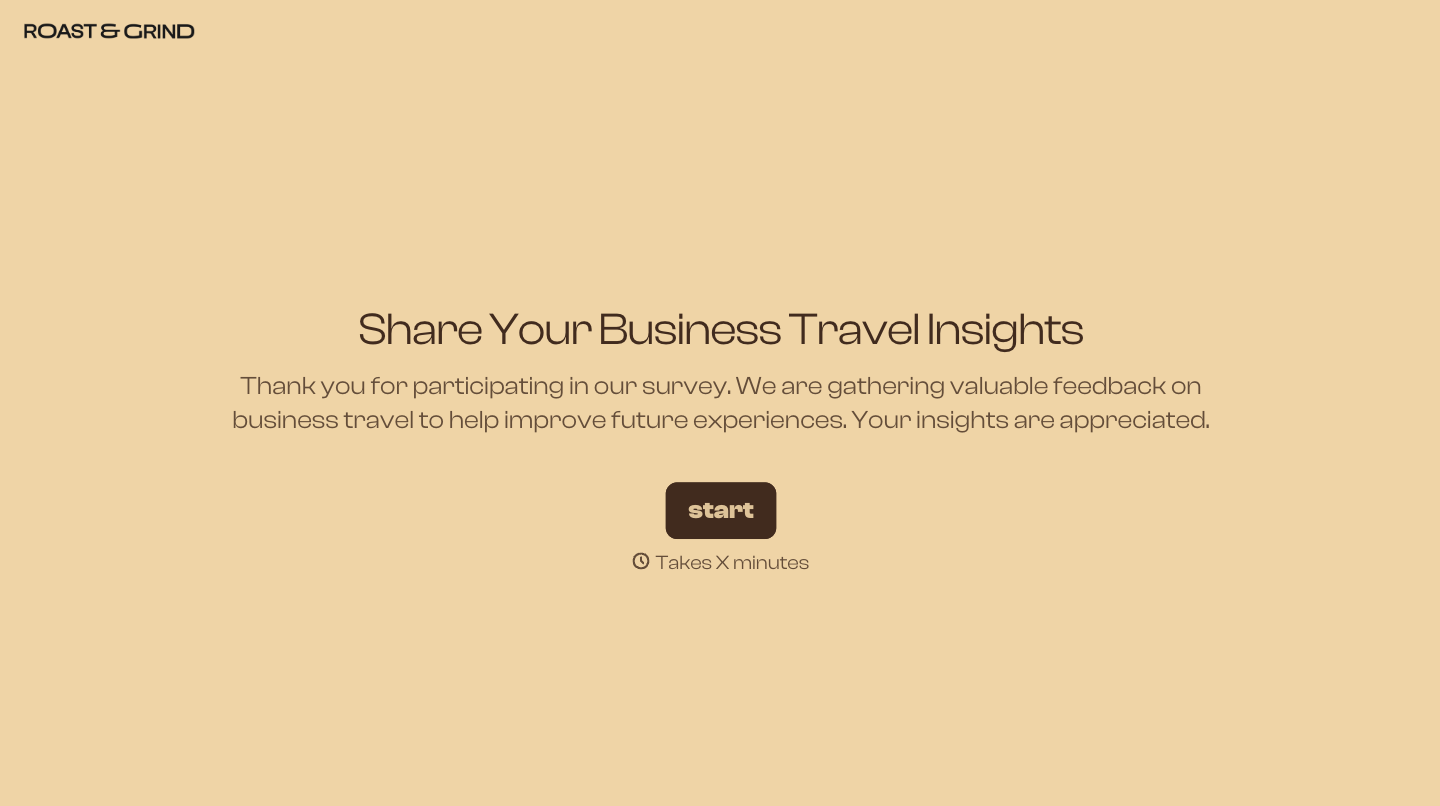


With Typeform, you can customize everything
Change text, colors, and even logos to match the look and feel of your brand. Then embed forms smoothly onto web and email.
Make forms feel effortless to fill out. Pace questions, call people by their name, and adapt the flow based on the data they share.
Stay efficient by connecting forms to your workflow. Typeform integrates with 300+ tools including Slack, Zapier, and HubSpot.


