Flower Order Form Template
Let customers order arrangements as beautifully as you design them.



Flower orders are emotional — someone's celebrating a birthday, mourning a loss, apologizing, or just brightening someone's day. The last thing they want is a confusing order process that makes them second-guess their choices. Phone orders tie up your staff, and generic e-commerce checkouts don't capture the details a florist needs.
This flower order form template gives customers a guided experience: select the occasion, choose an arrangement style, specify flowers or colors, add a gift message, enter delivery details, and pay. All in a flow that feels personal, not transactional. Conditional logic adjusts options based on the occasion — sympathy arrangements show appropriate styles, while celebrations unlock bright, festive options.
Embed it on your website, share it on social media, or send it to corporate clients for recurring orders. Every submission arrives with the details your team needs to create and deliver arrangements without a single follow-up call.
A flower order form is a digital ordering tool that allows customers to select and purchase floral arrangements for delivery or pickup. It captures arrangement preferences, occasion type, personalized messages, delivery details, and payment information — giving the florist everything needed to craft and deliver the perfect order.
Floral orders have nuances that standard e-commerce platforms miss. A customer might want specific flowers excluded (allergy reasons), need a hand-written card message, or require delivery at an exact time for a surprise. A custom form with conditional logic captures these details naturally within the ordering flow, reducing phone follow-ups and ensuring the arrangement matches the customer's vision.
- Occasion type (birthday, anniversary, sympathy, get well, thank you, corporate)
- Arrangement style or size preference
- Color palette or specific flower preferences
- Personalized card message
- Delivery address, date, and preferred time window
- Recipient's name and phone number (for delivery coordination)
Add a delivery urgency field with options like "standard (2-3 days)," "next day," and "same day." Use conditional logic to show same-day options only during eligible ordering hours. If it's past 2 PM, the option disappears. You can also apply rush fees automatically when same-day is selected. This manages expectations and protects your team from impossible turnarounds.
Yes. Add a "corporate account" option that captures company details, billing information, and standing order preferences. Corporate clients who send arrangements monthly (office reception flowers, client gifts) can indicate their recurring schedule and preferences. You can then set up automated reminders or pre-filled reorder links, making you the effortless choice for their ongoing floral needs.
Get inspired by relevant templates and categories
3200+ Templates, 300+ Integrations

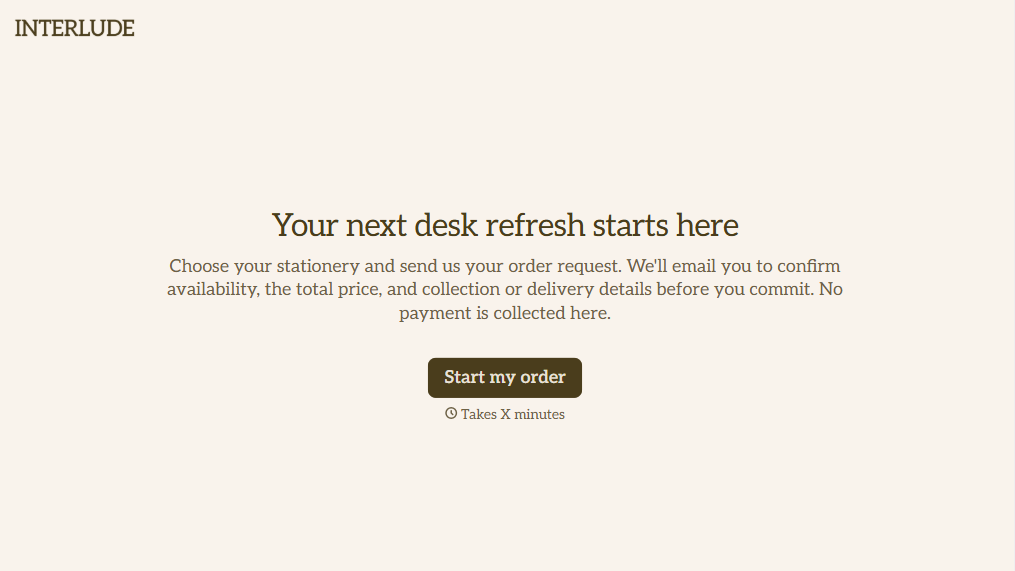
Online Order Form Without Payment Form
Give customers an easy way to place orders without paying upfront with a form that collects product selections, quantities, and delivery preferences. Keep order details organized so your team can review requests, confirm availability, and arrange payment separately.
View template
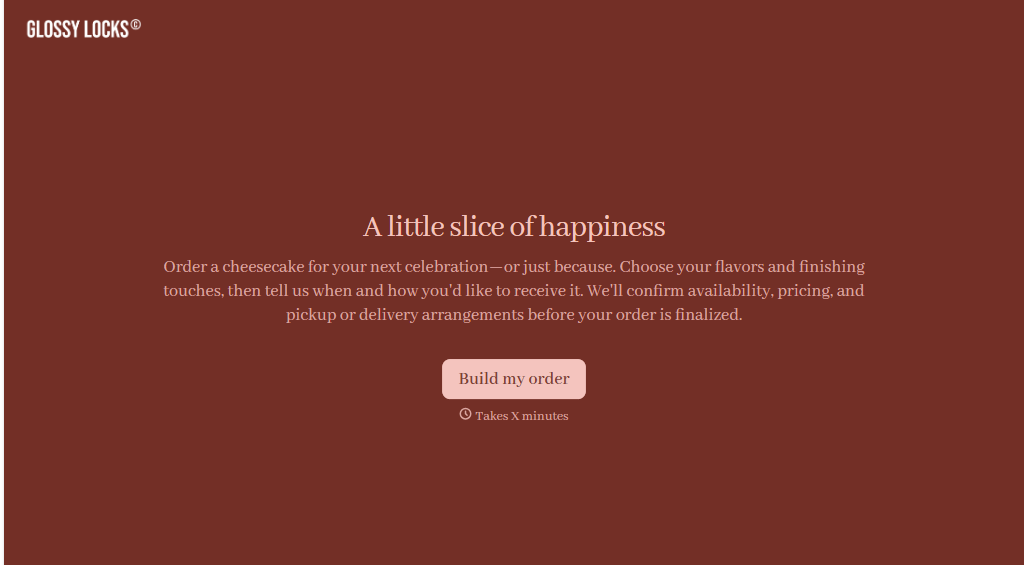
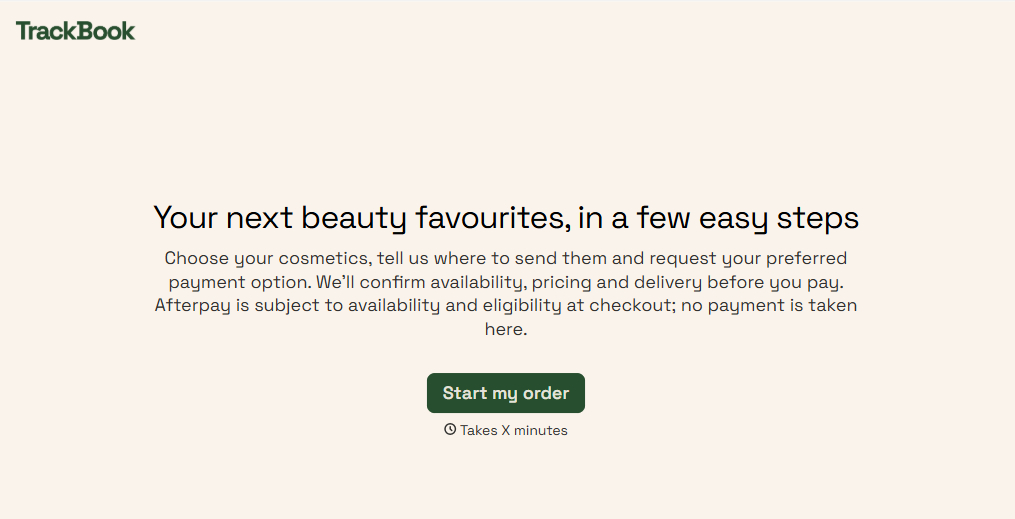
Afterpay Cosmetics Order Form
Give customers a convenient way to order cosmetics with a form that collects product selections, shade preferences, and delivery details. Keep orders organized so beauty retailers can manage purchases, prepare shipments, and offer flexible payment options through Afterpay.
View template

Ergonomic Office Furniture Order Form
Give employees and businesses a straightforward way to order ergonomic office furniture with a form that collects product selections, workspace requirements, and delivery preferences. Keep orders organized so office managers and furniture suppliers can coordinate purchases, manage inventory, and create comfortable, functional workspaces.
View template
With Typeform, you can customize everything
Change text, colors, and even logos to match the look and feel of your brand. Then embed forms smoothly onto web and email.
Make forms feel effortless to fill out. Pace questions, call people by their name, and adapt the flow based on the data they share.
Stay efficient by connecting forms to your workflow. Typeform integrates with 300+ tools including Slack, Zapier, and HubSpot.


