Funeral Grant Application Form
Collect complete funeral grant applications, so your team reviews requests faster and support reaches families when it matters most.



Families applying for funeral grant assistance are often dealing with grief and urgent financial pressure at the same time. A paper application that requires multiple follow-ups doesn't just slow down the process, it adds burden at the hardest time. Typeform's funeral grant application form template gives organizations a straightforward way to collect complete applications from the start.
The form captures applicant details, the deceased's information, funeral cost estimates, household income, and existing benefits in one place. Typeform walks applicants through one question at a time, giving each person a clear, manageable path through the process. Conditional logic adapts questions based on the applicant's financial situation and eligibility. Someone already receiving government benefits sees different follow-up questions than one applying without prior support.
Customize the form with your organization name, eligibility criteria, and any required documentation or means-testing fields. Share it via your website, distribute it through social services referrals, or send a direct link by email. Every submission logs automatically in Google Sheets or Airtable via Zapier, giving your team a clear view of every application. Families spend less time on paperwork and more time focusing on what matters.
A funeral grant application form collects what an organization needs to assess and process a request for funeral financial assistance. It gathers the applicant's details, the deceased's information, funeral cost estimates, household income, and existing benefit entitlements in one submission. It functions as the official intake point for every grant request your organization receives.
Families applying for funeral assistance are navigating grief and financial pressure at the same time. A clear, structured application reduces the burden on applicants by making the process as simple as possible. It also ensures your team receives complete, consistent information with every request, so decisions are made quickly and fairly. Use it for bereavement grants, funeral cost assistance programs, social welfare applications, and employer death-in-service support.
A complete funeral grant application form covers:
- Applicant name, date of birth, and contact details
- Relationship to the deceased
- Deceased's name, date of death, and cause of death
- Funeral home details and estimated or confirmed costs
- Household income and financial circumstances
- Existing benefits or entitlements received
- Supporting documentation (e.g., death certificate, funeral invoice)
- Declaration and electronic signature
Typeform's File Upload feature lets applicants attach a death certificate, funeral invoice, or proof of income directly in the application. Accepted file types include JPG, PNG, and PDF, with a 10MB limit per file. Uploaded documents arrive alongside the application, so your team reviews the full submission in one place. File Upload is available on paid Typeform plans.
Connect the form to Google Sheets or Airtable via Zapier so every application logs automatically with your key eligibility fields. Filter by income level, benefit status, or application date to prioritize urgent cases and surface eligible applications quickly. Use Typeform's email notifications to alert your team when a new application arrives. Your team spends time reviewing cases, not managing paperwork.
Get inspired by relevant templates and categories
3200+ Templates, 300+ Integrations




With Typeform, you can customize everything
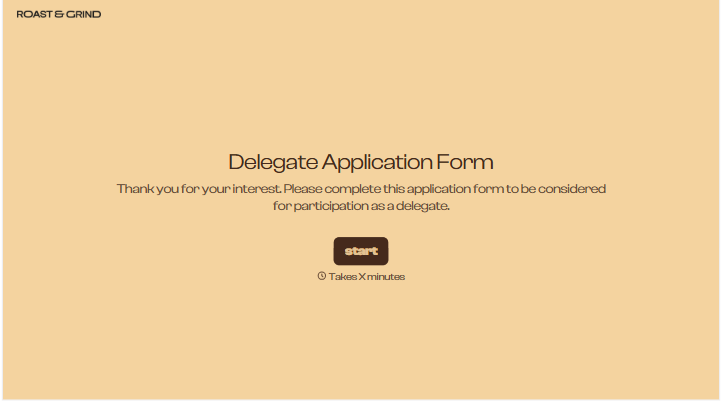
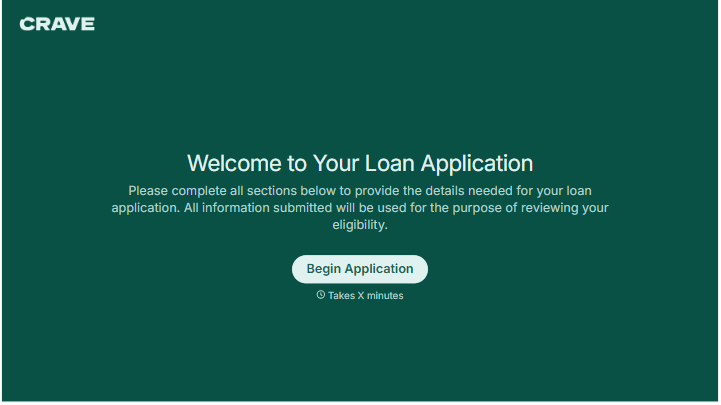
Change text, colors, and even logos to match the look and feel of your brand. Then embed forms smoothly onto web and email.
Make forms feel effortless to fill out. Pace questions, call people by their name, and adapt the flow based on the data they share.
Stay efficient by connecting forms to your workflow. Typeform integrates with 300+ tools including Slack, Zapier, and HubSpot.


