Grocery order form template
Take grocery orders with quantities, substitution rules, and a delivery window, so your shopper isn't calling from the aisle when an item's out. Collect the whole list and payment in one order, ready to fill.



What's on the shelf changes between the moment a customer places an order and the moment someone fills it—an item's out of stock, a size isn't stocked that day, the good produce is gone. If the order doesn't say whether to swap or skip, your shopper stands in the aisle guessing, and the customer unpacks their grocery order holding a brand they'd never buy. Typeform's grocery order form captures each item, its quantity, and what to do when something's missing, so your shopper can fill the whole list on their own.
Customers build their list, set quantities and sizes, and pick a delivery window. A customer who allows substitutions names the swaps they'll accept, while one who declines picks a refund instead, so your shopper knows what to do before they reach the shelf. Connect the grocery order form to Stripe, and customers pay as they order.
Every order comes in as a complete list, with quantities, substitution rules, and a delivery window attached. Your shopper works from one uniform order intake instead of a text thread, and customers get exactly what they ordered, or the swap they approved.
A grocery order form is an online form customers use to place a grocery order for pickup or delivery. It collects the items and quantities, brand and size preferences, substitution rules, delivery window, and payment. Grocers and delivery services use grocery order forms to fill grocery orders accurately, without calling customers mid-shop.
Without a grocery order form, orders arrive as a text or a list read over the phone, and the order says nothing about what to do when an item's out of stock. Your shopper calls the customer from the aisle, or picks a substitute the customer refuses at the door. A grocery order form collects the substitution rules alongside the list, so your shopper chooses what the customer would have chosen.
Capture what the shopper needs:
- Items and quantities
- Preferred brands and sizes
- Substitution preferences
- Pickup or delivery window
- Delivery address and payment
Yes. Connect the grocery order form to Stripe to charge for the order as the customer submits it. Set a price per item and size, so the total builds as they add to their list. Each payment arrives tied to the order, so your shopper sets off with the order already paid for, instead of settling up at the door.
Yes. Ask customers which they want, and conditional logic follows their answer: delivery asks for an address and a time window, pickup asks which store and when they'll collect. Every order lands in one place either way, sorted by delivery or pickup, so you plan routes and pickup slots from the same list.
Get inspired by relevant templates and categories
3200+ Templates, 300+ Integrations

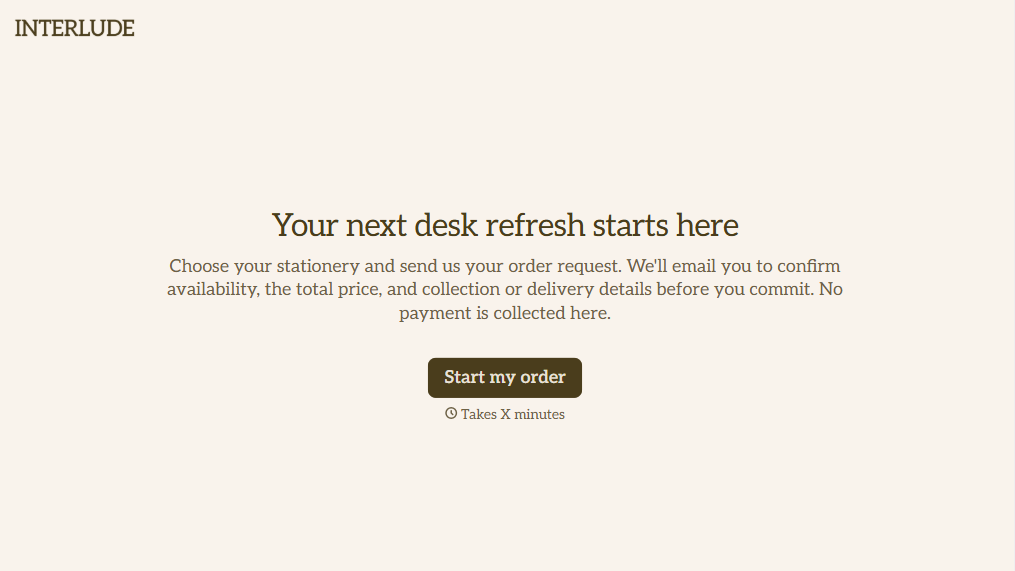
Online Order Form Without Payment Form
Give customers an easy way to place orders without paying upfront with a form that collects product selections, quantities, and delivery preferences. Keep order details organized so your team can review requests, confirm availability, and arrange payment separately.
View template
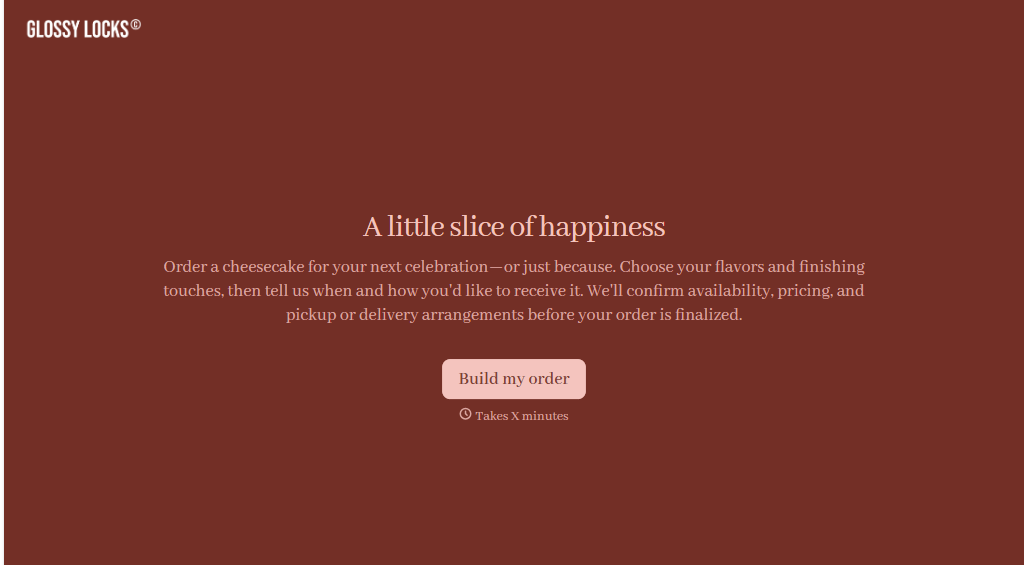
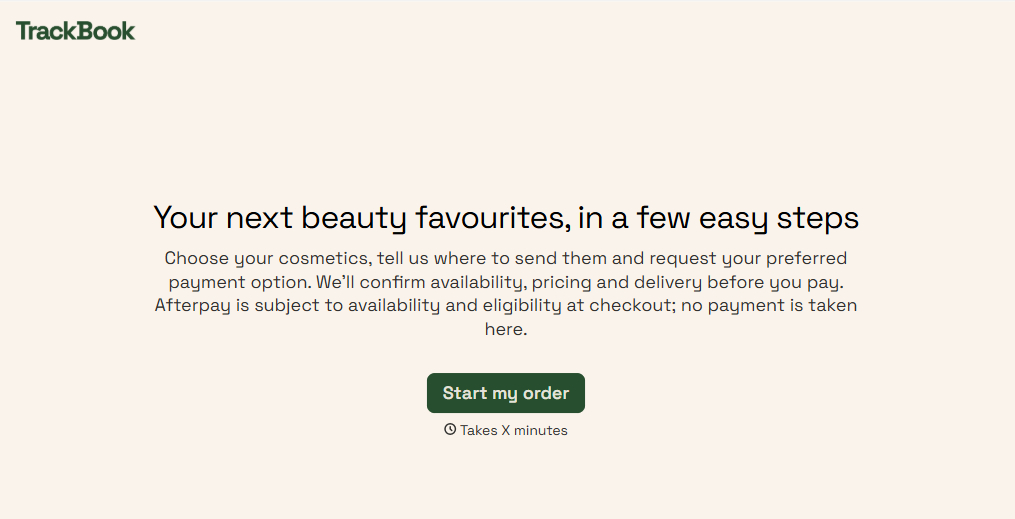
Afterpay Cosmetics Order Form
Give customers a convenient way to order cosmetics with a form that collects product selections, shade preferences, and delivery details. Keep orders organized so beauty retailers can manage purchases, prepare shipments, and offer flexible payment options through Afterpay.
View template

Ergonomic Office Furniture Order Form
Give employees and businesses a straightforward way to order ergonomic office furniture with a form that collects product selections, workspace requirements, and delivery preferences. Keep orders organized so office managers and furniture suppliers can coordinate purchases, manage inventory, and create comfortable, functional workspaces.
View template
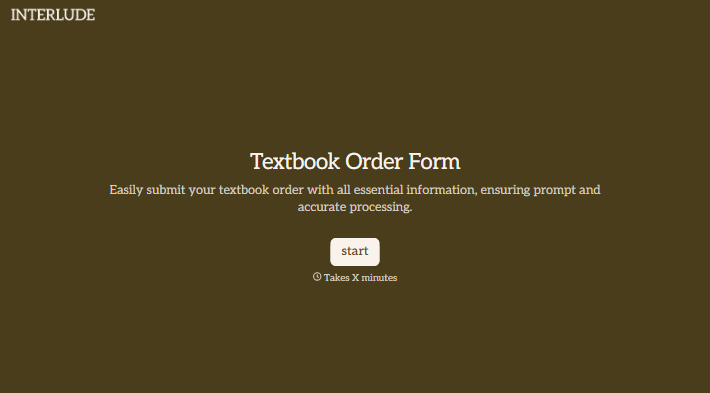
With Typeform, you can customize everything
Change text, colors, and even logos to match the look and feel of your brand. Then embed forms smoothly onto web and email.
Make forms feel effortless to fill out. Pace questions, call people by their name, and adapt the flow based on the data they share.
Stay efficient by connecting forms to your workflow. Typeform integrates with 300+ tools including Slack, Zapier, and HubSpot.


