Health Assessment Form Template
Screen health risks early with an assessment form that's thorough without feeling invasive.



Health assessments serve many purposes. Employee wellness programs, patient intake, insurance underwriting, fitness evaluations. But regardless of the context, the challenge is the same: collecting detailed health information without making people feel like they're being interrogated. A poorly designed health form either misses critical details or overwhelms respondents into abandoning it.
This health assessment form template strikes the right balance. It walks respondents through general health questions, medical history, lifestyle factors, and current symptoms in a private, one-question-at-a-time format that feels more like a conversation than a clinical exam. Conditional logic ensures follow-up questions are relevant. Someone with no history of heart disease doesn't see cardiology-specific questions. Sensitive topics are approached respectfully, with clear explanations of why the information is needed.
Customize it for your use case. Wellness screening, pre-employment health check, patient intake, or risk assessment. Connect it to your health management platform through integrations, and ensure all data handling complies with applicable privacy regulations.
A health assessment form is a structured questionnaire that collects information about an individual's physical and mental health status. It may cover medical history, current medications, lifestyle habits (exercise, diet, smoking, alcohol), family health history, and present symptoms or concerns. It's used by healthcare providers, employers, insurers, and wellness programs to evaluate health risks and inform care or coverage decisions.
Digital forms are more private. Respondents answer on their own device rather than filling out a clipboard in a waiting room where others might see. They're also more complete, because required fields ensure nothing is skipped. Conditional logic keeps the form relevant, so respondents only see questions that apply to their situation. And digital submissions are easier to store securely, search, and integrate with health records systems.
- Name, date of birth, and gender
- Current medications and known allergies
- Medical history (chronic conditions, surgeries, hospitalizations)
- Family medical history (diabetes, heart disease, cancer)
- Lifestyle factors (exercise frequency, smoking status, alcohol consumption)
- Current symptoms or health concerns
Follow applicable privacy regulations — HIPAA in the US, GDPR in the EU, or your local equivalent. Inform respondents at the start of the form about how their data will be used, stored, and who will have access. Limit access to authorized personnel only. Use secure, encrypted form submissions and avoid collecting information you don't actually need for the assessment's purpose. Link to your full privacy policy within the form.
Yes, but tread carefully around employment law. In many jurisdictions, health screenings can only be conducted after a conditional job offer is made, and the results can only be used to determine fitness for the specific role's physical requirements. Ensure your form complies with anti-discrimination laws — it should assess job-related health factors, not screen out candidates based on disability or health status. Consult legal counsel before implementing pre-employment health assessments.
Get inspired by relevant templates and categories
3200+ Templates, 300+ Integrations
With Typeform, you can customize everything
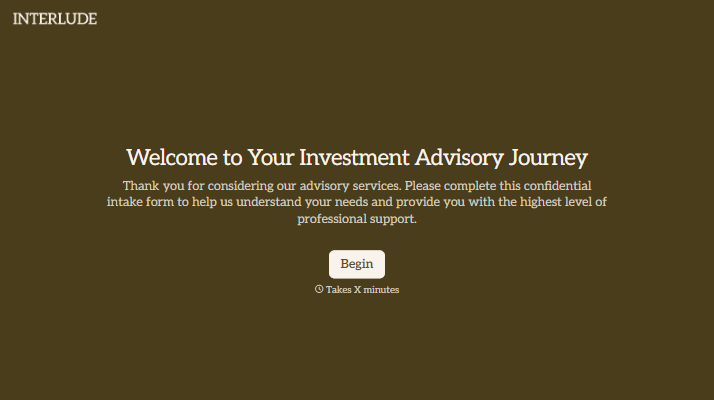
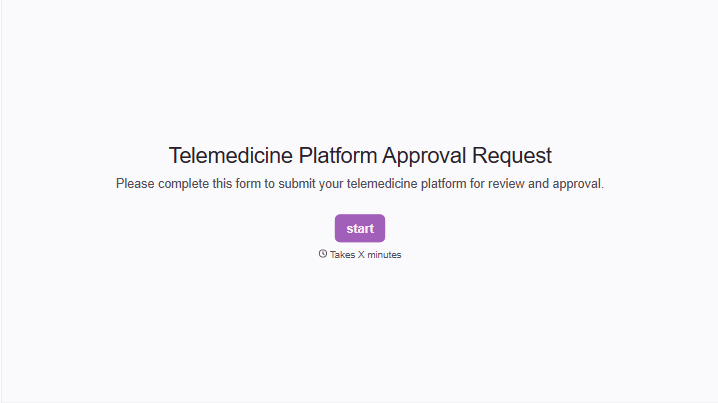
Change text, colors, and even logos to match the look and feel of your brand. Then embed forms smoothly onto web and email.
Make forms feel effortless to fill out. Pace questions, call people by their name, and adapt the flow based on the data they share.
Stay efficient by connecting forms to your workflow. Typeform integrates with 300+ tools including Slack, Zapier, and HubSpot.


