Bus Ticket Booking Form
Move past a booking form that only asks for a name, a date, and a seat count. Screen for the accessibility needs that come with a legal notice window attached, capture who's actually on the bus, and keep a timestamped record of exactly what was booked and confirmed.



A booking form that only collects a name and a seat count misses the one question with an actual deadline attached to it: does this passenger need a wheelchair-accessible vehicle? Under the ADA, a private or charter bus company generally has to provide accessible service, or arrange an equivalent trip through another provider, when a passenger requests it at least 48 hours before departure. Miss that window on your own booking form, and you've either turned away a passenger you were required to accommodate, or you're scrambling to arrange a lift-equipped bus the day before a trip.
The stakes behind that requirement are real for the operator too. Interstate bus companies carrying passengers have to meet minimum insurance levels set by the FMCSA, $5,000,000 for vehicles seating 16 or more passengers, and $1,500,000 for smaller vehicles, under 49 CFR 387.33. A booking form isn't what satisfies that requirement, but every trip you book adds passengers into that coverage, so knowing who's on the bus and what they need matters beyond customer service.
Typeform's bus ticket booking form asks about accessibility needs and special accommodations up front, alongside the trip date, route, and number of seats, so requests that carry a notice requirement don't get buried in a general comments field, and it also collects what you'd want for a passenger roster, names, contact information, and pickup point. Every booking becomes a timestamped record of what was requested and confirmed, the file you want if an accessibility request gets disputed or you need to reconstruct who was on a specific bus.
A bus ticket booking form collects what an operator needs to schedule and run a trip: passenger name and contact information, travel date, route or pickup and drop-off points, number of seats, payment details, and any accessibility needs or special requests.
Yes, in most cases. Under the ADA, a private or charter bus company generally has to provide equivalent service, for example by arranging a lift-equipped vehicle through another provider, if a passenger requests accessible service at least 48 hours before the trip. You can't simply deny the booking. Confirm the specifics for your type of service, since requirements differ for scheduled fixed-route service versus charter and tour operations.
If you're operating interstate as a for-hire motor carrier of passengers, FMCSA sets minimum liability coverage under 49 CFR 387.33: $5,000,000 for vehicles seating 16 or more passengers, and $1,500,000 for smaller vehicles. This is separate from what your booking form collects, but it's part of why knowing exactly how many passengers are booked on each trip matters. Confirm your specific obligations with your insurer or a transportation attorney, since intrastate-only operations may fall under different state requirements.
Capture enough to run the trip and document what was booked:
- Passenger name and contact information
- Travel date, route, and pickup/drop-off point
- Number of seats and any group booking details
- Accessibility needs or special accommodation requests
- Payment amount and method
- Confirmation or signature acknowledging the booking terms
Yes. Typeform's signature question lets passengers sign by typing, drawing, or uploading their signature, time-stamps it the moment they submit, and locks the response so it can't be changed afterward, generating a PDF you can keep on file. It's available on Typeform's Growth Flow, Growth Custom, and Enterprise plans.
Get inspired by relevant templates and categories
3200+ Templates, 300+ Integrations


Pet Boarding Waiver and Consent Form
Give pet owners a straightforward way to authorize boarding services with a form that collects pet information, emergency contacts, and care instructions. Keep consent records organized so boarding facilities can understand each pet's needs, confirm owner permissions, and provide a safe and comfortable boarding experience.
View template
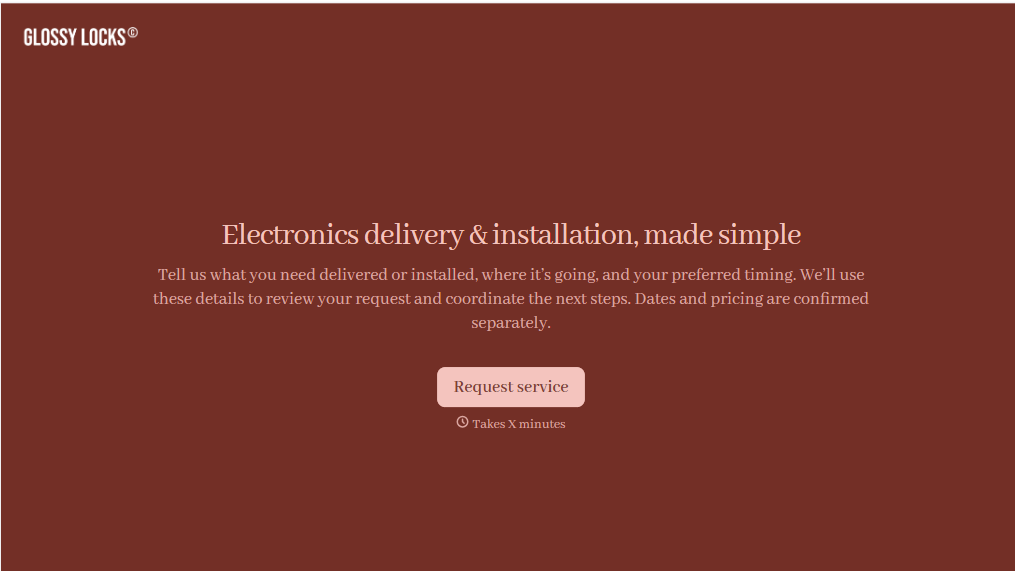
Electronics Installation Delivery Form
Give customers a straightforward way to schedule electronics delivery and installation services with a form that collects product details, delivery addresses, and setup requirements. Keep service requests organized so retailers and installation teams can coordinate appointments, prepare equipment, and complete deliveries efficiently.
View template
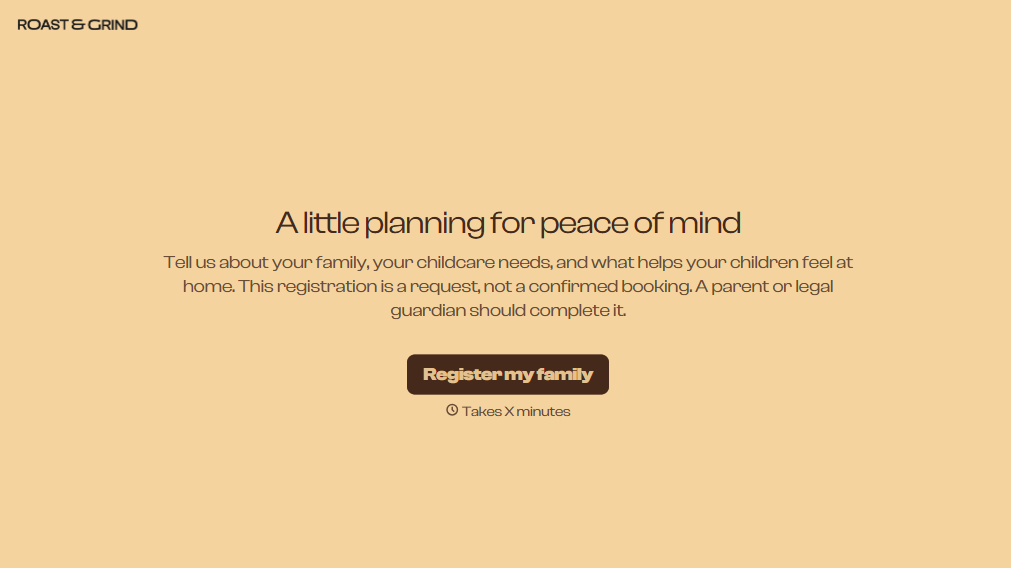
Babysitting Registration Form
Provider parents and guardians a simpler way to register their children for babysitting services with a form that collects contact information, childcare needs, and scheduling preferences. Keep registration records organized so babysitters and childcare providers can prepare for appointments, understand each child's needs, and provide a safe, comfortable environment.
View template

Airport Transfer Booking Form
Give travelers a straightforward way to arrange airport transportation with a form that collects flight details, pickup locations, and passenger preferences. Keep reservations organized so transportation providers can coordinate drivers, plan routes, and provide reliable transfers between airports, hotels, and other destinations.
View template
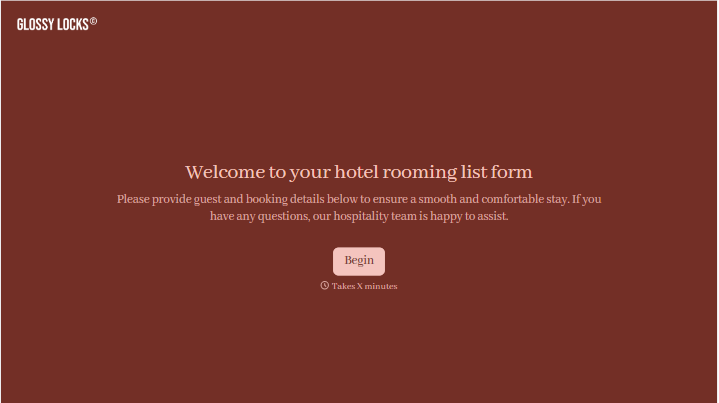
With Typeform, you can customize everything
Change text, colors, and even logos to match the look and feel of your brand. Then embed forms smoothly onto web and email.
Make forms feel effortless to fill out. Pace questions, call people by their name, and adapt the flow based on the data they share.
Stay efficient by connecting forms to your workflow. Typeform integrates with 300+ tools including Slack, Zapier, and HubSpot.