Household Verification Form
Find out who actually lives in a household, without making anyone guess who counts. Collect every member, their relationship to the applicant, and their income in one form.



Every program defines "household" differently, and applicants don't know what your definition is. Does the partner who stays most nights count? The adult son who's at college but home all summer? Typeform's household verification form asks concrete questions instead, so applicants describe who lives in the home based on your team’s definition of a “household.”
Applicants list everyone in the home with their relationship to the applicant, their age, and whether they bring in income. Conditional logic reads the income type each person reports and asks only what fits. Wage income opens the employer, the hours, and the pay rate. Benefits or self-employment opens the source, the amount, and how often it arrives. The form keeps each person's income on its own line instead of folding it into a household total.
Questions appear one at a time, so an applicant works through the household person by person instead of facing a long form. Each person arrives as their own record, with a relationship, an age, and an income source attached. A caseworker checks the household against the program's rules without having to call the applicant back for a detail they skipped.
A household verification form is an online form residents complete to confirm who lives in their home and what income they receive. It collects each member's name, relationship, and age, their income sources and amounts, and the documentation behind them. Housing authorities, benefits administrators, and schools use household verification forms to apply eligibility rules to accurate information.
Without a household verification form, you get a list of names and have to guess who the applicant counted and who they left off. Someone omits a partner who isn't on the lease, or includes a relative who moved out in the spring. Household size drives the benefit amount, so that error runs on unnoticed until recertification, and then the applicant owes money back. A household verification form asks about each person's living and income situation, so the household you assess matches the one that exists.
Capture what eligibility rests on:
- Everyone living in the home
- Relationship to the applicant and age
- Each person's income sources and amounts
- How long each person has lived there
- Documentation for income and residency
Yes. Applicants can upload pay stubs, benefit award letters, or a lease with File Upload, available on paid Typeform plans. They can add PDFs or images up to 10MB each, so the documentation arrives with the answers instead of at a second appointment. Every document arrives attached to the person it belongs to.
Have them submit the household verification form again rather than email you. A birth, a move-out, or a new job changes the household size or income the benefit was calculated from, and an email captures only whatever detail the sender thought to include. The form asks the same questions as the original submission, so you can see what changed and update the record in one pass.
Get inspired by relevant templates and categories
3200+ Templates, 300+ Integrations
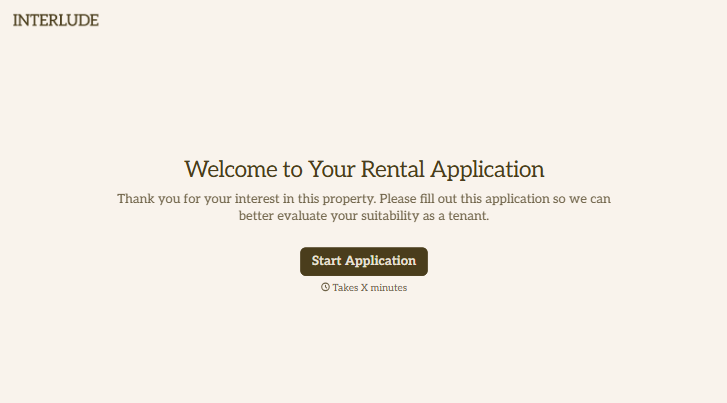
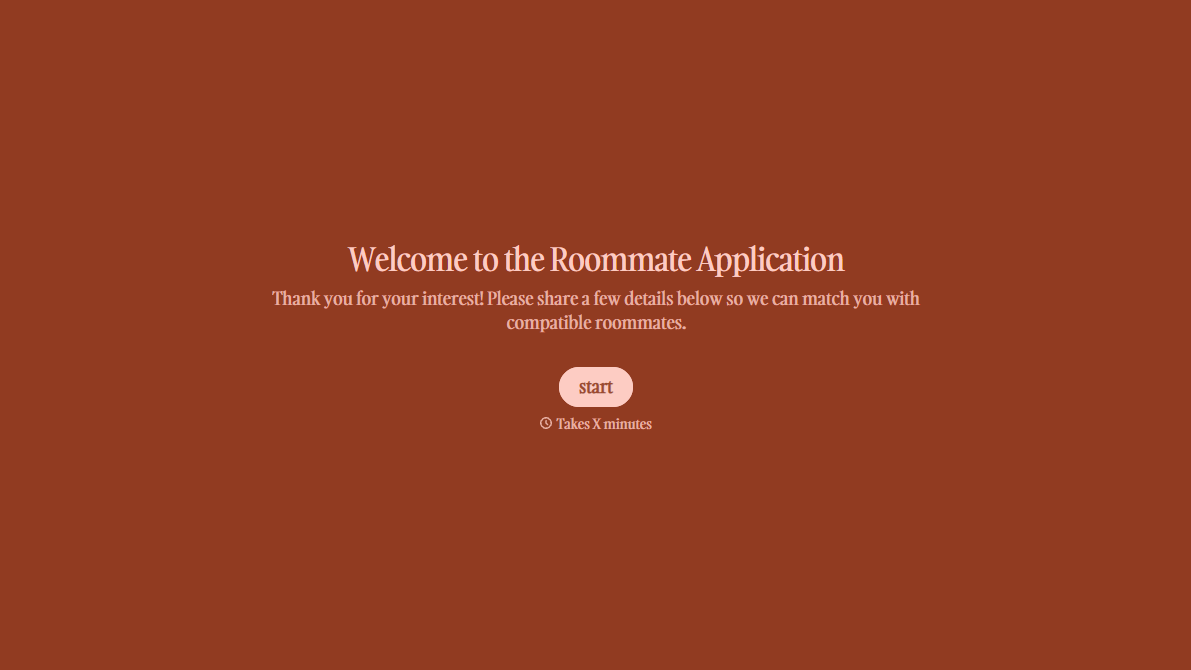
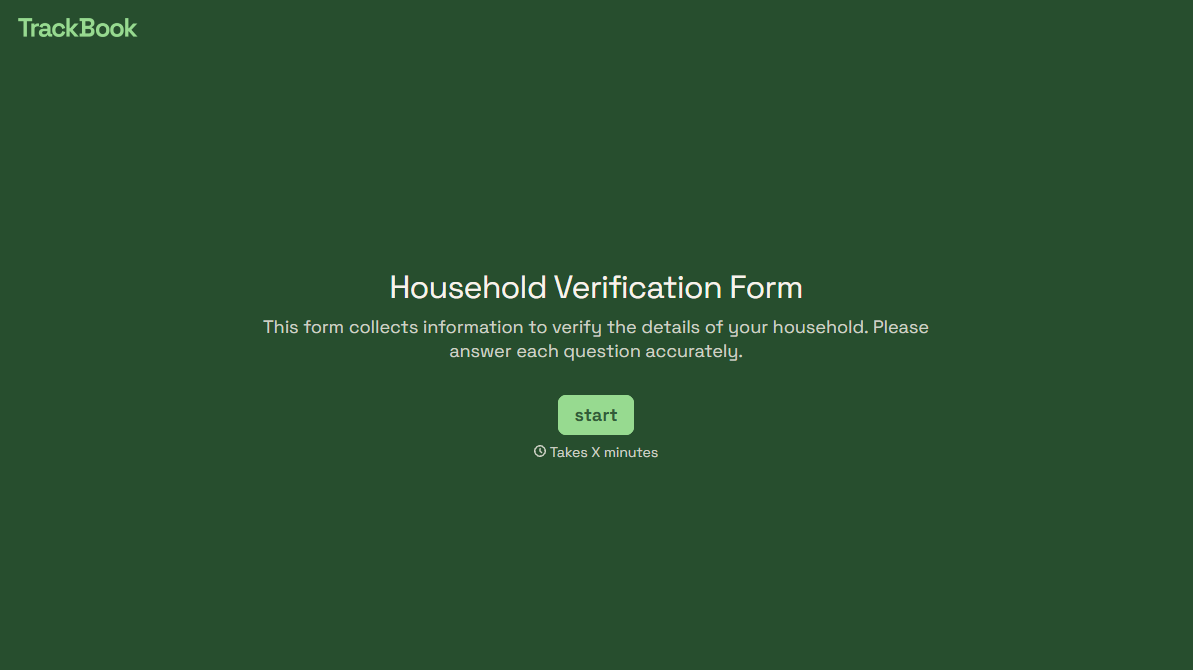
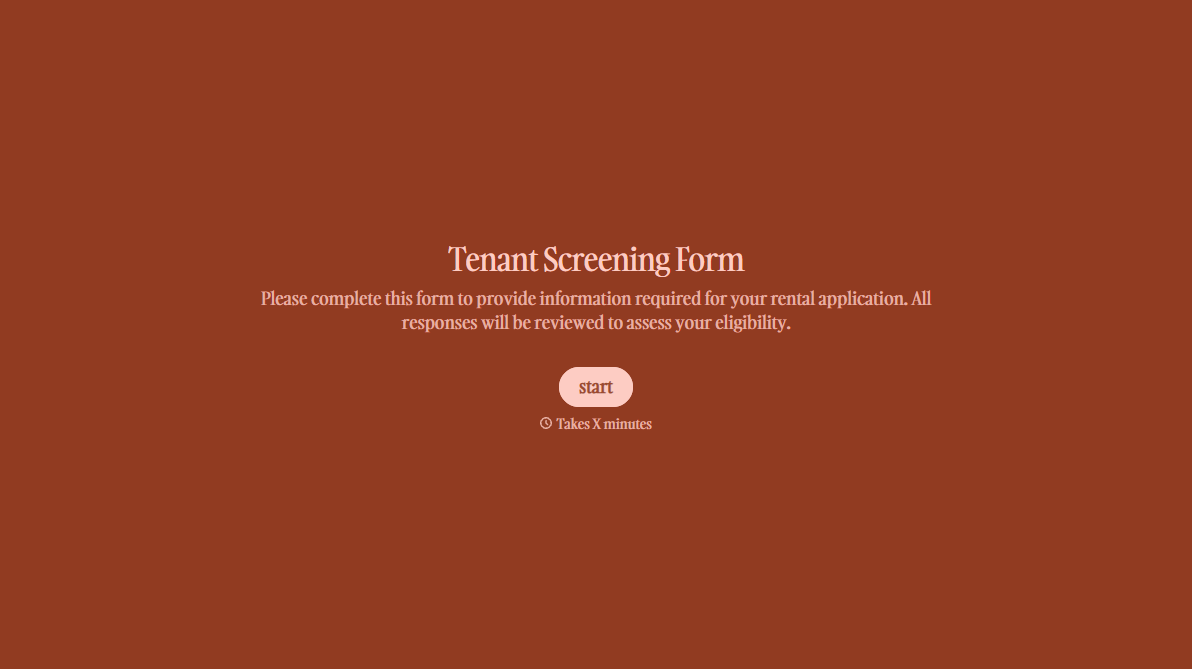
With Typeform, you can customize everything
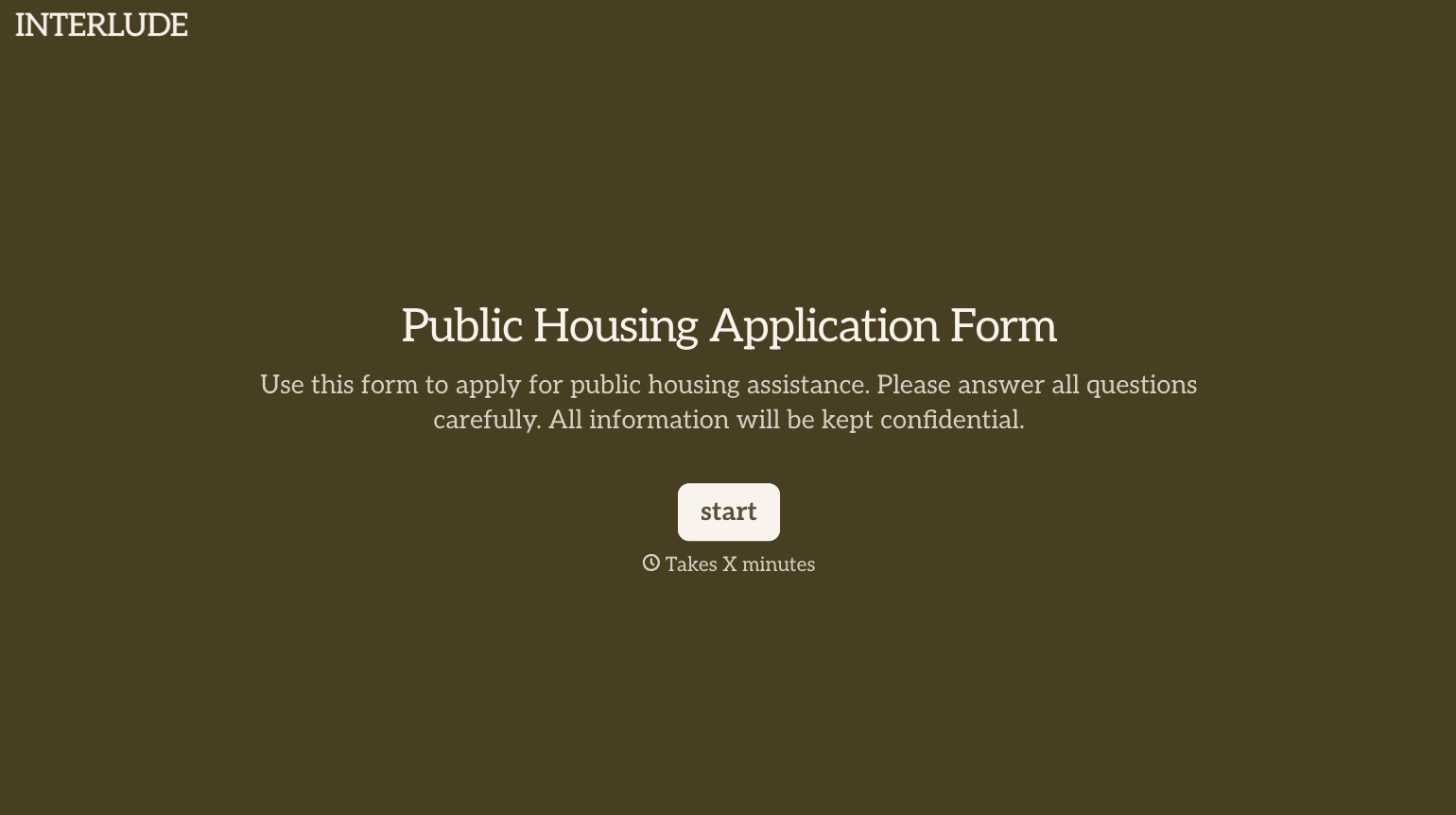
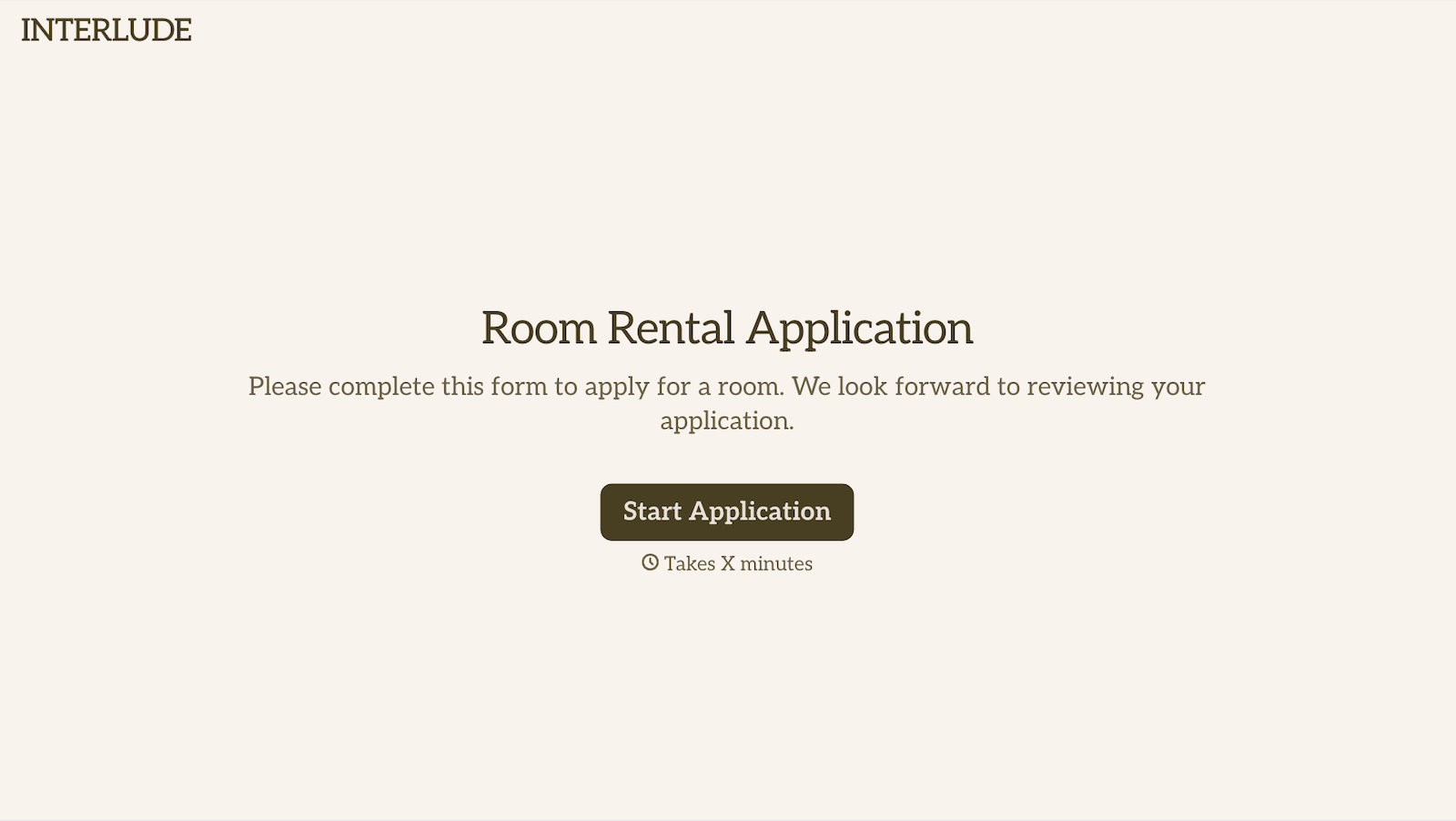
Change text, colors, and even logos to match the look and feel of your brand. Then embed forms smoothly onto web and email.
Make forms feel effortless to fill out. Pace questions, call people by their name, and adapt the flow based on the data they share.
Stay efficient by connecting forms to your workflow. Typeform integrates with 300+ tools including Slack, Zapier, and HubSpot.


