Interview Assessment Form Template
Give your hiring team a consistent framework for evaluating candidates. This template ensures every interview produces structured, comparable feedback — not scattered notes.



Hiring decisions are only as good as the evaluation process behind them. When interviewers use different criteria, record feedback in different formats, or rely on memory rather than notes, you end up comparing candidates against inconsistent standards. Bias creeps in, good candidates get overlooked, and poor hires slip through.
This interview assessment form template gives every interviewer the same structured framework: competencies to evaluate, rating scales, and space for specific observations. Conditional logic lets you tailor the form by role or interview stage — a technical screen looks different from a final culture fit interview. Responses are collected centrally, making side-by-side comparison straightforward when it's time to make a decision.
Set up the competency areas relevant to your roles, add your hiring team as collaborators, and bring structure to your evaluation process.
An interview assessment form is a structured tool used by interviewers to evaluate and score candidates against defined criteria after a job interview. It captures observations, ratings, and recommendations in a consistent format that can be compared across interviewers and candidates.
Structured evaluation reduces the influence of gut feeling and unconscious bias on hiring decisions. When every interviewer scores the same competencies using the same scale, your final decision is based on comparable data rather than whoever made the strongest impression in the debrief conversation.
Focus on the competencies that matter for the role and the stage of the process:
- Candidate name and role applied for
- Interview date and interviewer name
- Competency ratings (e.g., communication, problem-solving, technical skills)
- Specific examples or observations to support each rating
- Overall recommendation (advance, hold, decline)
- Strengths and areas of concern
The form works best when the team has a shared definition of what each rating level means. Before rolling it out, run a calibration session where interviewers discuss examples of "strong," "acceptable," and "weak" responses for each competency. This alignment reduces score inflation and makes the data more reliable.
Yes. You can create separate forms for phone screens, technical interviews, and final-round interviews, each with questions tailored to what that stage is designed to assess. Keeping the forms stage-specific helps interviewers stay focused and avoids redundant questions across rounds.
Get inspired by relevant templates and categories
3200+ Templates, 300+ Integrations

Work From Home Request Form
A Slack message asking to work from home on Thursday isn't a request anyone can track, especially once the same employee has asked five different ways over a month. Collect the request type, dates or schedule, and manager approval in one place, so HR isn't reconstructing who's working where from a scattered inbox.
View template

Return of Property Form
A property checklist stapled to an exit interview packet isn't a record anyone can rely on when a laptop turns up missing three weeks later. Collect itemized equipment details, condition at return, and a signed acknowledgment before an employee's last day, so IT isn't chasing down a laptop that already walked out the door.
View template

Early Retirement Form
A retirement mentioned to a manager in conversation doesn't give HR anything to actually process, and if there's an incentive deadline attached, the date that conversation happened can matter more than anyone realized at the time. Collect what your HR team actually needs, employee information, requested date, and benefit elections, before a window closes.
View template
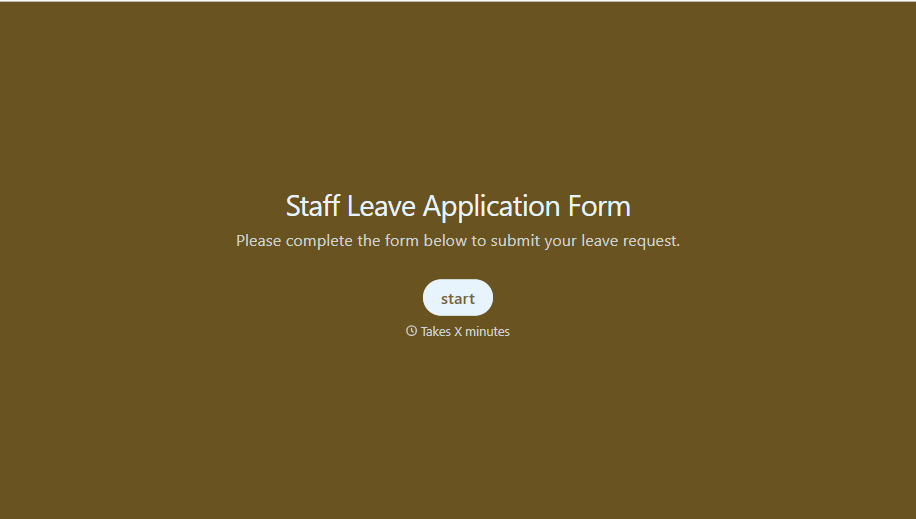
Staff Leave Application Form
A vacation request approved with a thumbs-up emoji in Slack isn't the kind of record payroll can work from when it's time to reconcile someone's leave balance. Collect the leave type, dates, and manager approval in one place, so a team doesn't accidentally double-book someone's time off.
View template
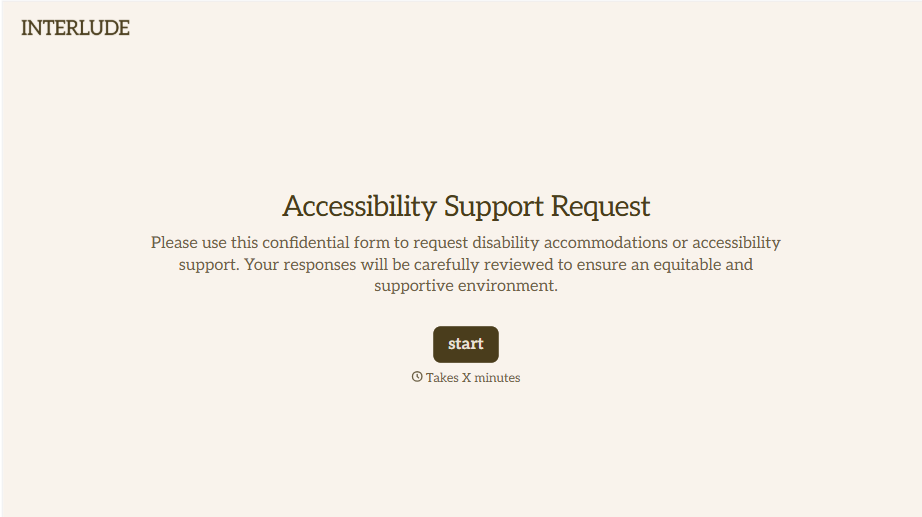
Disability Accommodation Request Form
A quiet word to a manager about needing a different desk setup isn't the kind of request that starts a documented process. Collect the specific accommodation needed and any supporting information before a decision gets made informally, so a request doesn't get lost between a hallway conversation and HR's desk.
View template
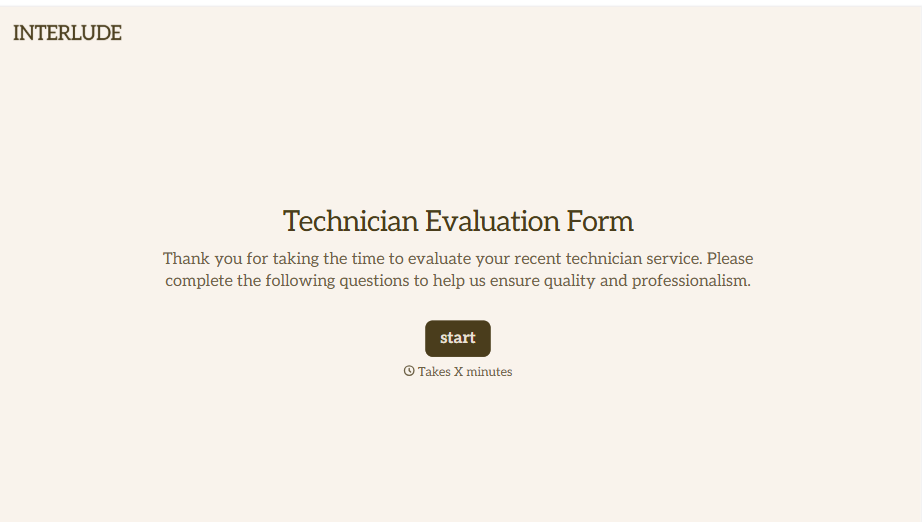
Technician Evaluation Form
A ride-along evaluation scribbled on a clipboard in the truck isn't the kind of record that holds up months later when it's time to talk about a raise or a certification renewal. Collect specific skill, safety, and customer service observations while the job's still fresh, so a technician's review is built on more than a supervisor's memory of the day.
View template
With Typeform, you can customize everything
Change text, colors, and even logos to match the look and feel of your brand. Then embed forms smoothly onto web and email.
Make forms feel effortless to fill out. Pace questions, call people by their name, and adapt the flow based on the data they share.
Stay efficient by connecting forms to your workflow. Typeform integrates with 300+ tools including Slack, Zapier, and HubSpot.


