Unconditional Waiver & Release on Progress Payment Form Template
Document the release of lien rights upon receipt of a progress payment, with a clear record that protects all parties.



Progress payment waivers are a standard part of construction payment workflows — but when they're handled informally or inconsistently, they create gaps in your lien documentation. Missing or incomplete waivers can complicate final payments, title clearance, and disputes about what was paid and when.
A Typeform unconditional waiver and release on progress payment form captures the payment details, the scope of work covered, and the releasing party's authorization in a structured, documented format. Because this is an unconditional waiver, it takes effect upon execution regardless of whether the payment has actually cleared — so both parties need to understand what they're signing. Conditional logic can surface relevant fields based on the type of releasing party (contractor, subcontractor, material supplier) to ensure the right information is captured for each situation.
You can customize the form with your project details, payment terms, and any jurisdiction-specific language required by your state's lien law. Completed forms are timestamped and stored, giving your project documentation a clean record of every progress payment release.
An unconditional waiver and release on progress payment is a legal document in which a contractor, subcontractor, or supplier gives up their right to file a mechanic's lien for the amount covered by a specific progress payment. It is unconditional because it takes effect immediately upon signing, regardless of whether the payment has actually been received or cleared.
An unconditional waiver is typically provided after payment has been received and verified. It gives the paying party stronger protection because there's no condition attached — the releasing party is confirming payment was received and waiving lien rights for that amount. If you need to release lien rights before payment clears, use a conditional waiver instead, which only takes effect upon actual receipt of funds.
Cover the details that define the scope and amount of the release:
- Name of the owner and the property address
- Name of the contractor or claimant releasing lien rights
- Name of the customer or payor making the payment
- Amount of the progress payment being released
- Description of the work or materials covered by this payment
- Through date (the date through which work is being released)
- Signature of the releasing party and date of execution
Requirements vary significantly by state. Some states have standardized statutory forms that must be used for waivers to be enforceable. California, for example, has specific required forms for each type of waiver. Before using this or any waiver form on a project, review your state's lien law or consult a construction attorney to ensure the form meets local requirements.
A progress payment waiver covers a specific partial payment made during the course of a project — it releases lien rights only for the amount and work described in that waiver. A final payment waiver covers the full project amount and releases all lien rights through the completion of the work. You'll typically use progress payment waivers throughout the project and a final waiver when the contract is fully paid.
Get inspired by relevant templates and categories
3200+ Templates, 300+ Integrations
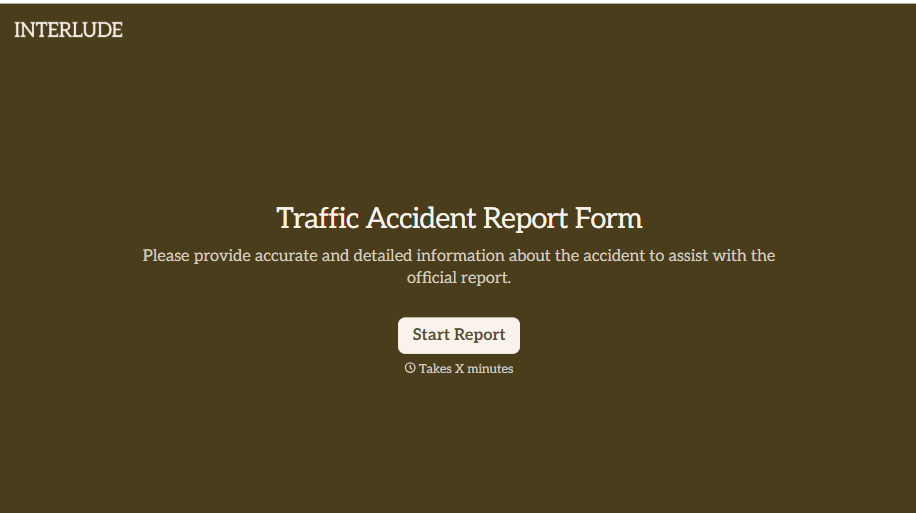
Traffic Accident Report Form
A phone call to a supervisor from the side of the road isn't the kind of record an insurance claim can be built on. Collect the accident details, the other party's information, and photos of the scene before memory starts to fade, so a claim doesn't sit unfiled for days waiting on someone to write it up.
View template
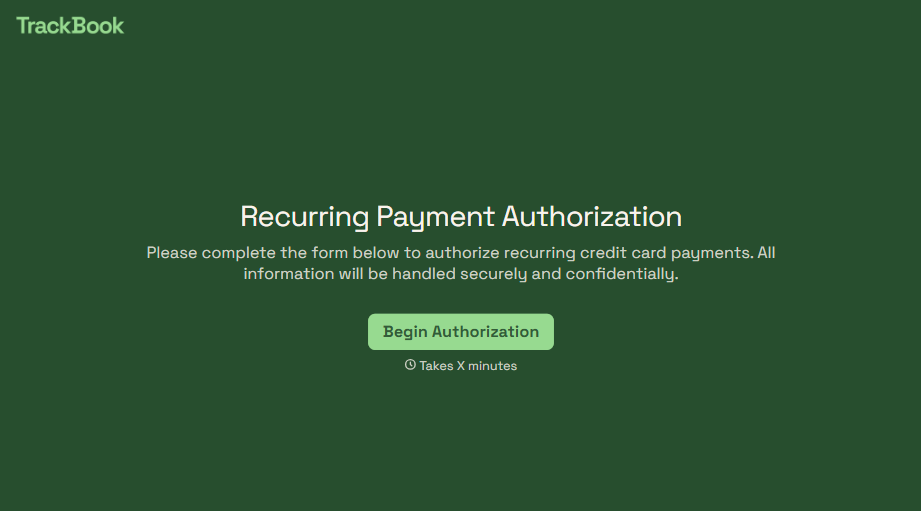
Recurring Credit Card Authorization Form
An authorization that just says "I agree to be charged monthly" doesn't survive a chargeback dispute. The bank's going to ask, charged for what, how much, and how often, and vague language doesn't answer any of that. Spell out the amount, the frequency, and the cancellation terms in writing, before the first charge goes through.
View template
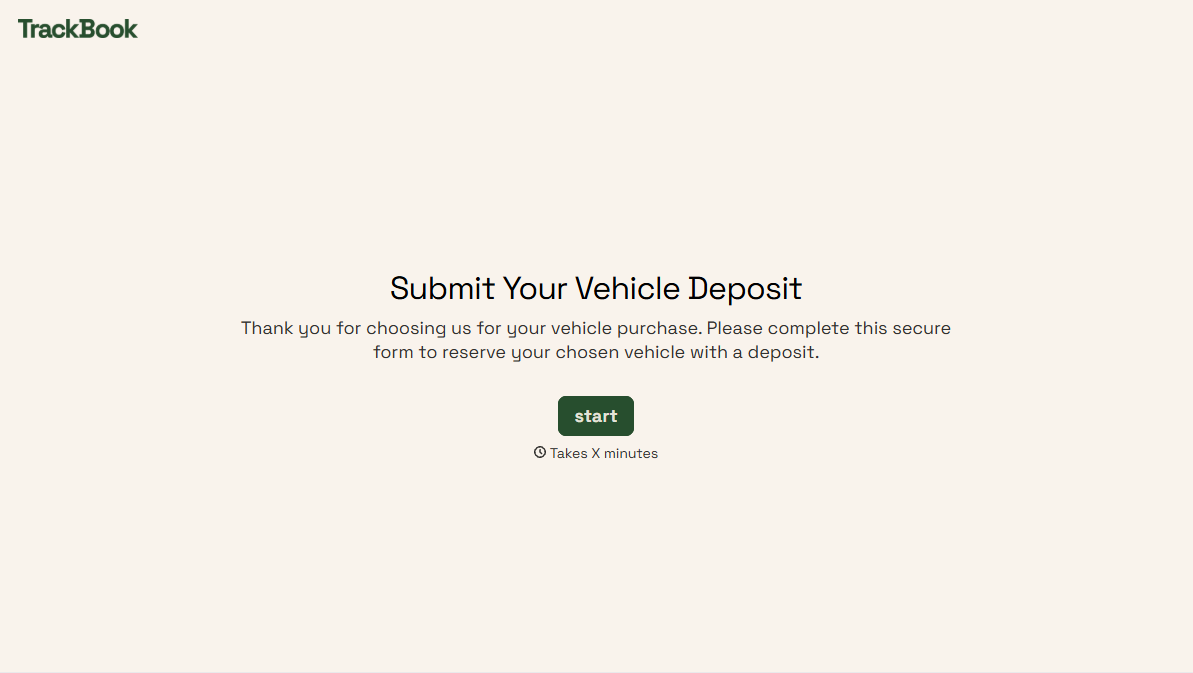
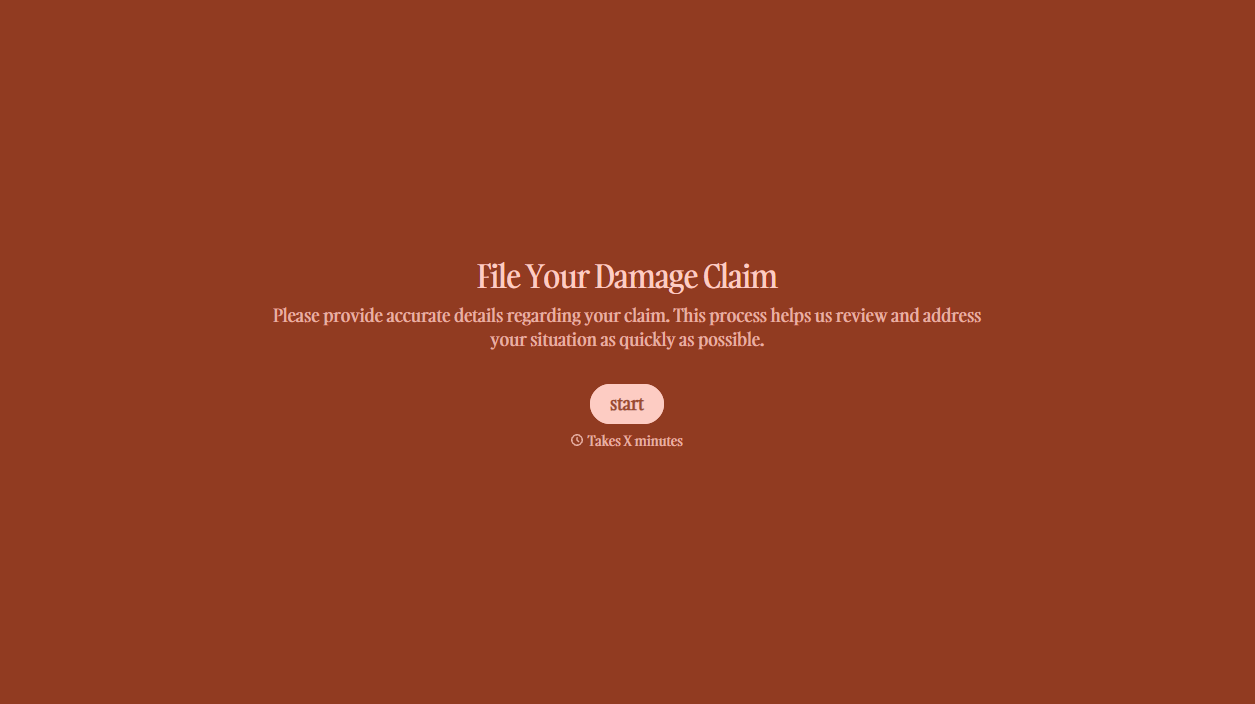
With Typeform, you can customize everything
Change text, colors, and even logos to match the look and feel of your brand. Then embed forms smoothly onto web and email.
Make forms feel effortless to fill out. Pace questions, call people by their name, and adapt the flow based on the data they share.
Stay efficient by connecting forms to your workflow. Typeform integrates with 300+ tools including Slack, Zapier, and HubSpot.


