Lead Generating Form Template
Turn website visitors into leads without making them fill out a form that feels like a tax document.



Most lead capture forms ask for too much too fast. Name, company, phone number, job title, budget — all before the person has any reason to trust you. The result is low completion rates and a list full of fake information submitted by people who wanted whatever was behind the form but weren't willing to give up their real details.
Typeform's lead generation form takes a different approach. One question at a time, in a conversational flow, feels more like an exchange than an interrogation. Completion rates are higher when forms don't feel like forms. Conditional logic means you can qualify leads as they go — routing high-value prospects to a different follow-up than general inquiries.
Connect to your CRM — HubSpot, Salesforce, Pipedrive — and leads flow directly into your pipeline without manual imports.
A lead generating form is a form designed to capture contact and qualification information from potential customers. It's typically used in exchange for something of value — a content download, a free consultation, a demo request — and feeds new contacts into a sales or marketing pipeline.
A dedicated lead form outperforms generic contact forms because it's built to qualify as well as capture. Instead of just collecting an email, you gather enough context to route leads to the right team and personalize follow-up from the start.
The goal is to qualify without overwhelming. Good lead gen forms ask:
- Name and email address
- Company name and size (if B2B)
- Role or job title
- Primary challenge or goal they're trying to solve
- Timeline or urgency
- How they heard about you
- Preferred next step (demo, call, more information)
Typeform has native integrations with HubSpot and Salesforce, and connects to Pipedrive, Marketo, and dozens of other tools via Zapier. New form submissions can automatically create contacts, update records, and trigger follow-up sequences without any manual work.
Asking genuine, specific questions — like describing a challenge they're facing — filters out people who aren't serious. Email verification integrations can also flag invalid addresses. A well-designed qualifying question early in the form naturally screens for intent.
Get inspired by relevant templates and categories
3200+ Templates, 300+ Integrations
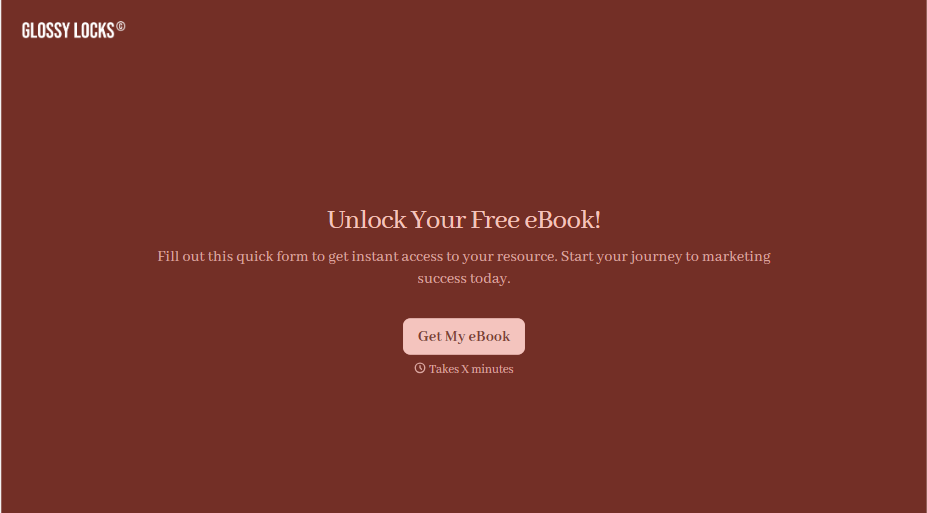
Ebook Download Form
A download form asking for name, email, phone, company, and job title before anyone's read a single page isn't gating valuable content, it's asking for a phone number in exchange for a PDF. Ask for what you'll actually use, and deliver the ebook the second someone hits submit.
View template



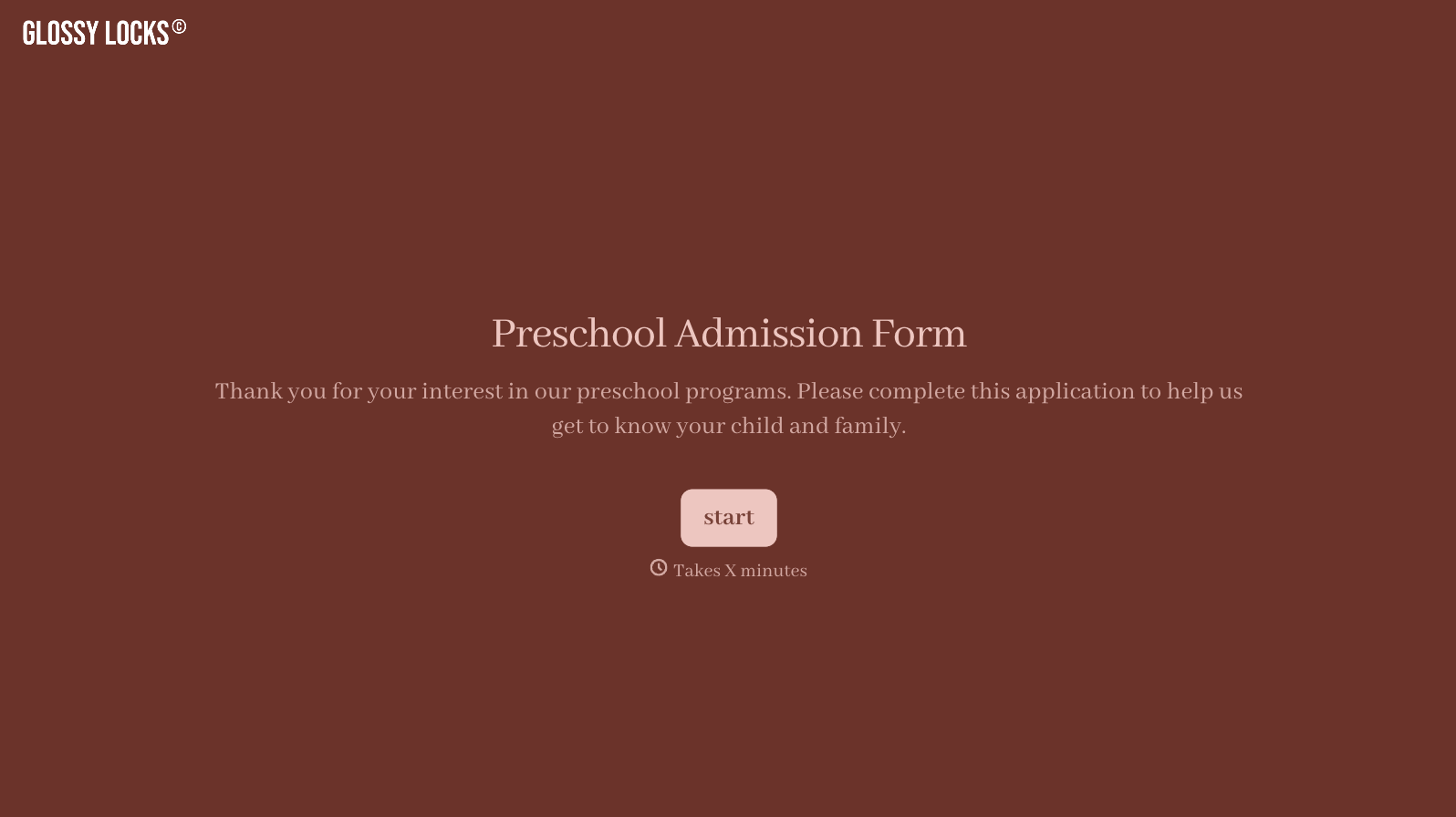
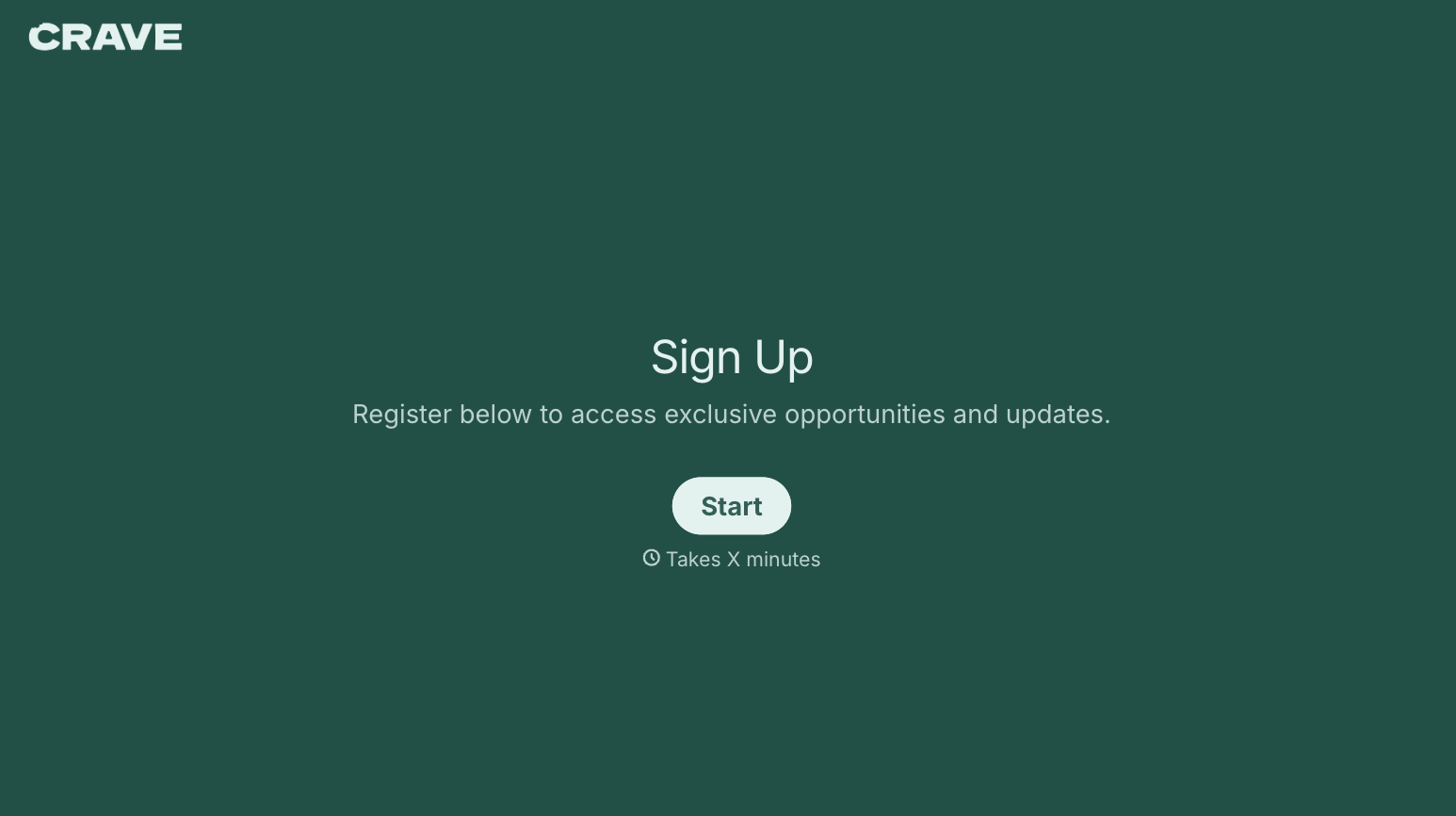
With Typeform, you can customize everything
Change text, colors, and even logos to match the look and feel of your brand. Then embed forms smoothly onto web and email.
Make forms feel effortless to fill out. Pace questions, call people by their name, and adapt the flow based on the data they share.
Stay efficient by connecting forms to your workflow. Typeform integrates with 300+ tools including Slack, Zapier, and HubSpot.


