Technology Quiz Form
Test your team's technology knowledge with a quiz that scores answers automatically and shows exactly where skills need work.



Training teams and IT managers that assess tech skills through informal conversations or self-reported experience have no reliable way to verify what employees actually know. A tech-dependent role filled by someone who overstated their skills creates problems that surface when deadlines are on the line. Typeform's technology quiz template gives training teams a consistent way to assess tech knowledge across their workforce.
The quiz covers hardware basics, software navigation, cybersecurity awareness, and network fundamentals, with scored responses calculated automatically. Respondents see one question at a time, reducing drop-off and keeping answers thoughtful rather than rushed. Conditional logic adapts the quiz based on a respondent's answers. A respondent who misses a foundational question sees deeper follow-up questions; one who answers correctly moves forward.
Customize the quiz to match your tech stack, training curriculum, or assessment criteria. Share it via email, your LMS, or a direct link sent before a training session. Every submission routes to Google Sheets or Airtable via Zapier, so your team tracks scores across respondents and identifies training priorities without manual review. You know where skills gaps exist before they affect the work.
A technology quiz form is a structured assessment that tests respondents' knowledge across core technology topics. It covers areas like hardware basics, software navigation, cybersecurity awareness, and network fundamentals, with scored responses calculated automatically. This gives your team a clear picture of their technical skills before responsibilities and projects are assigned.
There's no reliable way to gauge technical skills from a conversation alone. A structured technology quiz puts every employee through the same technical assessment, so placement and training decisions are based on what people know and can actually do, not based on what they say they can do. Stop guessing at skill levels and start assigning roles with confidence.
Covers key knowledge areas including:
- Hardware identification and basic troubleshooting
- Operating system navigation and file management
- Cybersecurity awareness and safe browsing practices
- Software tools relevant to the role or curriculum
- Network basics and connectivity troubleshooting
Yes. Typeform's scoring feature assigns point values to each answer and calculates a total score for every submission automatically. Use conditional logic to display different endings based on score ranges. A respondent who passes sees a completion message; one who scores below the threshold sees a prompt to review specific topics.
Connect the quiz to Google Sheets or Airtable via Zapier so scores aggregate by respondent and topic automatically. Review results by category (hardware, cybersecurity, software) to identify where the most respondents struggled. A pattern of low scores in one area tells you where to focus the next training session, with the evidence already in front of you.
Get inspired by relevant templates and categories
3200+ Templates, 300+ Integrations
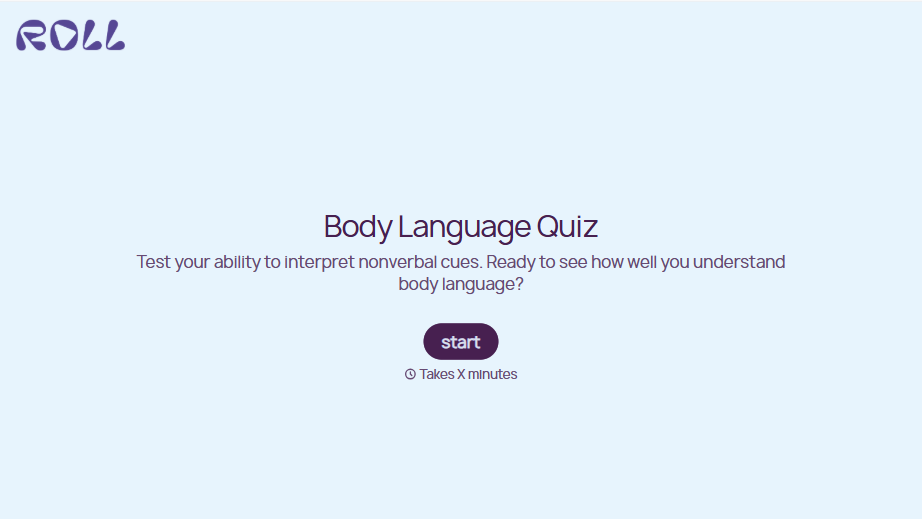
Body Language Quiz
A quiz that hands back the same score no matter which questions someone actually missed isn't teaching anyone to read a room. Ask what the quiz is actually measuring, attraction cues, deception tells, stress signals, and let each wrong answer route somewhere that explains what the cue really meant.
View template


With Typeform, you can customize everything
Change text, colors, and even logos to match the look and feel of your brand. Then embed forms smoothly onto web and email.
Make forms feel effortless to fill out. Pace questions, call people by their name, and adapt the flow based on the data they share.
Stay efficient by connecting forms to your workflow. Typeform integrates with 300+ tools including Slack, Zapier, and HubSpot.


