Lost And Found Form Template
Give people a real way to report and recover their missing belongings.



Whether you run a hotel, a university campus, a concert venue, or a transit system, lost items pile up fast. And the process for reporting them? Usually a mess: sticky notes at a front desk, scattered emails, or a phone tree nobody wants to call.
This lost and found form template gives people a clean, mobile-friendly way to describe what they've lost (or found), including item details, location, date, and contact information. Question branching lets you separate "I lost something" from "I found something," and each path collects the right details so your team can match items faster.
Drop it on your website or share it via QR code at your venue. Submissions flow into your inbox, a spreadsheet, or your operations tool of choice. No more guessing which notebook has the description of that lost laptop.
A lost and found form is a reporting tool that lets people submit details about items they've either lost or found at a specific location. It typically captures a description of the item, where and when it was last seen, and contact information so staff can coordinate returns.
Paper logs are hard to search, easy to lose (ironic, right?), and impossible to access remotely. A digital form centralizes every report in one searchable place, making it far easier to match lost items with found ones. It also gives your visitors a way to report missing items after they've left your venue, which paper can't do.
- Whether the person is reporting a lost item or a found item
- Detailed description of the item (color, brand, distinguishing features)
- Date and approximate time the item was lost or found
- Specific location within your venue or property
- Photo upload option for found items
- Reporter's name, email, and phone number
Use categories or tags in your form (things like "electronics," "clothing," "keys," "wallet") so submissions are organized from the start. When both the "lost" and "found" reports use the same categories, your staff can filter and cross-reference quickly. Pushing all submissions to a shared spreadsheet with filters makes the matching process significantly faster.
Post it wherever people are most likely to realize something is missing. That means your website, social media profiles, confirmation emails, on-site signage with a QR code, and at your front desk or information booth. The easier it is to find the form, the higher your recovery rate will be.
Get inspired by relevant templates and categories
3200+ Templates, 300+ Integrations



Nationality Verification Form
A self-certification buried in a stack of new account paperwork isn't the kind of record a compliance team can rely on for a regulatory filing. Collect nationality, tax residency, and a signed declaration before an account opens, so compliance isn't chasing down a customer's citizenship status after the fact.
View template
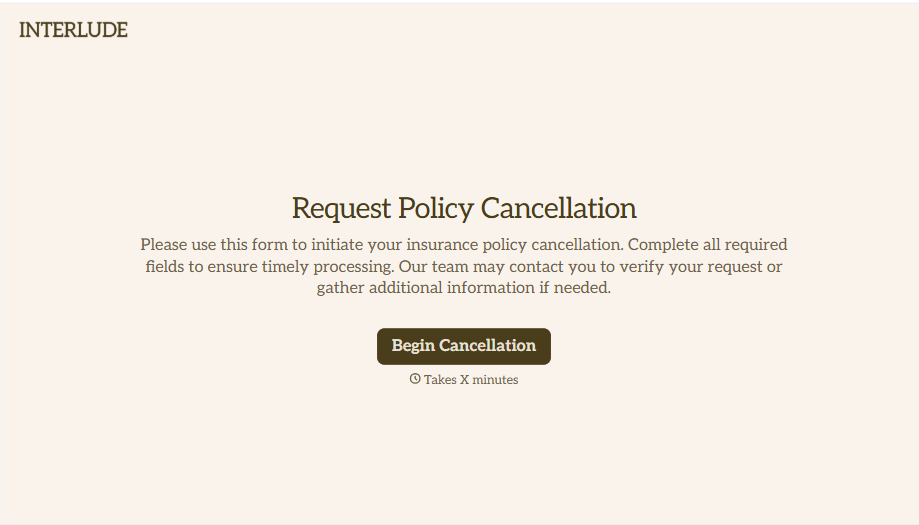
Policy Cancellation Form
A cancellation requested over the phone doesn't leave a clear record of exactly what date the policyholder actually asked for, and that date matters more than it sounds like it should. Collect what your agency actually needs, policy details, identity verification, and the requested effective date, before coverage actually ends.
View template
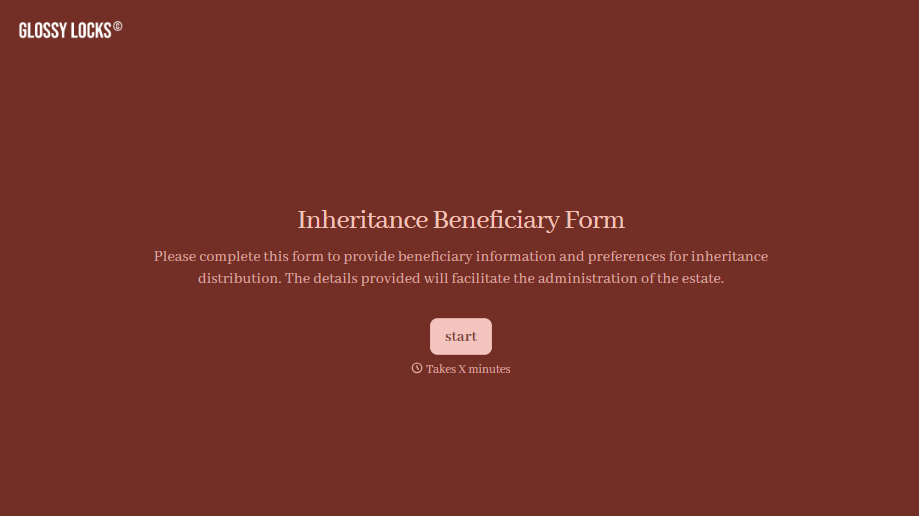
Inheritance Beneficiary Form
Asking a grieving family member for the same banking details across three different phone calls doesn't make settling an estate go any faster. Collect what your firm actually needs, beneficiary information, identification, and distribution details, in one submission instead of three calls.
View template
With Typeform, you can customize everything
Change text, colors, and even logos to match the look and feel of your brand. Then embed forms smoothly onto web and email.
Make forms feel effortless to fill out. Pace questions, call people by their name, and adapt the flow based on the data they share.
Stay efficient by connecting forms to your workflow. Typeform integrates with 300+ tools including Slack, Zapier, and HubSpot.


