Medical Report Form Template
Capture clinical findings in a structured format that supports accurate records and clear communication.



Medical reports that rely on handwritten notes or unstructured templates create consistency problems. Key fields get missed, abbreviations vary between practitioners, and pulling specific data for audits, referrals, or insurance purposes takes time nobody has. When records are inconsistent, downstream care suffers.
A Typeform medical report form brings structure to the documentation process. Required fields ensure no section is skipped. Conditional logic can show relevant clinical fields based on the type of examination, specialty, or presenting complaint. Whether you're documenting a routine consultation or a specialist assessment, the form adapts without cluttering the screen with irrelevant options.
Customize the form with your clinic's terminology, required sections, and practitioner identification fields. Responses can connect to your records system or be exported in a consistent format for filing or referral.
A medical report form is a structured document used by healthcare professionals to record clinical findings, diagnoses, treatment plans, and other relevant medical information about a patient encounter or assessment. It serves as an official record that can be shared with other providers, insurers, or regulatory bodies.
Structured documentation reduces the risk of omission and makes records easier to search, share, and audit. A consistent format also speeds up the reporting process and ensures that all practitioners document in the same way.
Cover the clinical and administrative details required for a complete record:
- Patient identifying information and date of encounter
- Reason for visit or referral and presenting complaints
- Examination findings and vital signs where relevant
- Diagnosis or differential diagnoses
- Treatment plan, medications prescribed, and referrals made
- Practitioner name, credentials, and signature
Use conditional logic to show specialty-specific sections based on the type of report being generated. A dermatology report and a cardiology report require different fields, and a single form can handle both by branching based on the specialty selected at the start.
Use Typeform's access controls to restrict who can view responses, and connect to a compliant records system that meets your regional data protection requirements. For US providers, Typeform supports HIPAA-compliant configurations.
Get inspired by relevant templates and categories
3200+ Templates, 300+ Integrations
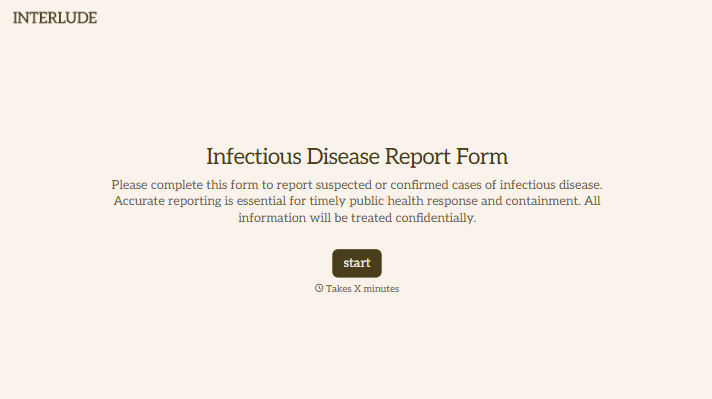
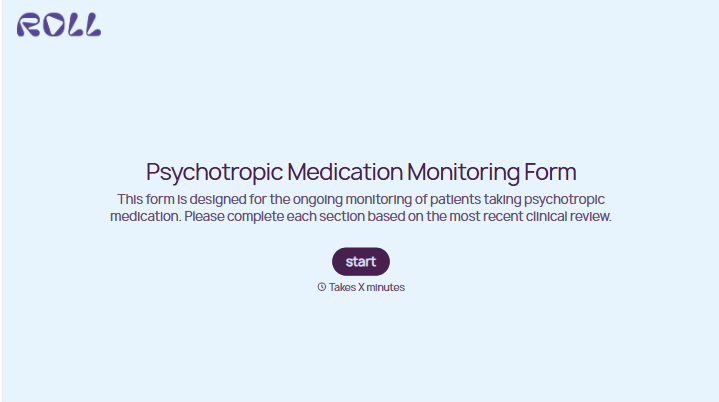
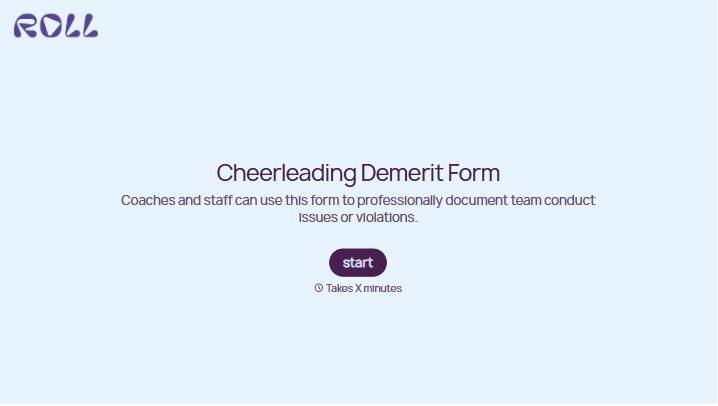
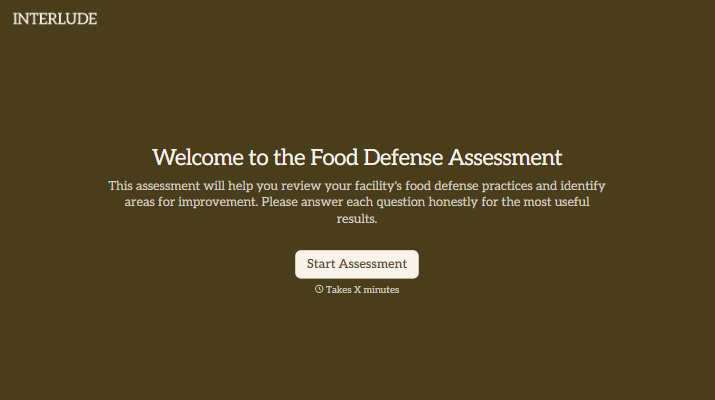

With Typeform, you can customize everything
Change text, colors, and even logos to match the look and feel of your brand. Then embed forms smoothly onto web and email.
Make forms feel effortless to fill out. Pace questions, call people by their name, and adapt the flow based on the data they share.
Stay efficient by connecting forms to your workflow. Typeform integrates with 300+ tools including Slack, Zapier, and HubSpot.


