Online Shopping Form Template
Sell products without a full e-commerce platform. A clean, simple order form gets the job done when you don't need a shopping cart.



Not every business needs a full-blown e-commerce website. If you're selling a curated selection of products, taking pre-orders, managing custom orders, or running a small-batch business, building out Shopify might be overkill. What you need is a way for customers to browse options, select what they want, and submit an order without the overhead.
This online shopping form template presents your products with descriptions, images, and pricing, then guides buyers through selection, quantity, shipping details, and payment. Conditional logic adjusts available options. Sizes, colors, add-ons — based on the product selected, so the experience feels curated rather than cluttered.
Connect to Stripe or PayPal for payments, pipe orders to a Google Sheet or inventory tool through integrations, and send automatic order confirmations. You're live and selling in less time than it takes to set up most e-commerce platforms.
An online shopping form is a simplified e-commerce solution that lets customers browse and purchase products through a structured form rather than a traditional shopping cart. It's ideal for businesses with a small product catalog, custom orders, or pre-order scenarios where the full complexity of an e-commerce platform isn't necessary or justified.
When you're selling fewer than 20-30 products, when your products require customization inputs (engraving, sizing, color combinations), or when you're testing a product line before investing in a full storefront. It's also a smart option for pop-up shops, seasonal sales, fundraising merchandise, and made-to-order businesses where inventory management isn't the main challenge.
- Product selection with descriptions, images, and pricing
- Size, color, or customization options (conditional based on product)
- Quantity
- Shipping address and preferred shipping method
- Buyer's name, email, and phone number
- Special instructions or gift message (optional)
Yes. Integrate with payment processors like Stripe or PayPal to collect payments as the final step in the form flow. You can set fixed prices per product, calculate totals based on quantity and options, and collect payment information securely. All within the same form. For custom-priced items, you can collect the order details first and send a payment link after quoting.
For small catalogs, manually update product availability in the form when stock changes. For higher volume, connect the form to a Google Sheet or Airtable base that tracks inventory, and review it regularly. Some businesses use a "sold out" conditional path that automatically hides unavailable options. It's not as automated as Shopify's inventory management, but for small operations, it works well enough, and it's dramatically simpler to maintain.
Get inspired by relevant templates and categories
3200+ Templates, 300+ Integrations


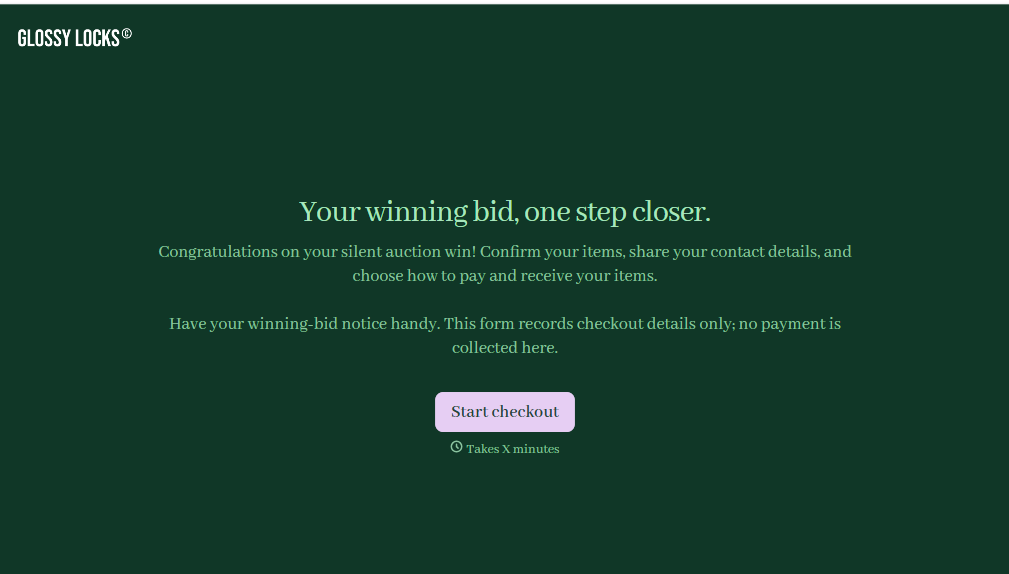
Pet Grooming Check Out Form
Give pet grooming businesses a straightforward way to complete appointments with a form that collects service details, payment information, and owner feedback. Keep checkout records organized so grooming teams can confirm completed services, document pet care notes, and provide customers with a smooth pickup experience.
View template
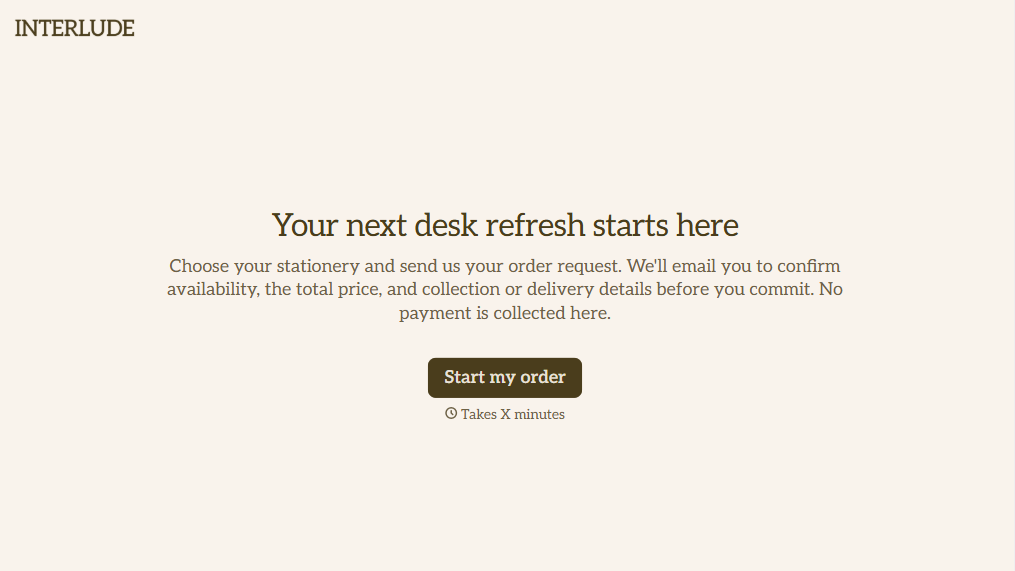
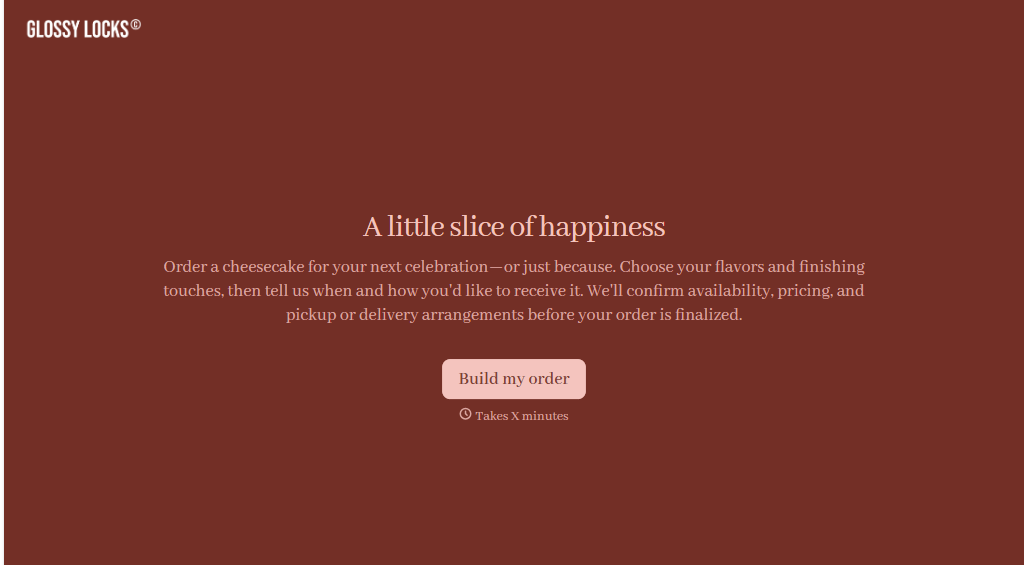
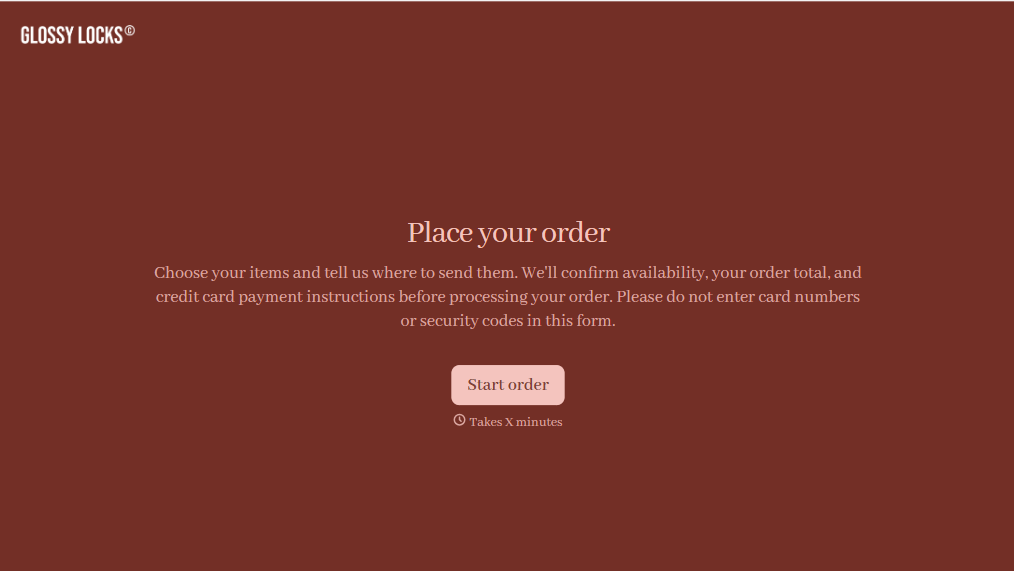
Online Order Form Without Payment Form
Give customers an easy way to place orders without paying upfront with a form that collects product selections, quantities, and delivery preferences. Keep order details organized so your team can review requests, confirm availability, and arrange payment separately.
View template
With Typeform, you can customize everything
Change text, colors, and even logos to match the look and feel of your brand. Then embed forms smoothly onto web and email.
Make forms feel effortless to fill out. Pace questions, call people by their name, and adapt the flow based on the data they share.
Stay efficient by connecting forms to your workflow. Typeform integrates with 300+ tools including Slack, Zapier, and HubSpot.


