Passport Renewal Form Template
Collect renewal requests without the government-office energy. Organized, clear, and impossible to mess up.



Passport renewal involves a lot of moving parts: personal details, document uploads, payment references, photo specifications. When agencies or service providers handle this with email chains or PDFs, things slip through the cracks. A missing photo or wrong date means starting over.
This passport renewal form template guides applicants through every requirement in sequence, one question at a time. Conditional logic adjusts the flow based on the applicant's situation, so expedited processing triggers additional fields, while standard renewals stay streamlined. File upload fields let applicants attach photos and supporting documents right inside the form.
Set it up in minutes, embed it on your website, and connect it to your case management system so every submission lands exactly where your team needs it.
A passport renewal form collects the personal identification details, document uploads, and processing preferences needed to renew an existing passport. It's used by government agencies, visa service providers, and travel assistance companies to standardize the intake process.
Paper-based renewal workflows create bottlenecks. Incomplete applications pile up, and staff spend hours chasing missing documents. An online form with required fields and validation catches errors before submission, so your team receives complete applications ready for processing.
- Full legal name (as it appears on current passport)
- Date of birth and place of birth
- Current passport number and expiration date
- Mailing address for delivery
- Processing speed preference (standard or expedited)
- Upload fields for passport photo and supporting ID
Add a description or visual guide directly above the upload field explaining size, background, and format requirements. You can also set file type restrictions to accept only JPEG or PNG and enforce a minimum file size. This cuts down on rejected photos dramatically.
Yes. You can enable save-and-continue so applicants can step away and pick up where they left off. They'll receive a unique link to resume, so there's no re-entering information from scratch.
Get inspired by relevant templates and categories
3200+ Templates, 300+ Integrations
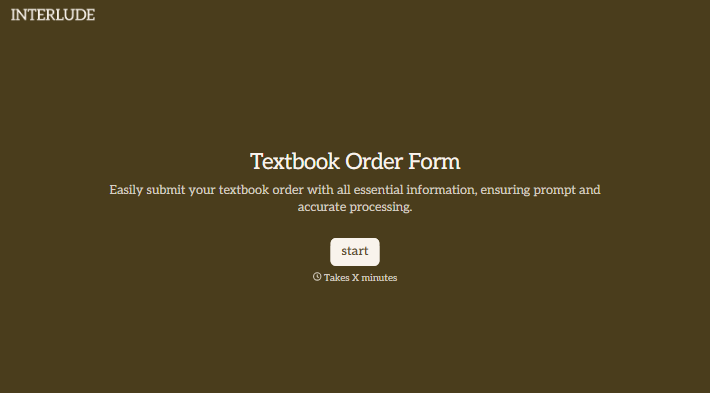
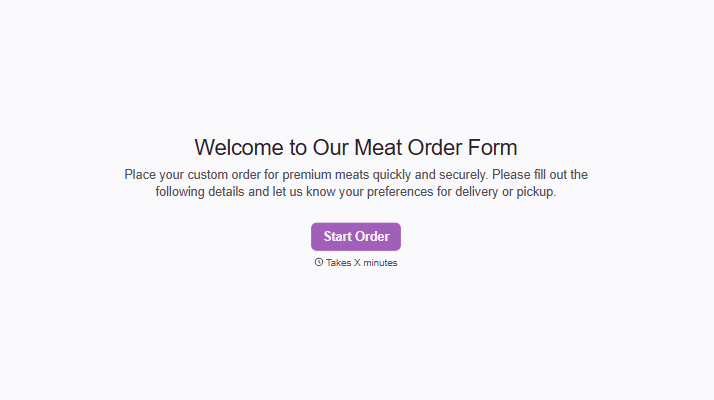
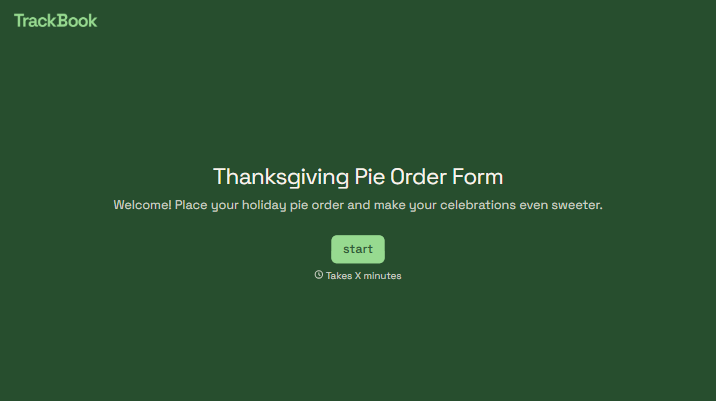
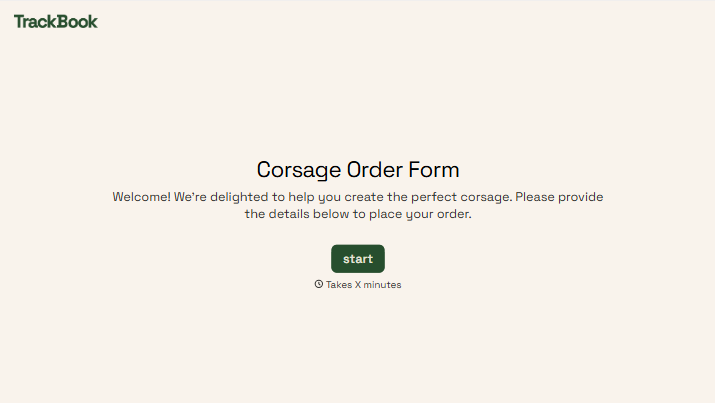
With Typeform, you can customize everything
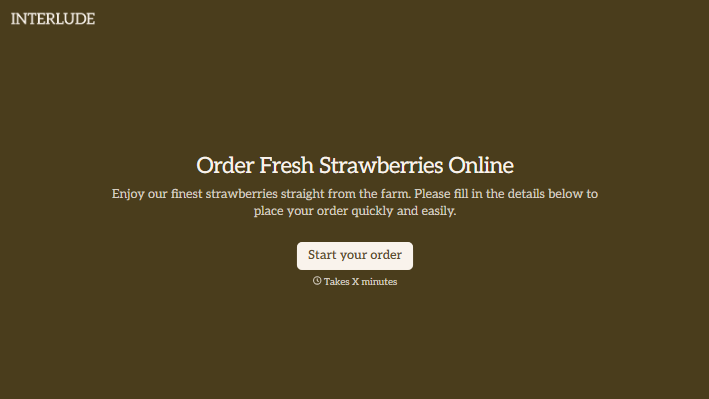
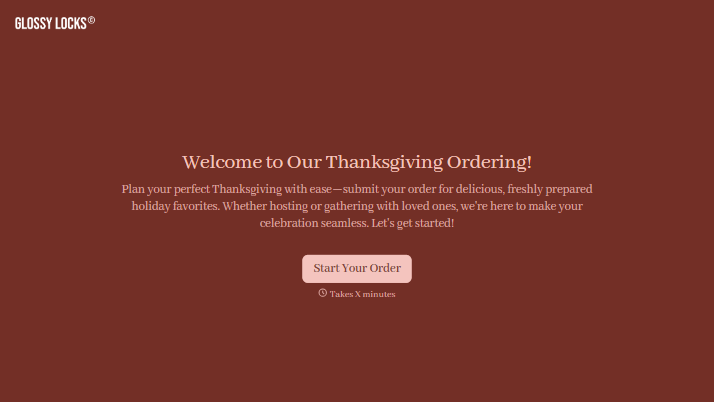
Change text, colors, and even logos to match the look and feel of your brand. Then embed forms smoothly onto web and email.
Make forms feel effortless to fill out. Pace questions, call people by their name, and adapt the flow based on the data they share.
Stay efficient by connecting forms to your workflow. Typeform integrates with 300+ tools including Slack, Zapier, and HubSpot.


