Photography Contest Form Template
Collect contest entries with the photo, caption, and participant information you need. This template creates a clean, structured submission process for any photography competition.



Running a photography contest through email or social media comments creates a chaotic submission process — entries get buried, information is missing, and verifying eligibility becomes its own project. By the time you're ready to judge, you're spending as much time organizing submissions as you are evaluating them.
A photography contest form gives every entry a consistent structure. Participants upload their photo, provide a title or caption, confirm they own the rights, and submit their contact details — all in one flow. Typeform's file upload capability handles photo submissions directly, and conditional logic can surface category-specific questions based on the contest's submission tracks.
Customize the form with your contest rules and eligibility criteria, set a submission deadline, and arrive at the judging stage with every entry organized and ready to evaluate.
A photography contest form collects photo submissions and participant information for a photography competition. It provides a standardized entry process that ensures every submission includes the same required elements — the image, caption, participant details, and rights confirmation — in a format that's easy to review and judge.
An informal entry process — through email or social media — creates inconsistent submissions and an administrative burden before judging even begins. A structured form ensures every entrant provides the same information in the same format, which makes the judging process fairer and faster. It also gives participants a clear, professional experience that reflects well on your contest.
Keep the entry process straightforward while collecting everything you need:
- What is your full name and contact email address?
- Please upload your photo submission (specify accepted file formats and size limits).
- What is the title of your photo, and is there a caption or story behind it?
- Do you confirm that this photo is your original work and you hold all rights to it?
- Which contest category does your submission belong to (if multiple tracks exist)?
- Do you agree to the contest terms and conditions?
Include a clear consent checkbox that specifies how submitted photos may be used — for example, whether the organizer can feature them in promotional materials, social media, or a public gallery. Be explicit about whether winners' images will be used commercially or only for recognition purposes. A straightforward rights clause in the form reduces ambiguity and protects both the participant and the organizer.
Yes. You can add a field asking for a unique identifier (like an email address) and configure the form to accept only one submission per address. If your contest allows multiple entries, specify the limit clearly in the form instructions and add a field asking which submission the participant considers their primary entry in case only one can advance.
Get inspired by relevant templates and categories
3200+ Templates, 300+ Integrations

Bank Reference Form
A reference request faxed to a bank branch and left sitting in a queue for weeks isn't the kind of turnaround a landlord or business can wait on. Collect the applicant's signed authorization and the specific details you need confirmed before the request even reaches the bank, so a decision isn't stuck behind a letter that hasn't come back yet.
View template

Bar Inventory Form
A bottle count eyeballed at the end of a shift and scrawled on a paper sheet doesn't hold up against a pour cost report that says something doesn't add up. Collect what your bar actually needs, item, count, and variance, on a schedule you can actually compare week to week.
View template

Equipment Inventory Form
Equipment that leaves a storage room in someone's arms, with no note about where it went, doesn't show up again until someone needs it and can't find it. Collect what your team actually needs, item details, condition, and who's got it, every time something moves.
View template
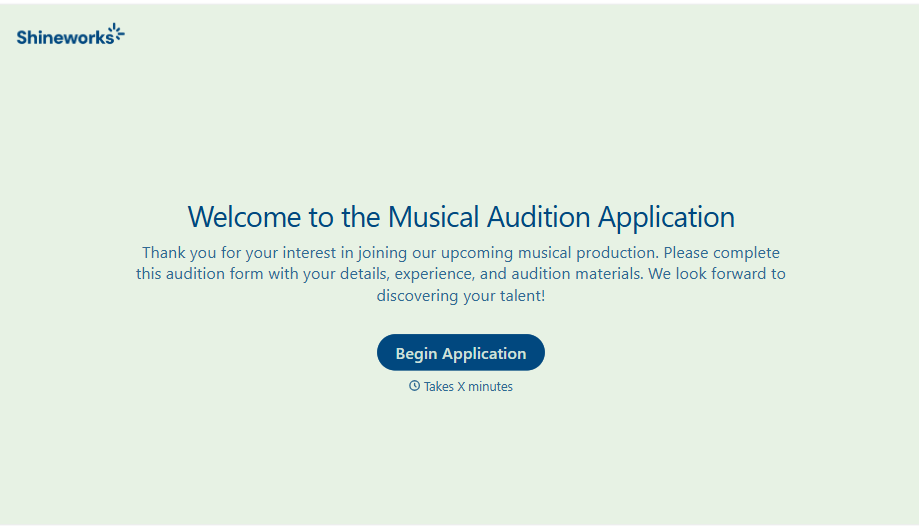
Musical Audition Form
A name scrawled on a sign-up sheet taped near the rehearsal room doesn't tell a director what role someone's after, or whether they can actually make callbacks next Tuesday. Collect what your production actually needs, contact information, role interest, and availability, before audition day arrives.
View template
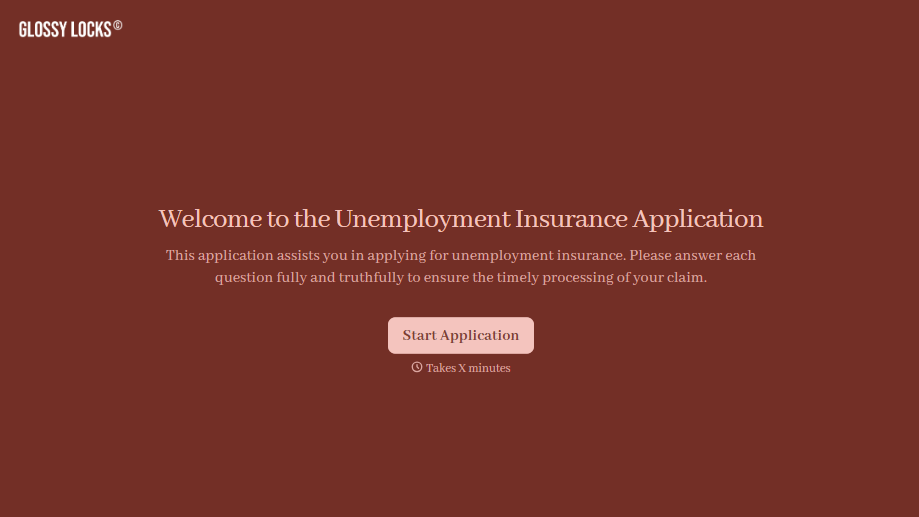
Unemployment Insurance Application Form
A stack of pay stubs gathered the morning of a filing deadline isn't the kind of preparation that gets a claim processed without delay. Collect employment history, separation details, and supporting documents before you sit down at your state's unemployment portal, so a claim doesn't stall over a missing detail.
View template
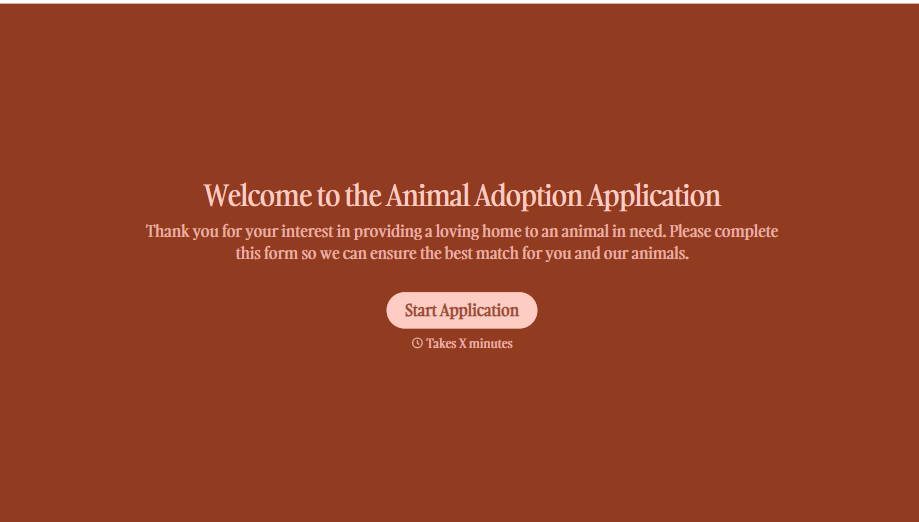
Animal Adoption Application Form
A paper application filled out at the counter while a dog's watching through the window isn't enough information to place an animal in a home that'll actually work. Collect household information, pet experience, and references before adoption day, so your staff aren't approving a placement on a rushed form.
View template
With Typeform, you can customize everything
Change text, colors, and even logos to match the look and feel of your brand. Then embed forms smoothly onto web and email.
Make forms feel effortless to fill out. Pace questions, call people by their name, and adapt the flow based on the data they share.
Stay efficient by connecting forms to your workflow. Typeform integrates with 300+ tools including Slack, Zapier, and HubSpot.


