Property Inspection Form
Document every property condition before and after a tenancy, so disputes are settled with evidence, not memory.



Property managers who inspect without a structured record often end up in disputes over damage they can't prove or disprove. A handwritten note from move-in day carries little weight when a deposit is contested months later. Typeform's property inspection form gives property teams a consistent, documented record at every stage of a tenancy.
The form captures property address, inspection type, room-by-room condition ratings, damage notes, and an inspector's signature in one flow. Questions appear one at a time, so even large properties get inspected thoroughly without anything being missed. Conditional logic adds follow-up fields when a room is flagged as damaged, prompting description, severity, and estimated repair costs. Rooms in good condition move straight through without unnecessary friction.
Customize the form with your property types, inspection categories, and any condition rating scales your team uses. Share it via a direct link before the inspection, or have inspectors complete it on-site from a mobile device. Every inspection logs automatically in Google Sheets or Airtable via Zapier, building a timestamped record of each property over time. Disputes about damage or deposit deductions get resolved with documented evidence, not a disagreement over memory.
A property inspection form documents the condition of a property at a specific point in time. It captures the property address, inspection date, room-by-room condition ratings, damage notes, and an inspector's signature in a single submission. It functions as the official condition record used to manage deposit disputes, maintenance decisions, and tenant handovers.
A verbal walkthrough is easy to dispute and impossible to reference later. Structured inspection records protect both parties by documenting a property's condition at move-in, move-out, and routine checks. They also make maintenance decisions easier to justify and repair costs easier to attribute. Use them for move-in and move-out inspections, mid-tenancy checks, and pre-sale property assessments.
A complete property inspection form covers:
- Property address and inspection date
- Inspection type (e.g., move-in, move-out, routine, pre-sale)
- Room-by-room condition ratings (e.g., excellent, good, fair, poor)
- Damage description and severity
- Estimated repair or maintenance cost
- Photo upload for visual evidence
- Inspector name and signature
- Tenant or owner acknowledgment
Typeform's File Upload feature lets inspectors attach photos of damage, wear, or condition issues directly in the form. Accepted file types include JPG and PNG, with a 10MB limit per file. Photos arrive alongside each room's condition notes, so your team reviews written observations and visual evidence together. File Upload is available on paid Typeform plans.
Set up conditional logic to branch the form by property type, so inspectors only see sections relevant to their inspection. A studio apartment moves through a shorter checklist than a multi-bedroom property with shared areas and outdoor spaces. Use Typeform's hidden fields to pre-populate the property address, so inspectors start with the location already filled in. Every inspection logs to the same Google Sheet, organized by property and date.
Get inspired by relevant templates and categories
3200+ Templates, 300+ Integrations

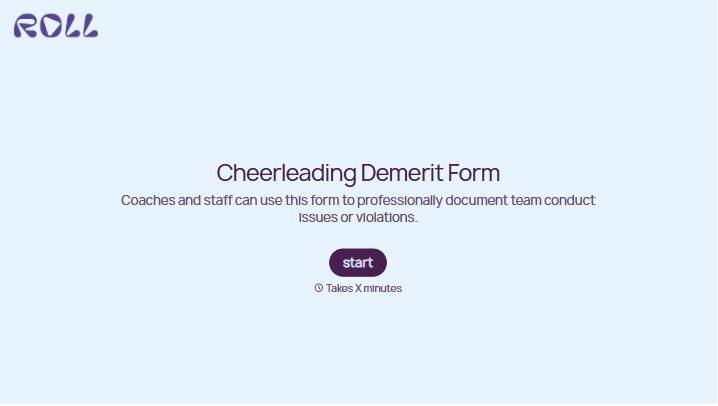
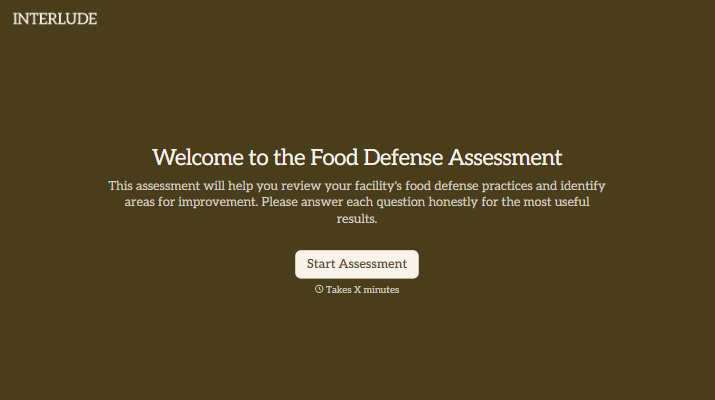
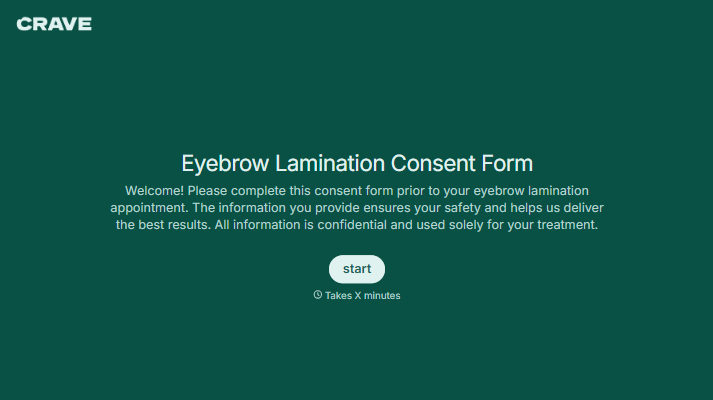


With Typeform, you can customize everything
Change text, colors, and even logos to match the look and feel of your brand. Then embed forms smoothly onto web and email.
Make forms feel effortless to fill out. Pace questions, call people by their name, and adapt the flow based on the data they share.
Stay efficient by connecting forms to your workflow. Typeform integrates with 300+ tools including Slack, Zapier, and HubSpot.


