Free Sales Inquiry Form Template
Capture sales inquiries with enough detail to respond with a real answer, not just a follow-up question.



When a prospective buyer fills out a generic contact form, your sales team usually has to go back and ask what they actually need before any meaningful conversation can happen. That delay and extra step costs you momentum at exactly the moment when a prospect is ready to engage.
A sales inquiry form collects the key context upfront — what they're interested in, the scale of their need, their timeline, and their budget range. Your team can review the submission and respond with something substantive. Conditional logic tailors follow-up questions to the product category or service type, so each inquiry comes in with the relevant details already filled in.
Connect to your CRM to log every inquiry automatically and trigger a notification to the right sales rep.
A sales inquiry form is an online form that prospective buyers complete to express interest in a product or service and provide the context needed to start a sales conversation.
It reduces the back-and-forth required to qualify a lead and enables your sales team to respond with something specific rather than a generic "tell me more." Faster, more relevant responses improve your conversion rate.
An effective sales inquiry form covers the basics without being intimidating:
- Name, company, and contact information
- Product or service of interest
- Description of their current challenge or need
- Estimated scale or volume (number of users, locations, units, etc.)
- Timeline to purchase
- Budget range (optional but valuable)
Typeform connects with major CRMs including Salesforce, HubSpot, and Pipedrive. When a form is submitted, a new lead record is created automatically with all the form fields mapped to the corresponding CRM fields. Your team sees the inquiry in their pipeline without any manual data entry.
That depends on what you're gating. Placing high-intent content (case studies, pricing guides, demo requests) behind a well-designed inquiry form is a standard lead gen approach. Gating top-of-funnel content too aggressively tends to reduce traffic and brand trust, so use it selectively.
Get inspired by relevant templates and categories
3200+ Templates, 300+ Integrations

Bank Reference Form
A reference request faxed to a bank branch and left sitting in a queue for weeks isn't the kind of turnaround a landlord or business can wait on. Collect the applicant's signed authorization and the specific details you need confirmed before the request even reaches the bank, so a decision isn't stuck behind a letter that hasn't come back yet.
View template

Bar Inventory Form
A bottle count eyeballed at the end of a shift and scrawled on a paper sheet doesn't hold up against a pour cost report that says something doesn't add up. Collect what your bar actually needs, item, count, and variance, on a schedule you can actually compare week to week.
View template

Equipment Inventory Form
Equipment that leaves a storage room in someone's arms, with no note about where it went, doesn't show up again until someone needs it and can't find it. Collect what your team actually needs, item details, condition, and who's got it, every time something moves.
View template
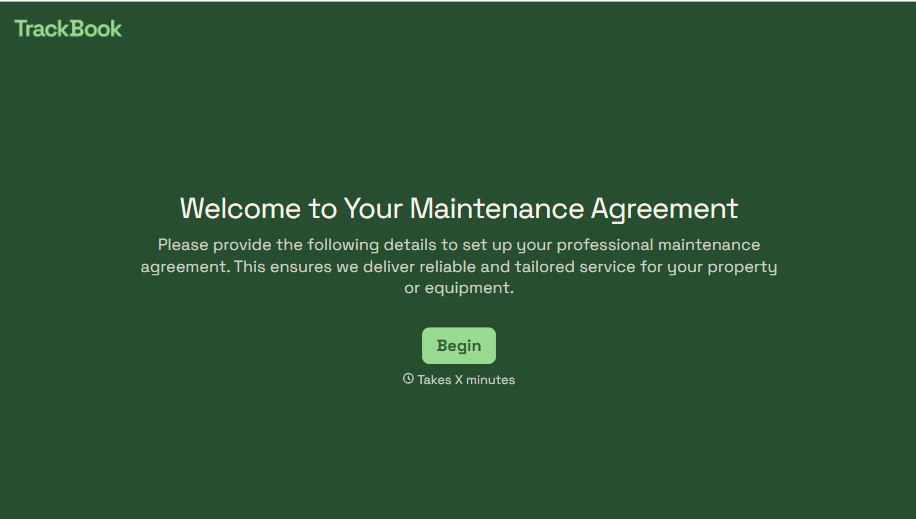
Maintenance Agreement Form
A maintenance plan agreed to over the phone isn't a contract your service team can actually work from, especially when nobody's sure whether the twice-a-year tune-up was part of the deal. Collect the equipment covered, service frequency, and a signed agreement before the first visit, so your team isn't guessing at scope once they're on-site.
View template
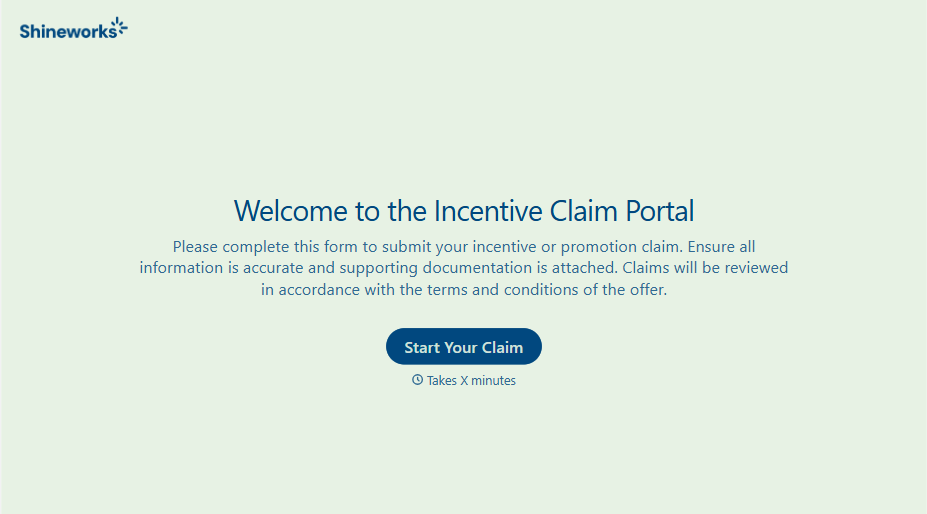
Incentive Claim Form
A rebate claim mailed in with a stapled stack of receipts isn't the kind of paperwork that gets processed quickly, especially when a required serial number turns out to be missing from page three. Collect proof of purchase, product details, and participant information upfront, so a claim doesn't bounce back for a missing document weeks later.
View template
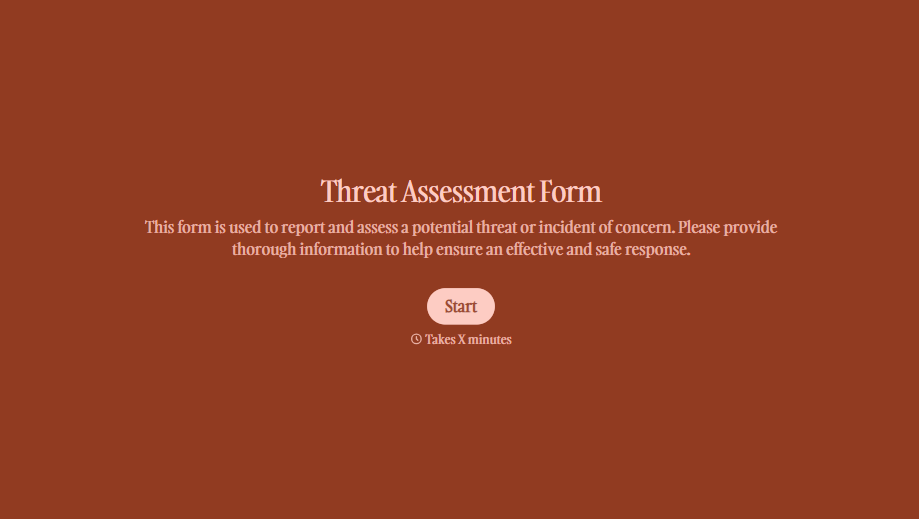
Threat Assessment Form
A concerning comment that gets passed from a teacher to a counselor to whoever's free that period loses detail with every retelling. Collect what your team actually needs, what was observed or reported, who was involved, and when, before an important detail gets dropped along the way.
View template
With Typeform, you can customize everything
Change text, colors, and even logos to match the look and feel of your brand. Then embed forms smoothly onto web and email.
Make forms feel effortless to fill out. Pace questions, call people by their name, and adapt the flow based on the data they share.
Stay efficient by connecting forms to your workflow. Typeform integrates with 300+ tools including Slack, Zapier, and HubSpot.


