School Application Form Template
Make enrollment feel like a welcome, not a bureaucratic gauntlet.



Applying to a school is a high-stakes moment for families. They're choosing where their child will spend formative years, and the application process is often their first real interaction with the institution. If that experience is confusing, overly long, or riddled with technical issues, it doesn't matter how great your campus tour was. The impression is set. And for admissions teams, incomplete applications create bottlenecks that slow the entire enrollment cycle.
This school application form template gives families a clear, guided path through the information you need. Typeform's one-question-at-a-time format turns a lengthy application into a manageable conversation. Conditional logic tailors the experience. An applicant for kindergarten sees different questions than a high school transfer student. Required fields and validation rules ensure submissions arrive complete.
Connect the form to your student information system through integrations, trigger confirmation emails, and give your admissions team clean, organized applications from day 1.
A school application form is a document through which families formally apply for their child's enrollment at an educational institution. It collects student information, family contact details, educational history, special needs or accommodations, and any additional materials the school requires. Such as transcripts, letters of recommendation, or personal statements. It initiates the admissions review process and becomes part of the student's permanent record.
The application form is a branding tool, whether you intend it to be or not. A modern, intuitive application signals that the school values innovation and respects families' time. A frustrating one raises questions about the institution's overall operational quality. Beyond perception, a well-designed form increases completion rates, reduces incomplete submissions, and accelerates admissions decisions, which matters in competitive enrollment environments.
- Student's full legal name, date of birth, and gender
- Parent/guardian names, contact information, and relationship to student
- Current school name and grade level
- Grade or program applying for
- Academic transcripts or report card uploads
- Any special educational needs, medical conditions, or accommodations
Typeform's conditional logic handles this naturally. An early question asks which grade or program the student is applying for, and the form branches accordingly. A pre-K applicant sees developmental readiness questions. A middle school applicant sees academic history and extracurricular involvement questions. A high school applicant might see essay prompts or standardized test score fields. One form, multiple tailored experiences.
Yes. Integrate Typeform with Stripe to add a payment field at the end of the application flow. You can set a fixed fee or use conditional logic to apply different fee amounts based on the program level or application type. For families who qualify for fee waivers, add a conditional branch that skips the payment step when a waiver code is entered or a financial need checkbox is selected.
Get inspired by relevant templates and categories
3200+ Templates, 300+ Integrations
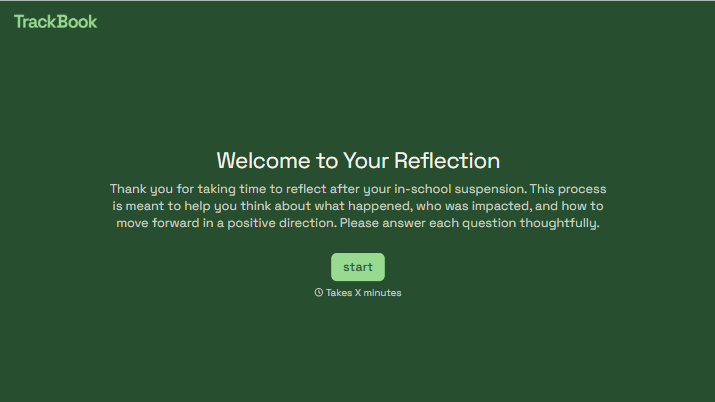
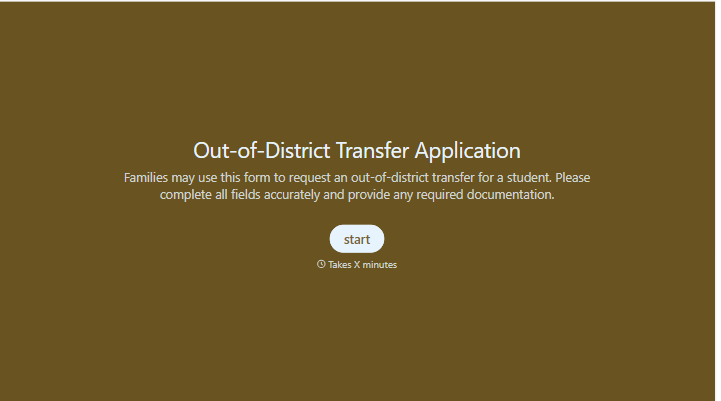
With Typeform, you can customize everything
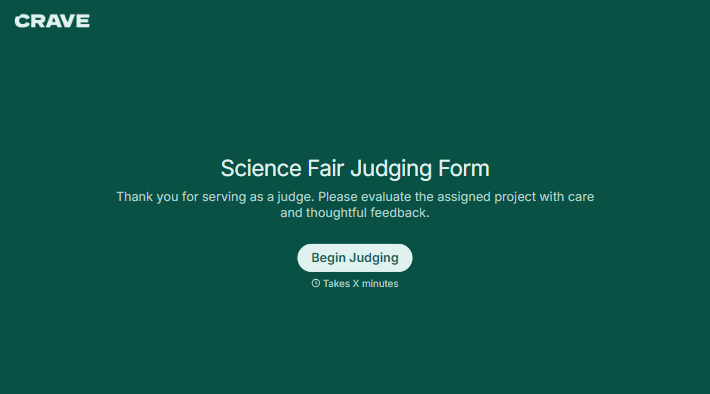
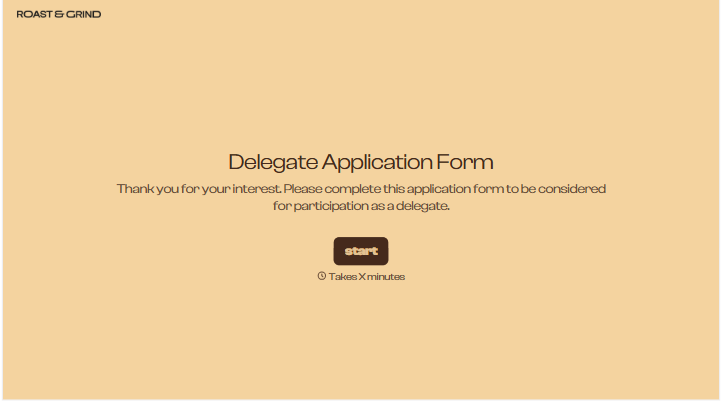
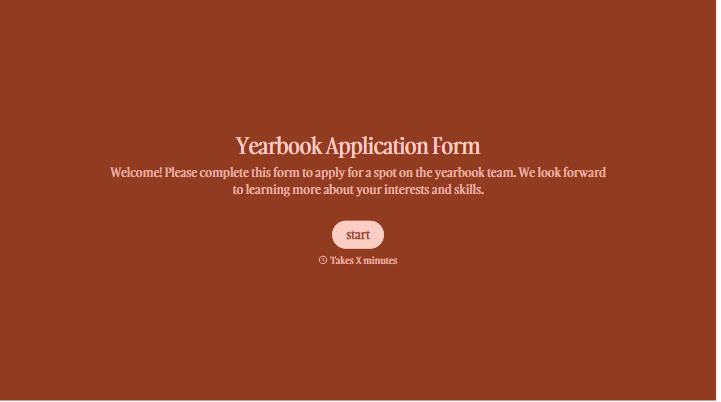
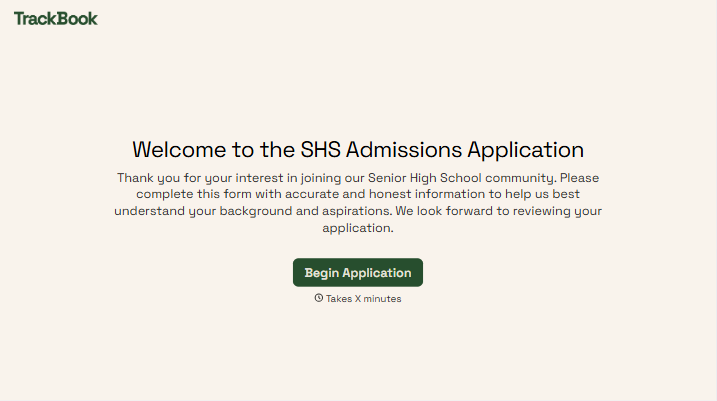
Change text, colors, and even logos to match the look and feel of your brand. Then embed forms smoothly onto web and email.
Make forms feel effortless to fill out. Pace questions, call people by their name, and adapt the flow based on the data they share.
Stay efficient by connecting forms to your workflow. Typeform integrates with 300+ tools including Slack, Zapier, and HubSpot.


