Service Invoice Form Template
Generate clean, professional invoices by filling out a form — no accounting software required.



Creating invoices shouldn't require a degree in accounting or an expensive software subscription. But when you're cobbling together invoices in Word documents or spreadsheets, things get inconsistent fast — different formats, missing line items, and forgotten tax calculations.
This service invoice form template standardizes your invoicing process. Fill in the client details, describe the services rendered, add quantities and rates, and the form handles the rest. Conditional logic adjusts fields based on whether you're billing hourly, by project, or on a retainer, so every invoice type stays clean and consistent.
Set it up once with your business details and branding, then use it every time you need to invoice a client. Connect it to Google Sheets or your accounting tool through integrations to maintain a running ledger of all invoices sent — no more hunting through email threads to find that invoice from three months ago.
A service invoice form is a structured document that captures all the information needed to bill a client for services performed. It typically includes the service provider's details, client information, a description of services, quantities, rates, applicable taxes, and payment terms. Using a form ensures consistency across all your invoices and reduces the chance of missing critical billing details.
Manual invoicing is error-prone and time-consuming. A form standardizes every invoice, so your billing looks professional and nothing gets left out. Automatic calculations reduce math mistakes, and having all invoices stored digitally means you can pull up any past invoice in seconds. It's especially valuable for freelancers and small businesses that don't want the overhead of full accounting software.
- Your business name, address, and contact information
- Client name, company, and billing address
- Invoice number and date
- Line items: service description, hours/quantity, rate, and subtotal
- Tax rate and total amount due
- Payment terms and preferred payment method
Typeform's calculator feature can handle basic math: multiplying quantities by rates, adding line items, and applying tax percentages. For straightforward invoicing, this works well. If you need complex calculations (tiered pricing, multi-currency conversions), you can connect the form to a spreadsheet through integrations where formulas handle the heavy lifting.
Once you submit the form, the data can automatically populate a formatted invoice template through integrations with tools like Google Docs, Zapier, or your preferred invoicing platform. You can also set up email notifications that send a summary of the invoice directly to your client. The form captures the data; your connected tools handle the delivery.
Get inspired by relevant templates and categories
3200+ Templates, 300+ Integrations

Pet Grooming Check Out Form
Give pet grooming businesses a straightforward way to complete appointments with a form that collects service details, payment information, and owner feedback. Keep checkout records organized so grooming teams can confirm completed services, document pet care notes, and provide customers with a smooth pickup experience.
View template
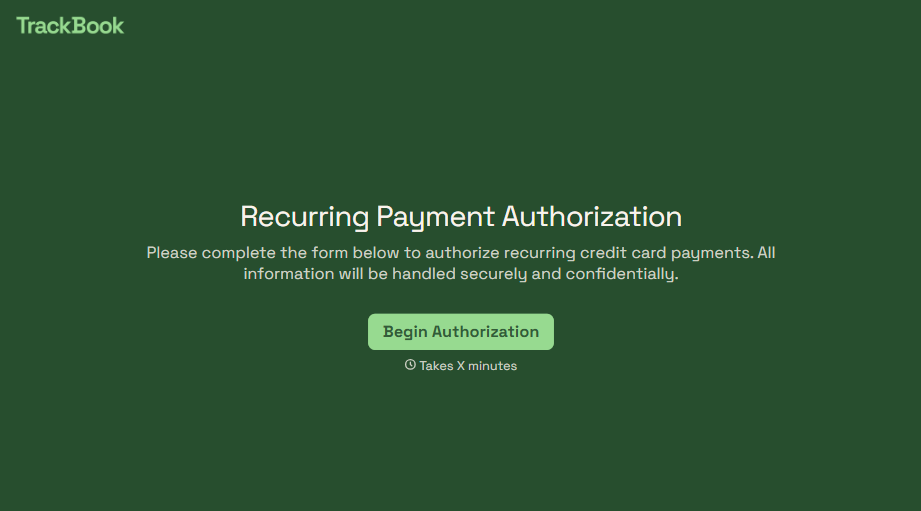
Recurring Credit Card Authorization Form
An authorization that just says "I agree to be charged monthly" doesn't survive a chargeback dispute. The bank's going to ask, charged for what, how much, and how often, and vague language doesn't answer any of that. Spell out the amount, the frequency, and the cancellation terms in writing, before the first charge goes through.
View template
With Typeform, you can customize everything
Change text, colors, and even logos to match the look and feel of your brand. Then embed forms smoothly onto web and email.
Make forms feel effortless to fill out. Pace questions, call people by their name, and adapt the flow based on the data they share.
Stay efficient by connecting forms to your workflow. Typeform integrates with 300+ tools including Slack, Zapier, and HubSpot.