Shipping Declaration Form
Collect accurate shipping declarations every time, from contents and value to weight and hazardous-goods status, so shipments clear customs without costly holds.


A wrong declaration holds a shipment at customs, racks up fees, and delays delivery. Collecting accurate contents, value, and compliance details by email invites errors. Typeform's shipping declaration template gives logistics teams a consistent way to capture every detail correctly.
The form captures sender and recipient details, contents, value, weight, and compliance flags. Questions appear one at a time, so each declaration detail gets entered accurately. Conditional logic surfaces follow-up questions when a shipper flags hazardous or restricted goods—a dangerous-goods shipment prompts questions about handling codes, while standard cargo skips them.
Customize the fields to match your shipping requirements, and add a file upload for invoices and certificates. Share it as a link or embed it in your shipping portal. Every declaration logs to your logistics system or Google Sheets via Zapier. Clear customs the first time, without the holds and surprise fees.
A shipping declaration form is a document for declaring the contents, value, and compliance details of a shipment. It captures sender and recipient information, item details, and customs data. It functions as the official record customs and carriers rely on.
Inaccurate declarations trigger customs holds, fines, and delivery delays. A digital form collects every detail accurately and flags compliance issues upfront. You submit complete declarations the first time, avoiding costly hold-ups. That accuracy keeps shipments moving and customers happy.
Cover every detail customs and carriers require:
- Sender and recipient names and addresses
- Description and quantity of contents
- Declared value and currency
- Weight and dimensions
- Country of origin
- Hazardous or restricted goods status
Conditional logic branches the form when a shipper flags dangerous or restricted items. A hazardous shipment surfaces questions about UN numbers, handling codes, and packaging, while standard cargo skips them entirely. You capture the compliance detail each shipment needs without slowing down routine declarations.
Yes—Typeform's file upload field lets shippers attach commercial invoices, certificates of origin, and permits directly to the declaration. Accepted files include PDFs, JPGs, and PNGs up to 10MB each. The documents arrive with the declaration, so customs clearance has everything in one place. File upload is available on paid Typeform plans.
Get inspired by relevant templates and categories
3200+ Templates, 300+ Integrations
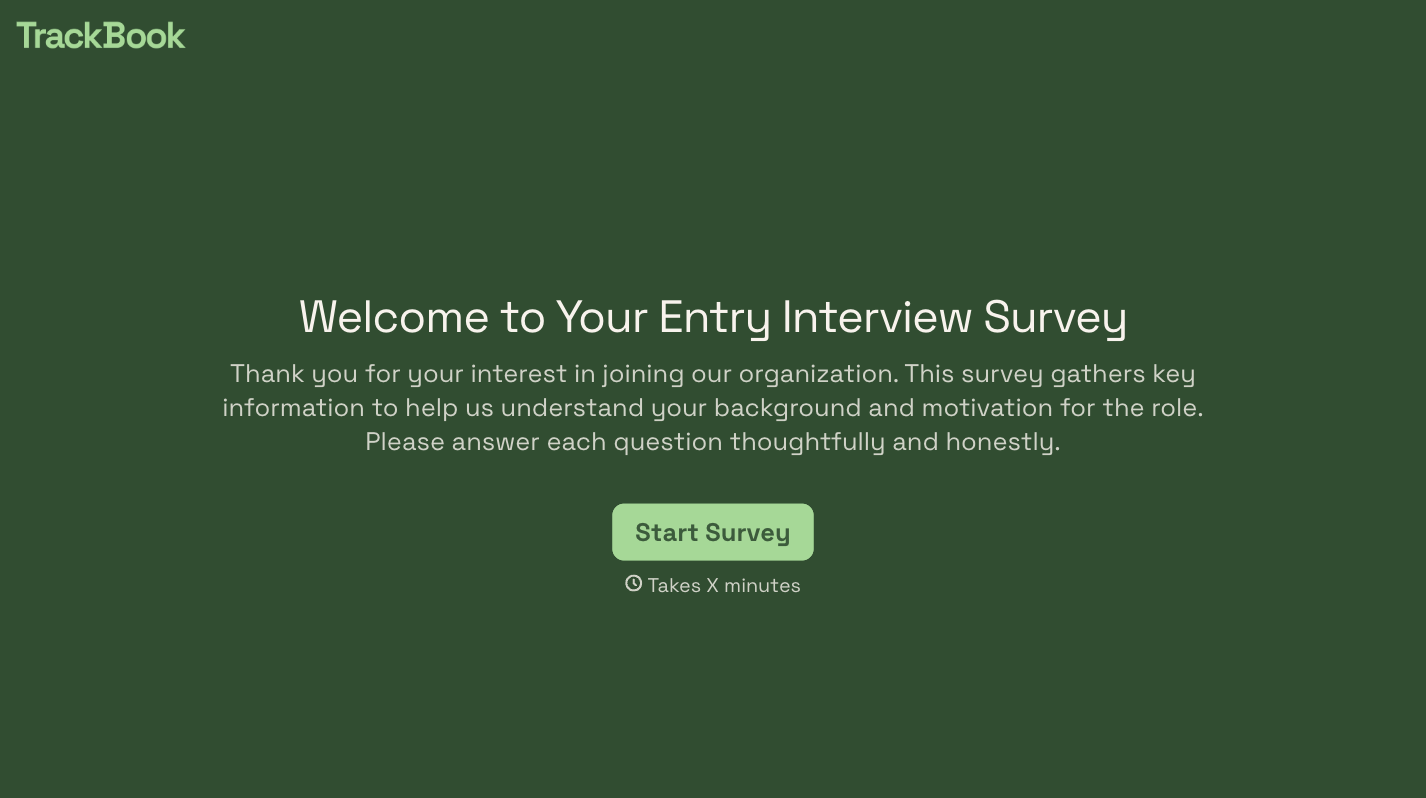


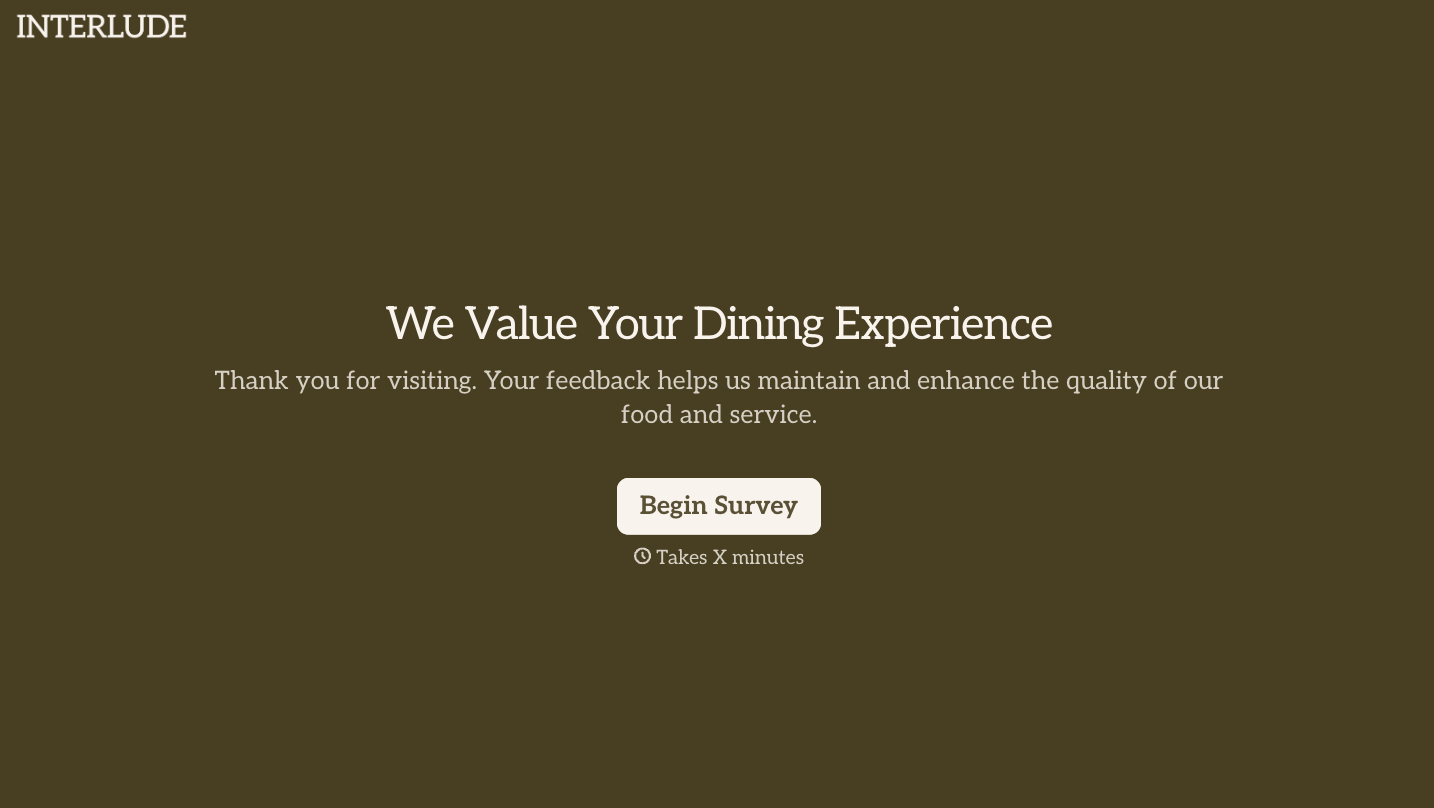
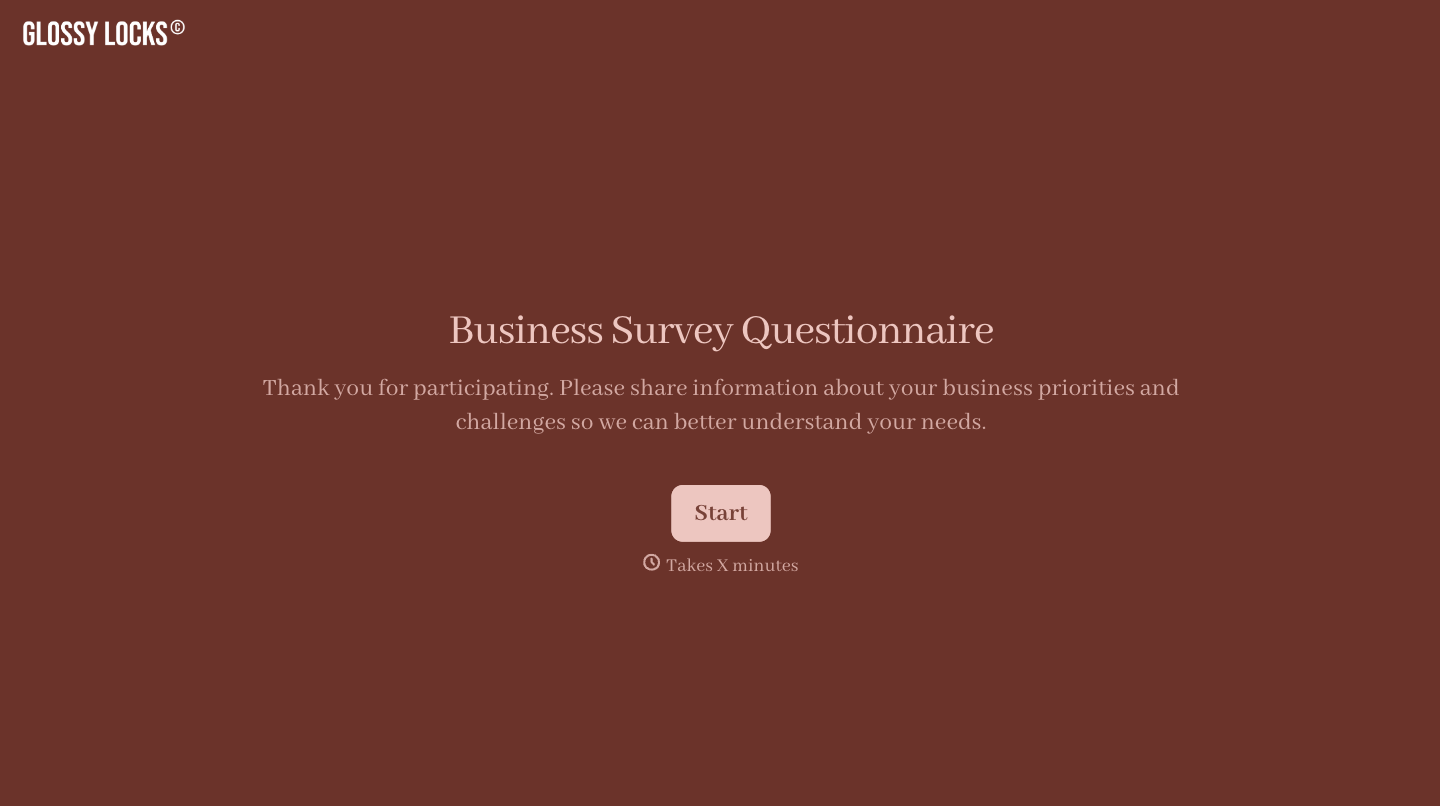

With Typeform, you can customize everything
Change text, colors, and even logos to match the look and feel of your brand. Then embed forms smoothly onto web and email.
Make forms feel effortless to fill out. Pace questions, call people by their name, and adapt the flow based on the data they share.
Stay efficient by connecting forms to your workflow. Typeform integrates with 300+ tools including Slack, Zapier, and HubSpot.


