Skin Care Consultation Form Template
Get to know each client's skin before they sit down, so every consultation starts with a plan, not a background check.



Great skin care recommendations start with the full picture: skin type, concerns, current routine, allergies, and goals. But gathering all of that during the appointment eats half the session before you’ve started. Typeform's skin care consultation form template gives estheticians and skin care professionals a clear process for collecting client details before the appointment begins.
The form captures the client's skin type, primary concerns, current products and routine, known allergies or sensitivities, past treatments, and their skin care goals. Typeform surfaces one question at a time, so clients can reflect and answer thoughtfully, not rush through a clinical checklist. Conditional logic adapts the form based on the client's primary concern, so someone seeking acne treatment sees different follow-up questions than someone focused on anti-aging. This keeps the intake process relevant to each client.
Send the form via email after client bookings or embed it on your appointment confirmation page. Responses sync to your client management system or Google Sheets via Zapier, so every client's history is organized before they arrive. A complete client skin profile means you walk into your sessions prepared, and the client walks out with skin care recommendations tailored to their situation.
A skin care consultation form is a structured intake tool for collecting a client's skin profile before a treatment or consultation. It captures skin type, primary concerns, current routine, allergies, and treatment goals, giving the professional a full picture before the session starts.
A consultation spent on intake is time you're not spending on treatment. Collecting skin type, concerns, and product history beforehand means you walk into each session ready to assess and recommend, not interview. You also catch any allergy or sensitivity information before the session begins, so you’re never recommending a product or treatment that could cause a reaction.
Cover every detail that shapes a safe, effective skin care consultation:
- Full name and contact details
- Skin type (oily, dry, combination, sensitive, normal)
- Primary concerns (acne, hyperpigmentation, fine lines, redness, etc.)
- Current skin care products and routine
- Known allergies or product sensitivities
- Past treatments or procedures
- Medications that affect the skin (if applicable)
- Skin care goals and desired outcomes
Send clients the consultation form again, before follow-up appointments, and ask clients to note what's changed: new products, new concerns, or how their skin responded to past treatments. Connect submissions to your client management system so each visit adds to a running history, rather than starting fresh. Tracking skin changes over time lets you refine recommendations and show clients real progress.
Yes. Typeform encrypts responses in transit and lets you control which team members can access client submissions. Add a brief note in the form's intro that information is collected solely to personalize their treatment. For practices handling medical-grade skin care, restrict response access to the treating professional only and store submissions in a system that meets your regional privacy requirements (HIPAA, GDPR, or equivalent).
Get inspired by relevant templates and categories
3200+ Templates, 300+ Integrations




With Typeform, you can customize everything
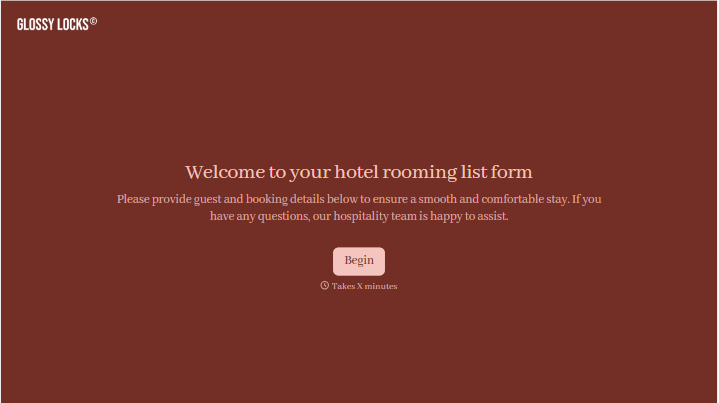
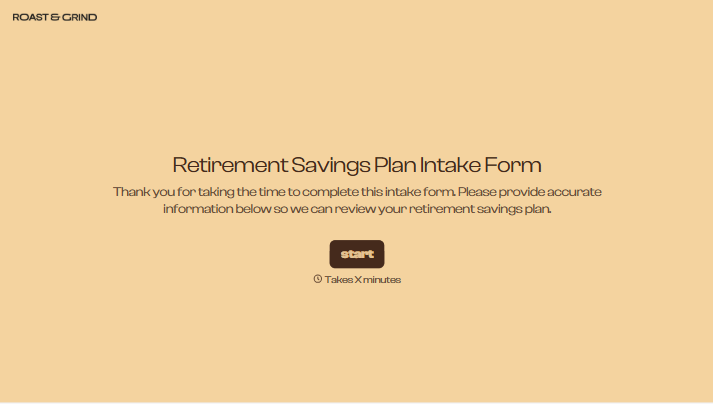
Change text, colors, and even logos to match the look and feel of your brand. Then embed forms smoothly onto web and email.
Make forms feel effortless to fill out. Pace questions, call people by their name, and adapt the flow based on the data they share.
Stay efficient by connecting forms to your workflow. Typeform integrates with 300+ tools including Slack, Zapier, and HubSpot.


