Student Admission Form Template
Open your doors to the right students with an admission process that's as organized as your institution.



Admission season is high-stakes and high-volume. Hundreds. Sometimes thousands — of applications pour in, and each one needs to be evaluated fairly, consistently, and on time. When applications arrive in different formats, with missing documents, or through multiple channels, the review process grinds to a halt. Admissions teams end up spending more time organizing submissions than evaluating them.
This student admission form template creates a single, standardized intake point for every applicant. It guides students and parents through personal details, academic history, program selection, extracurriculars, and document uploads in a clear, one-question-at-a-time flow. Conditional logic adapts based on the program or grade level applied to, so a graduate student sees research interest questions while a primary school applicant's parent sees health and emergency contact fields.
Customize it with your institution's programs, requirements, and deadlines. Embed it on your admissions page and connect it to your student information system through integrations so applications flow directly into your review pipeline.
A student admission form is an application document that prospective students (or their parents/guardians) complete to apply for enrollment at an educational institution. It collects personal information, academic records, program preferences, and supporting materials. It's the starting point of the admissions process and provides the information admissions committees need to evaluate candidates.
Digital forms eliminate data entry errors, ensure every required field is completed before submission, and let you process applications faster. Applicants can submit from anywhere, at any time, without mailing documents. Your admissions team gets structured, searchable data. Not a stack of papers — making it easier to sort, compare, and evaluate candidates against your criteria.
- Student's full name, date of birth, and nationality
- Parent or guardian contact information
- Previous school name, grades, and academic records
- Program or grade level applying for
- Extracurricular activities and achievements
- Document uploads (transcripts, recommendation letters, ID)
Use a program or grade selection question at the start of the form, then apply conditional logic to surface program-specific requirements. A music program application might ask for audition recordings. A science program might request a research statement. A kindergarten application focuses on developmental readiness and parent questionnaires. 1 form handles all your programs without any applicant seeing irrelevant questions.
Set a clear submission deadline in the form's introduction and configure the form to close automatically on that date. For rolling admissions, display the current application window and expected notification timeline. Use the thank-you screen to confirm receipt and outline next steps. When they'll hear back, what additional materials might be requested, and how to check their application status.
Get inspired by relevant templates and categories
3200+ Templates, 300+ Integrations
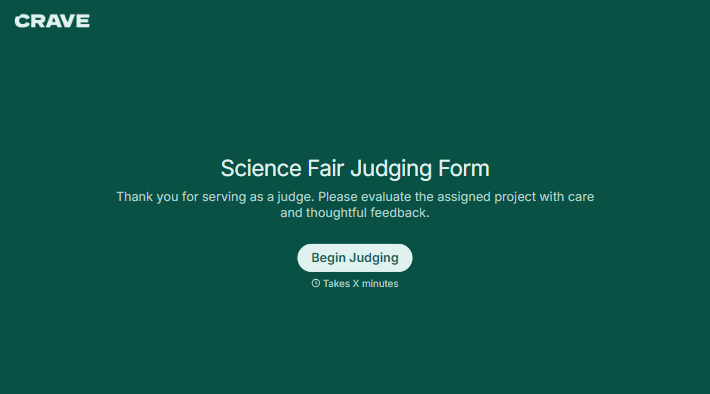
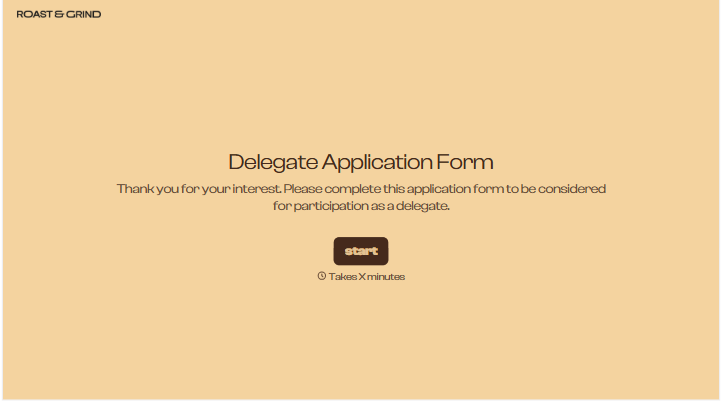
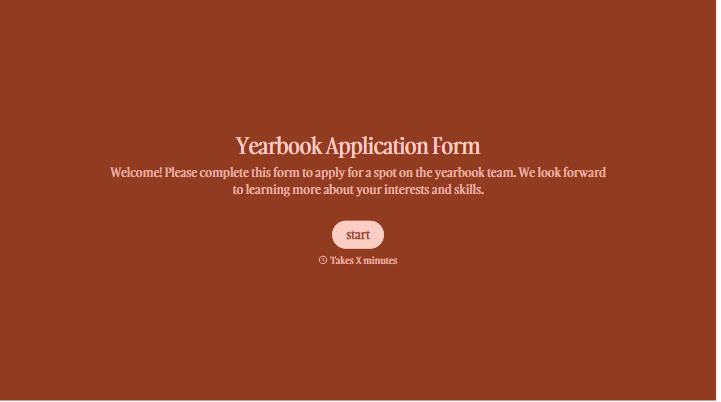
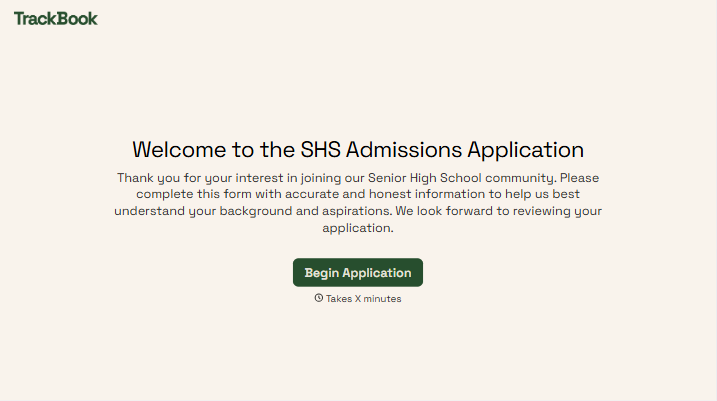
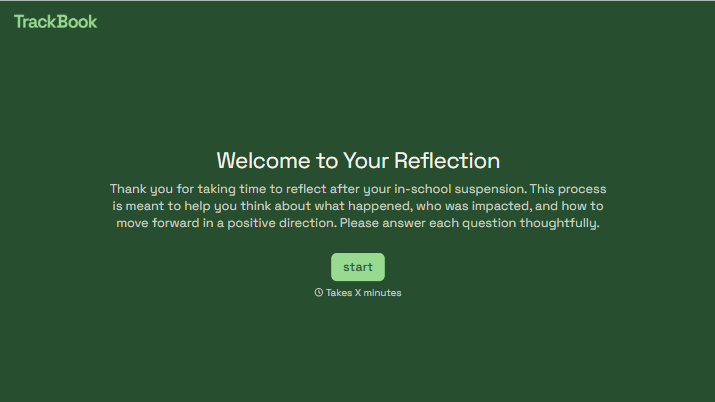
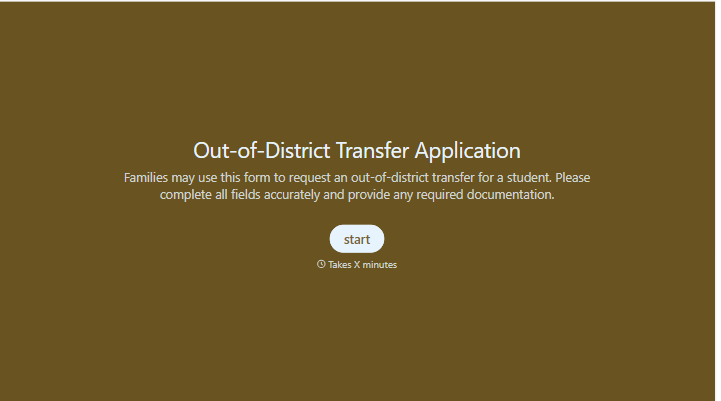
With Typeform, you can customize everything
Change text, colors, and even logos to match the look and feel of your brand. Then embed forms smoothly onto web and email.
Make forms feel effortless to fill out. Pace questions, call people by their name, and adapt the flow based on the data they share.
Stay efficient by connecting forms to your workflow. Typeform integrates with 300+ tools including Slack, Zapier, and HubSpot.


